
Arcwise AI
AI copilot for Google Sheets with formula help and data cleanup.
Upvotes
0
Pricing
Free
Category
Spreadsheets
In the database since
Oct 2026
Overview
About Arcwise AI
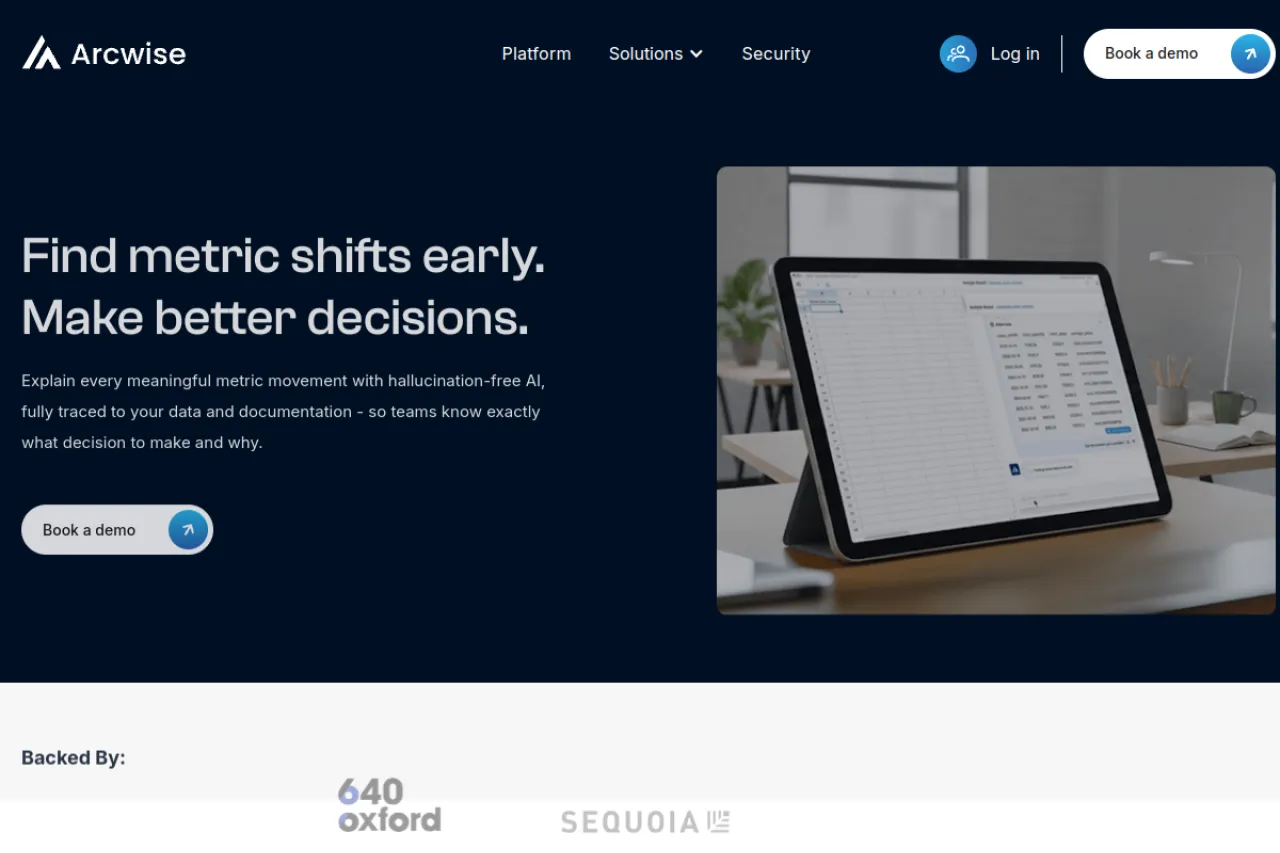
Arcwise AI is a free Chrome extension that adds AI to Google Sheets. Describe a formula in plain English and get it written for you, clean messy data and classify rows with simple AI functions. It has more than 10,000 users on the Chrome Web Store and a 4.5-star rating. The company behind it now also sells a platform that explains business metric changes with AI, traced to your warehouse data. For current features and plans, check the official Arcwise website.
Key Features
1. Plain-English Formulas
Type what you need in plain English and get a working formula back. No more digging through Sheets function docs for every calculation.
2. AI Spreadsheet Functions
Use $AI.TRANSFORM, $AI.CLASSIFY and $AI.EXTRACT right inside your cells. They clean, label and pull data from messy ranges automatically.
3. Keyboard-First Access
Trigger the assistant with a keyboard shortcut — Cmd+Shift+1 on Mac. Quick commands keep your hands on the keyboard while you work.
4. PDF Table Extraction
Pull tables out of PDF files straight into spreadsheet cells. Reports and invoices turn into usable data without manual retyping.
5. Metric Explanations Platform
The Arcwise platform explains metric shifts using Snowflake, BigQuery or Databricks data. Each explanation is traced to source data, not guessed.
Frequently Asked Questions (FAQ)
What happened to the old Arcwise AI site?
The company grew beyond the Sheets extension. Arcwise.app now shows its metric-explanation platform, while the free Sheets extension still ships on the Chrome Web Store.
How do the AI functions work?
You type formulas like $AI.CLASSIFY with your range and a plain-English instruction. Arcwise runs the AI on your data and fills the results into your cells.
Which data warehouses does the platform connect to?
Snowflake, BigQuery and Databricks. It links metric changes to your warehouse data and internal docs so explanations stay traceable.
How is pricing structured?
The Chrome extension for Google Sheets is free to install. The enterprise platform has separate plans — check the official site for current pricing.
Who should use the Sheets extension?
Analysts, finance teams, students and anyone who spends the day in spreadsheets. It suits people who want faster formulas and cleanup without leaving Google Sheets.
Conclusion
Arcwise AI is a handy free assistant for anyone living in Google Sheets. It writes formulas from plain English, cleans data with AI functions and pulls tables from PDFs. The company now also serves teams with an AI metric-explanation platform. If spreadsheets eat your day, the free Chrome extension is worth installing. Check the official site for the latest details.
Keep exploring
Similar AI tools
Ranked by the job they do, their capabilities, and how closely they fit this workflow.