
Upvotes
0
Pricing
Freemium
Category
Workflows
In the database since
Oct 2026
Overview
About Bardeen
Bardeen is an AI automation tool that runs inside your browser. You install it as a Chrome extension. It performs tasks on the web pages you already use. It comes with prebuilt playbooks — ready-made automations you launch in one click. It also has AI agents that build workflows from plain-language descriptions. It processes data locally in your browser, so your data stays with you. Its core uses are web scraping, CRM enrichment, and moving data between Sheets, Slack, HubSpot, and Notion. See bardeen.ai for current details.
Key Features
1. Browser-based automation
Bardeen lives inside Chrome as an extension. It runs automations on live web pages, not in the cloud. You watch every step happen.
2. Prebuilt playbooks
Playbooks are ready-made automations for common tasks. Launch one in a single click on any page, then edit it to fit your needs.
3. AI-built workflows
Describe a task in plain words, and Bardeen's AI agents build the workflow. No code is needed. You review the steps before they run.
4. Web scraping
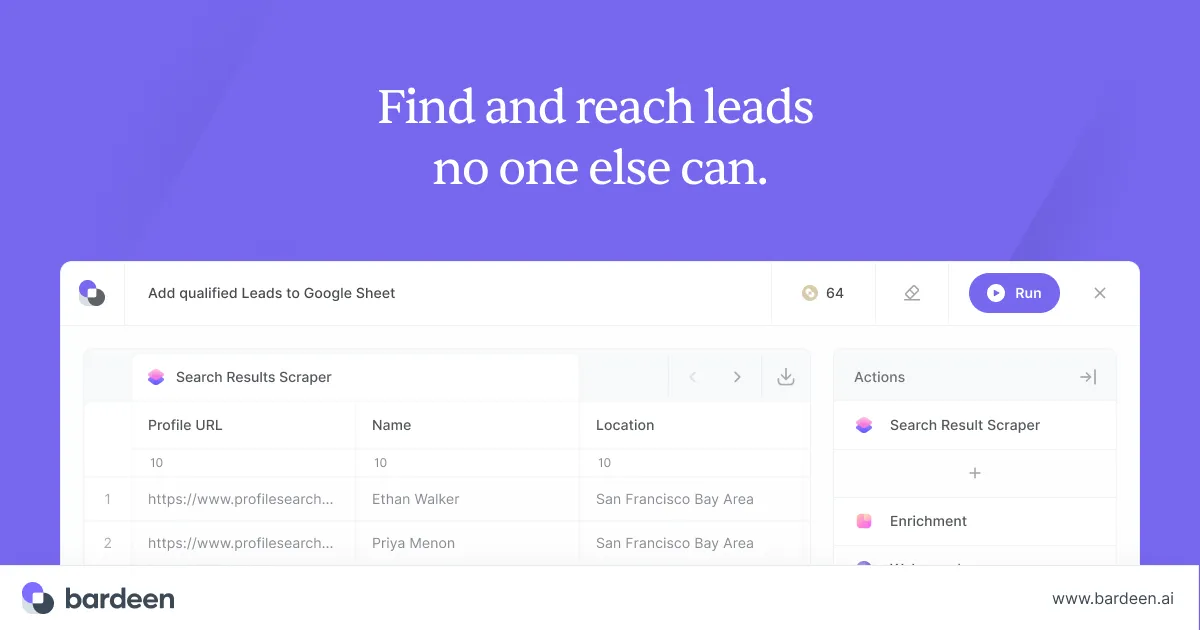
Bardeen pulls lists, prices, and contact details from web pages. It collects structured data without copy-pasting. Scraped rows can feed directly into your tools.
5. CRM enrichment
Bardeen enriches CRM records with fresh data from the web. Company and contact details update in HubSpot and other CRMs.
6. Local browser processing
Your data is processed inside your browser, not on a server. That keeps sensitive information under your control. It also makes flows fast and responsive.
Frequently Asked Questions (FAQ)
How does Bardeen run inside the browser?
Bardeen installs as a Chrome extension and acts on pages. It clicks, reads, and fills forms like a user — no server or API setup.
What are playbooks?
Playbooks are ready-made automations for common tasks, like scraping a page or enriching a lead. Launch in one click and edit steps afterward.
What uses credits?
Credits are spent when automations run, mainly AI actions and playbooks. The free plan includes 100 credits a month; paid plans start at $10.
How is Bardeen different from Zapier?
Zapier connects apps through cloud APIs; Bardeen works inside your browser on live pages. Bardeen suits scraping and API-less tasks.
Can it move data between my apps?
Yes. Bardeen moves data between Google Sheets, Slack, HubSpot, and Notion. A common flow is scraping a lead list, then sending it to your CRM.
Conclusion
Bardeen suits people who do repetitive work inside the browser. Scraping, enrichment, and data transfers run as playbooks or AI-built workflows. Processing stays local in your browser. The free plan includes 100 credits a month, with paid plans from $10 a month. Check bardeen.ai first, since plans can change. It works best for teams living in Chrome.
Keep exploring
Similar AI tools
Ranked by the job they do, their capabilities, and how closely they fit this workflow.