BeautyPlus
AI photo editor with headshot generator and beauty tools
Upvotes
0
Pricing
Freemium
Category
Portrait Generators
In the database since
Oct 2026
Overview
About BeautyPlus
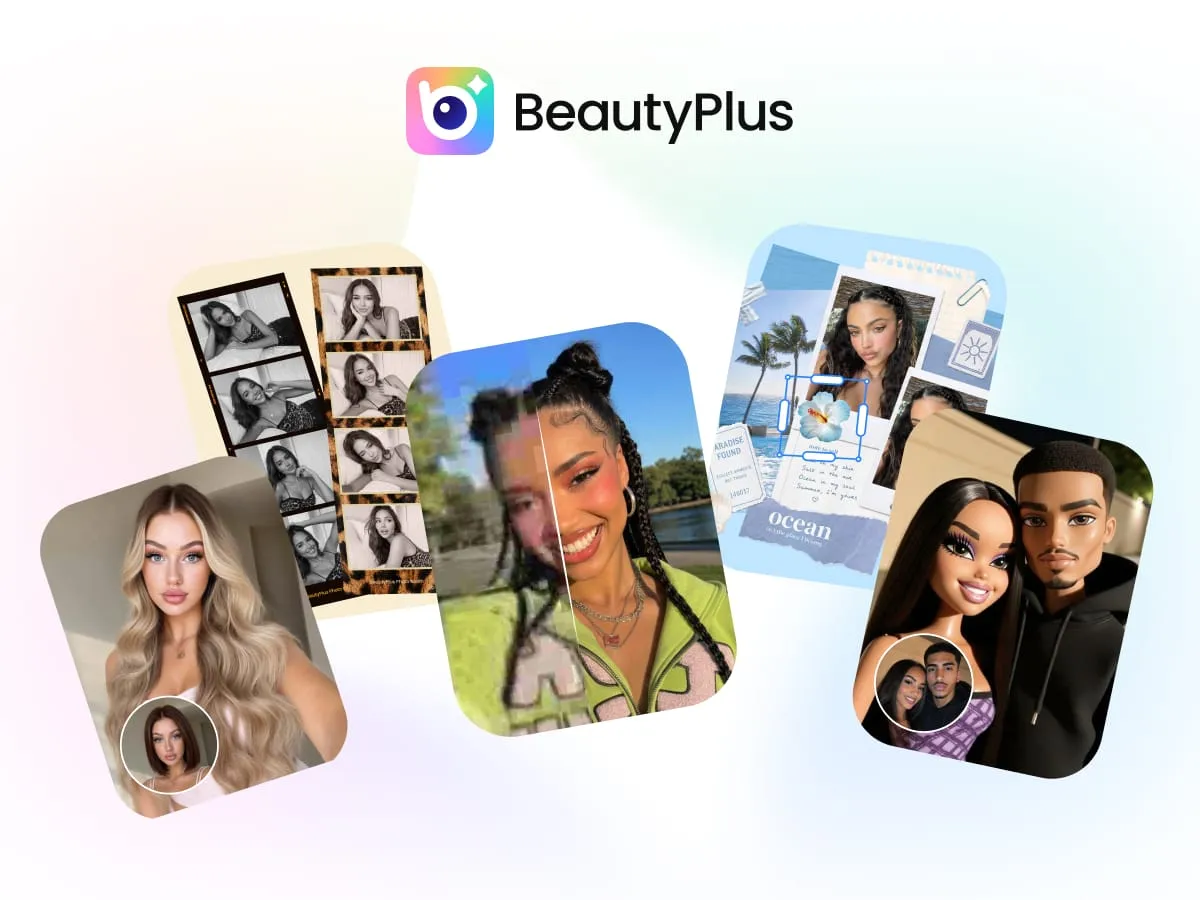
BeautyPlus is an AI photo and video editor with a free headshot generator for professional portraits. It creates polished photos for LinkedIn profiles, CVs, team pages, and passports while keeping your facial features — even glasses — intact. Beyond headshots, it offers filters, hairstyle and outfit changers, object removal, and video enhancement in one app. It works on the web and as a mobile app, with a free plan and Pro and Max upgrades. Check the official pricing page for current limits.
Key Features
1. AI headshot generator
Generate professional headshots for LinkedIn, CVs, or passports with one tap. Curated built-in prompts do the work, so no prompt writing is needed.
2. True-to-you results
The AI preserves your face shape, features, glasses, and accessories. Skin looks natural, not waxy or over-smoothed.
3. Outfit and style switching
Switch between smart casual wear, business suits, formal attire, and more. Different poses are available for each style.
4. Hairstyle and clothes changers
Try new hairstyles, hair colors, and outfits on your own photo. Preview a makeover before committing to it.
5. Object and background remover
Erase photobombers and unwanted objects, or drop yourself into a new background. The AI fills removed areas cleanly.
6. Video enhancement
Enhance video quality and upscale clips with AI. Pro and Max plans include monthly video enhancement minutes.
7. Pro and Max plans
Pro adds 200 monthly credits, unlimited photo enhancement, and no-watermark HD exports. Max raises this to 500 credits with 4K watermark-free exports.
Frequently Asked Questions (FAQ)
How does the BeautyPlus headshot generator work?
Upload a selfie, choose a headshot style, and tap generate. The AI applies curated prompts to create a polished, print-ready portrait.
Can I wear glasses in my headshot photo?
Yes, the AI preserves glasses and accessories along with your facial features. Your headshot will still show them clearly.
What do I get on the free plan?
The free plan includes limited AI feature access and watermarked exports. Upgrading to Pro or Max adds monthly credits plus watermark-free HD or 4K exports.
Does BeautyPlus work on phones?
Yes, BeautyPlus offers both a mobile app and a web editor. The app includes extra filters and tools beyond the web version.
What is PinBoard?
PinBoard is the collage and project space with AI stickers, patterns, background removal, and live photos. Free users get limited exports, while paid plans unlock unlimited watermark-free exports.
Conclusion
BeautyPlus is a strong all-rounder for portraits and everyday photo edits. Its headshot generator keeps your real features while adding professional polish, and the extra tools cover filters, makeovers, and video. The free plan handles casual use, while Pro and Max suit creators who need credits and watermark-free exports. Check the official pricing page for the latest plan limits.
Keep exploring
Similar AI tools
Ranked by the job they do, their capabilities, and how closely they fit this workflow.