Brush Ninja
Browser-based hand-drawn GIF animation maker, no login needed.
Upvotes
0
Pricing
Free
Category
Cartoon Generators
In the database since
Oct 2026
Overview
About Brush Ninja
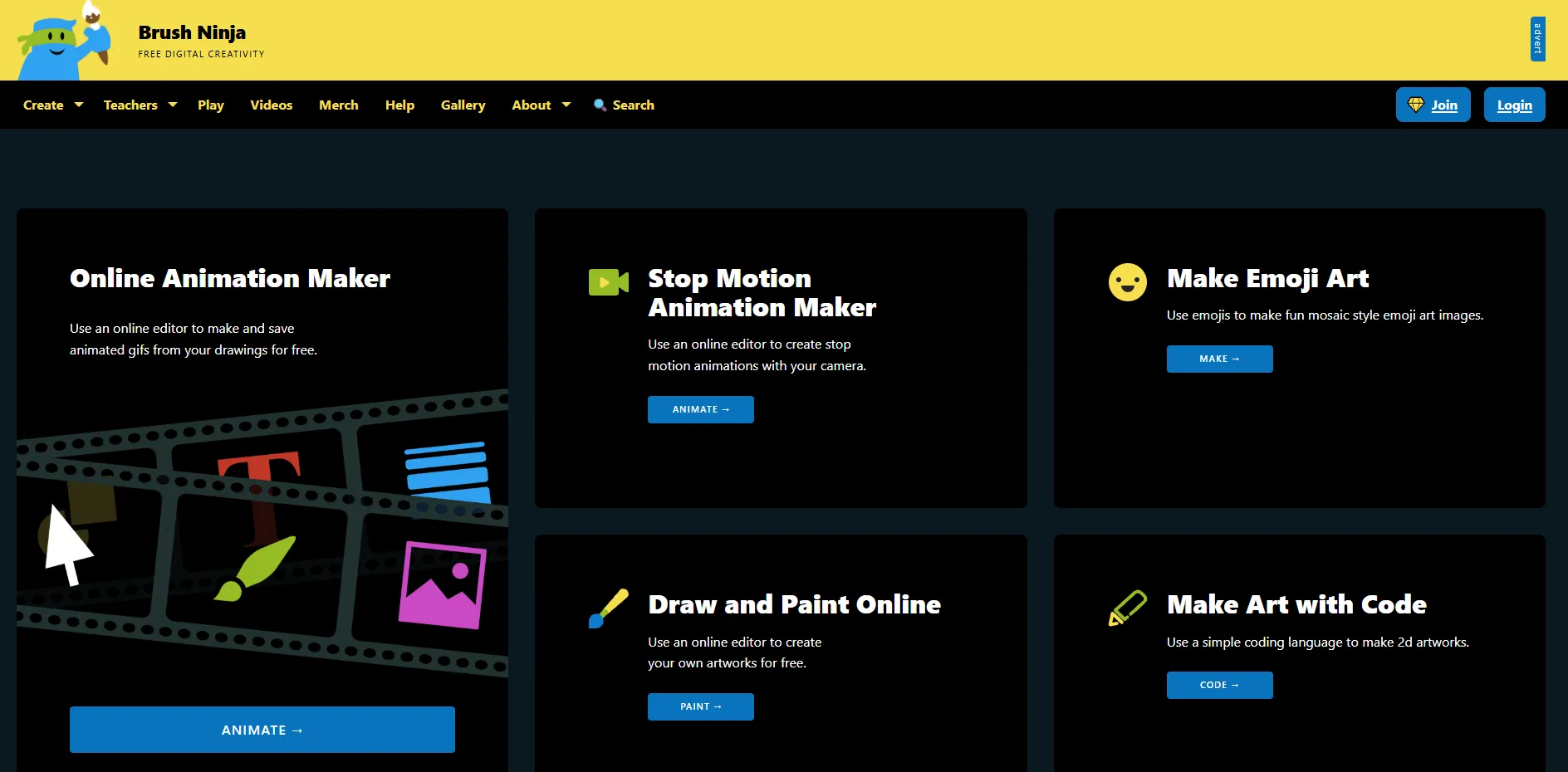
Brush Ninja is a free animation tool that runs in your web browser. It lets you draw simple frame-by-frame cartoons and export them as animated GIFs. Nothing needs to be downloaded or installed, and no account is required. Teachers love it for classroom lessons on animation basics, and kids pick it up in minutes. The brush, shapes, and onion-skin view cover the essentials of hand-drawn animation. It suits beginners who want to try animation without learning complex software. Open brush.ninja in any modern browser to start drawing.
Key Features
1. Browser-Based Drawing
The whole app runs on the brush.ninja website. There is nothing to install, and it works on Chromebooks, tablets, and phones.
2. Frame-by-Frame Animation
You draw each frame of your cartoon on a simple timeline. Onion skinning shows faint outlines of nearby frames to guide your drawing.
3. No Login Required
You can start animating immediately with no account or email. This makes it easy to use in classrooms and shared devices.
4. GIF Export
Finished animations export as animated GIF files. GIFs play everywhere, from group chats to class presentations.
5. Simple Brush Tools
The brush, eraser, and shape tools keep drawing easy. Young users learn the tools in a single sitting.
Frequently Asked Questions (FAQ)
What is Brush Ninja used for?
It is used to make simple hand-drawn GIF animations. Teachers, students, and beginners use it to learn animation basics or make fun cartoons.
How do I make an animation in Brush Ninja?
Draw your scene on the first frame, then add frames and change the drawing a little in each one. Press play to watch the motion, then download the finished GIF.
Do I need to install Brush Ninja?
No. It runs entirely in your web browser. Just visit brush.ninja and start drawing.
Can I use Brush Ninja in the classroom?
Yes. It is a classroom favorite because there is no login and it works on Chromebooks. Students can animate and save GIFs in one lesson.
What file format does Brush Ninja export?
Brush Ninja exports animations as animated GIF files. You can download the GIF and share it anywhere images play.
Conclusion
Brush Ninja is the friendliest first step into animation. It removes every barrier: no install, no account, no cost. Kids and teachers get real frame-by-frame animation in minutes. Serious animators will need richer software later. For fun GIFs and classroom projects, it is hard to beat. Try it free at brush.ninja and start drawing today.
Keep exploring
Similar AI tools
Ranked by the job they do, their capabilities, and how closely they fit this workflow.