
BulkResizePhotos
Resize many images at once, right in your browser.
Upvotes
0
Pricing
Free
Category
Image Tools
In the database since
Oct 2026
Overview
About BulkResizePhotos
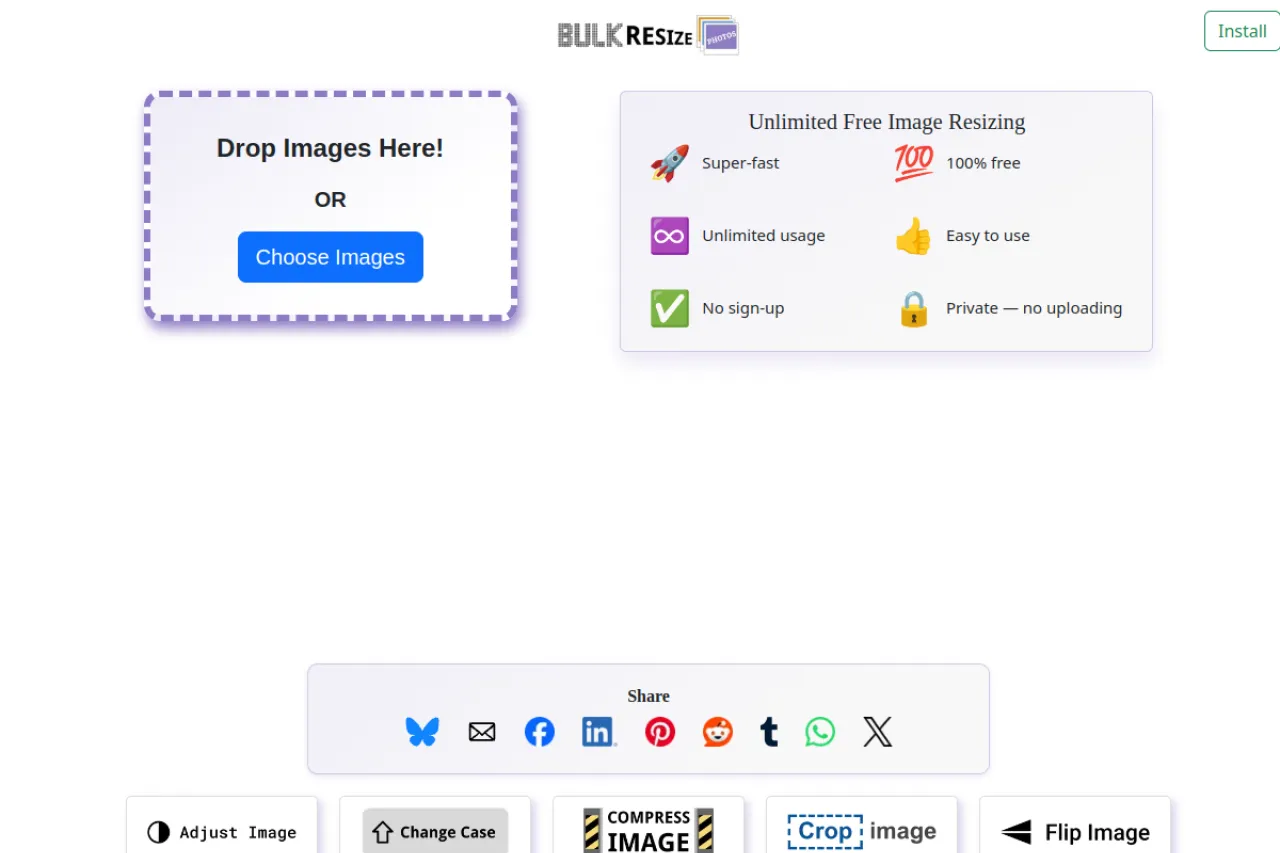
BulkResizePhotos is a free tool for resizing many images at once. It is made for photographers, sellers, and bloggers who need to shrink or scale batches of photos. Everything runs in your browser, so your images never upload to a server. You drop files onto the page, pick a size, and download the resized results. There is no sign-up and no paid tier. Check the official site for the current options and supported formats. It handles common formats like JPEG and PNG.
Key Features
1. Bulk resizing in one go
You can resize a whole batch of images together. This beats opening and resizing each photo one by one.
2. Runs fully in the browser
All processing happens on your device. Your photos never leave your computer, which keeps private images safe.
3. Free with no sign-up
The resizer is free with no account and no paid tier. You can process as many batches as you need.
4. Simple drop-and-go workflow
Drag images onto the page, choose a size, and download. The steps are few enough for anyone to follow.
5. Keeps image quality
The tool resizes without wrecking your photos. Results stay sharp enough for web use, listings, and social posts.
Frequently Asked Questions (FAQ)
How do I resize multiple photos at once?
Open the site, drag your photos onto the page, and pick the target size. The tool resizes the whole batch, and you download the results.
Are my photos uploaded to a server?
No. BulkResizePhotos runs entirely in your browser. Your images stay on your device during the whole process.
What image formats does it support?
The site handles common formats like JPEG and PNG. Check the official site for the full current list of supported formats.
Is there a limit on how many images I can resize?
The site calls itself a free unlimited resizer with no paid tier. You can process batches without an account.
Conclusion
BulkResizePhotos is a free browser tool for resizing batches of images. The in-browser processing keeps your photos private, and the simple workflow needs no account. Because there are no limits or paid tiers, it is handy for regular batch work. The page loads fast on any browser. It suits photographers, sellers, and bloggers who resize photos for listings and posts.
Keep exploring
Similar AI tools
Ranked by the job they do, their capabilities, and how closely they fit this workflow.