
Canva Social
Design social posts and schedule them without leaving Canva
Upvotes
0
Pricing
Freemium
Category
Social Media
In the database since
Oct 2026
Overview
About Canva Social
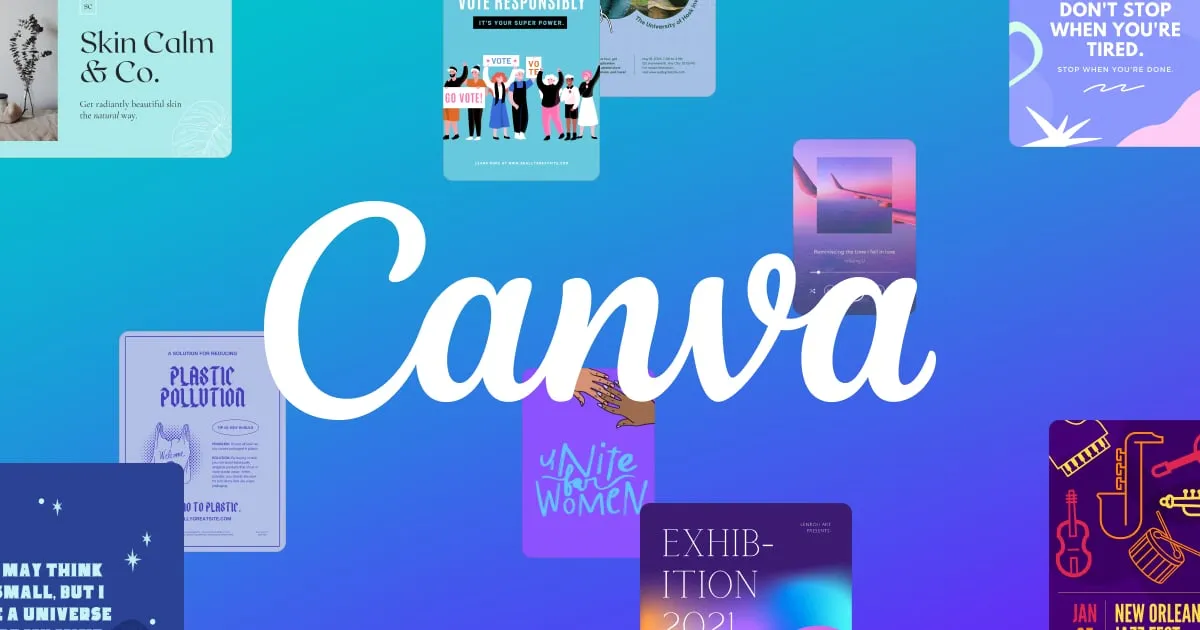
Canva Social is Canva's social media hub for designing, scheduling, and publishing content without leaving the Canva editor. It suits small businesses, creators, and busy marketers who already build all their graphics inside Canva each day. You start from ready templates for posts, stories, and videos, then send designs straight to social platforms through the built-in Content Planner. No exporting files and no separate scheduler is needed. For current supported platforms and feature availability, check the official site at canva.com/social-media.
Key Features
1. Social Media Templates
Start from thousands of ready templates for posts, stories, and videos. The correct size is set automatically for each platform.
2. Content Planner Calendar
Plan everything in a calendar view inside Canva. Spot empty dates and balance your posts across platforms at a glance.
3. Direct Publishing
Schedule designs straight to Facebook, Instagram, X, LinkedIn, Pinterest, Slack, or Tumblr. Canva posts them for you automatically.
4. Magic Resize
Turn one design into many platform sizes in a few clicks. It removes the manual reformatting that cross-posting usually needs.
5. TikTok Video Publishing
Publish videos directly to TikTok from the Canva video editor. It is a handy path for short-form video content.
6. Captions and Timing Controls
Add captions with hashtags and emojis, then set the date and time. Scheduled posts wait in the planner until they go live.
Frequently Asked Questions (FAQ)
Which platforms can I schedule from Canva?
Canva supports Facebook Pages, Instagram, X, LinkedIn, Pinterest, Slack, and Tumblr. TikTok publishing works directly from the video editor.
Can I schedule posts from the Canva editor itself?
Yes. Open your design, choose Share, then Schedule, and pick the connected account. The post appears in the Content Planner calendar.
Can I schedule an Instagram Story or Reel from Canva?
Stories and Reels cannot be scheduled on desktop, but you can post them directly from the Canva mobile app. Feed posts schedule fine.
Can one design go to multiple platforms at once?
No. Each design can only be scheduled to one platform at a time, per Canva's help docs. Duplicate the design for a second channel.
Is the Content Planner part of Canva's design tools?
Yes, it is built into Canva itself. You design and schedule in one place instead of exporting files into a separate scheduling app.
Conclusion
Canva Social is ideal for people who already design in Canva and want publishing in the same window. Its templates, Magic Resize, and direct scheduling remove extra steps for busy marketers. Platform coverage is solid though not universal. Scheduling sits on Canva's higher tiers, so check canva.com/social-media for current details before you plan around it.
Keep exploring
Similar AI tools
Ranked by the job they do, their capabilities, and how closely they fit this workflow.