
Cartoonize
One-click online tool to turn photos into cartoons and avatars
Upvotes
0
Pricing
Freemium
Category
Cartoon Generators
In the database since
Oct 2026
Overview
About Cartoonize
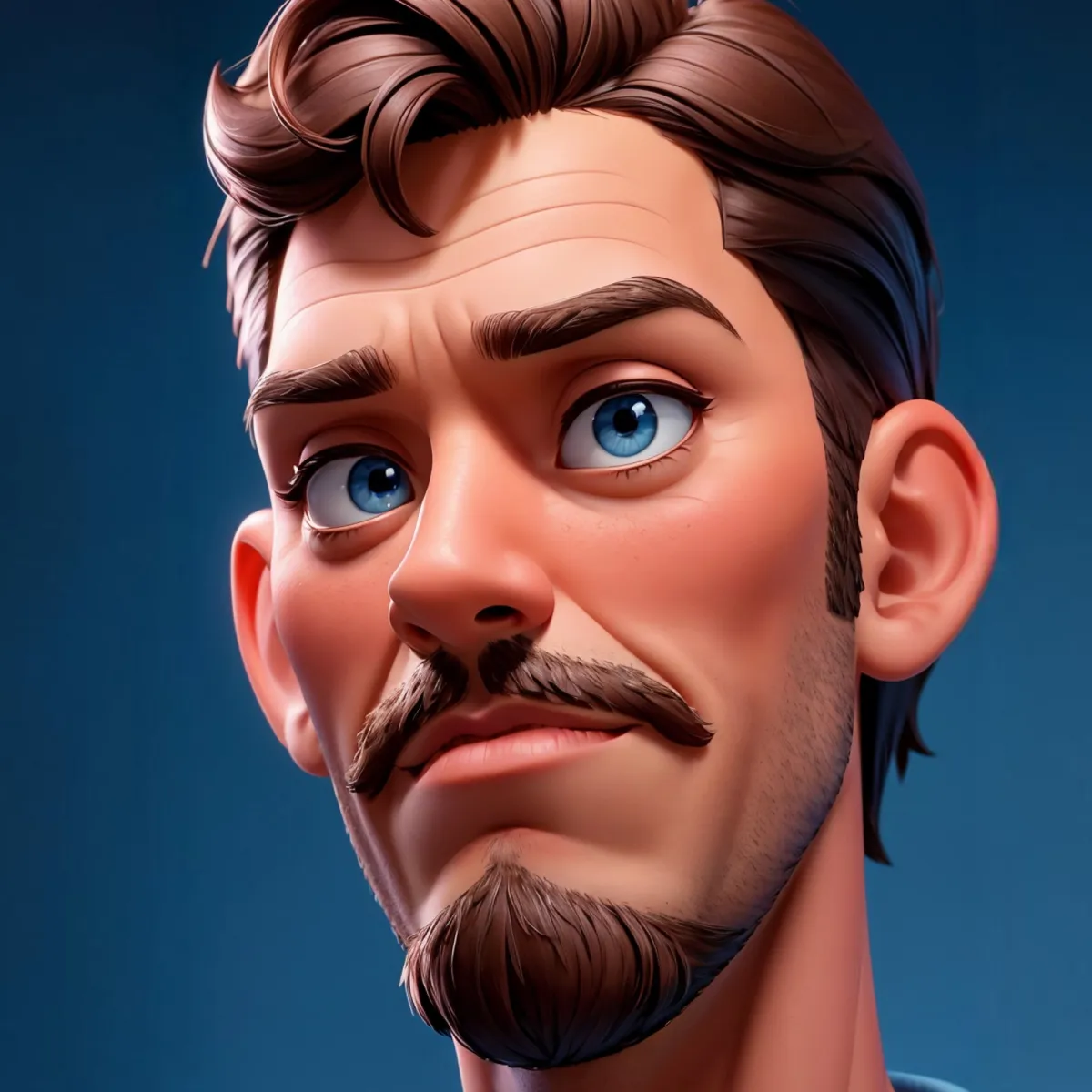
Cartoonize is a simple online tool that turns photos into cartoons. You upload a photo and get a cartoon version in one click. It also makes sketches, paintings, and drawings from your pictures. The site includes an avatar maker for profile pictures. Built-in photo tools let you crop, resize, and fix images before cartoonizing. Cartoonize works in your browser on computers and phones. It is free to start, with a paid Pro plan for extra features. The interface is clean and has no confusing menus.
Key Features
1. One-Click Cartoonizer
Upload a photo and Cartoonize turns it into a cartoon instantly. The tool keeps faces clear and easy to recognize.
2. Sketch and Painting Styles
Turn the same photo into a pencil sketch, oil painting, or drawing. These styles give your cartoon a hand-made feel.
3. Avatar Maker
Make cartoon avatars for profile pictures and social accounts. The tool shapes your face into a neat cartoon character.
4. Background Remover
Remove the background from a photo with one click. This helps your cartoon subject stand out on any backdrop.
5. Basic Photo Editor
Crop, resize, flip, and adjust brightness before you cartoonize. These tools prepare your photo for the best result.
Frequently Asked Questions (FAQ)
How much does Cartoonize Pro cost?
Cartoonize Pro costs $9.99 per month or $83.88 per year, which works out to $6.99 per month. It unlocks all Pro features and graphic collections with unlimited projects.
Do I need an account to cartoonize a photo?
You can upload a photo and cartoonize it without much setup. Signing in lets you save projects and use the Pro plan.
Can Cartoonize make avatars for social media?
Yes. The avatar maker turns your photo into a cartoon character you can use as a profile picture on social sites.
What other AI tools does Cartoonize offer?
Cartoonize has AI tools like face restoration, background removal, image upscale, and photo to anime. They sit alongside the classic cartoonizer.
Conclusion
Cartoonize is a no-fuss way to turn photos into cartoons. The one-click tool, sketch styles, and avatar maker cover most cartoon needs. Built-in editing and background tools save extra steps. The free version handles casual use, while Pro unlocks everything. If you want simple cartoon photos fast, Cartoonize is a solid choice. Beginners can use it with no learning curve.
Keep exploring
Similar AI tools
Ranked by the job they do, their capabilities, and how closely they fit this workflow.