
ChatGPT
OpenAI's conversational AI assistant for answers, writing, and coding.
Upvotes
0
Pricing
Freemium
Category
Personal Assistants
In the database since
Oct 2026
Overview
About ChatGPT
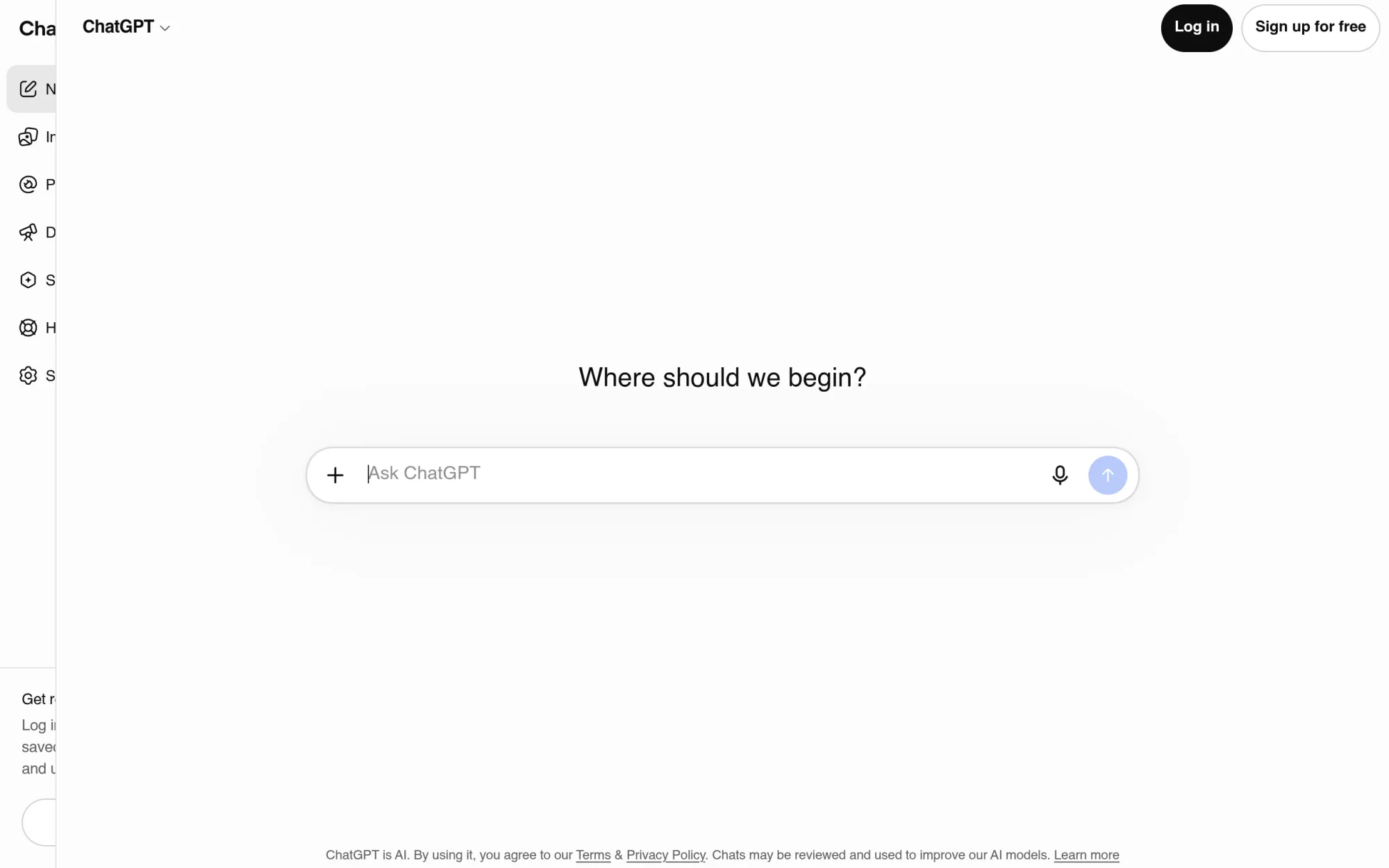
ChatGPT is OpenAI's conversational AI assistant, available at chatgpt.com and through free apps for iOS, Android, Mac, and Windows. It lets anyone type or speak a question and get a detailed, human-like answer in seconds. At its core, ChatGPT is a chat interface powered by OpenAI's GPT models. You can pick a fast default model for everyday questions or deeper reasoning models for complex work like math and coding. It is multimodal: it reads uploaded images and files, browses the web for current information, generates images, and analyzes spreadsheets.
Key Features
1. Conversational chat with multiple models
Chat in plain language and switch between a fast model for quick answers and deeper reasoning models for hard problems like code, math, and logic.
2. Custom GPTs and the GPT Store
Build or browse task-specific assistants — writing coaches, coding helpers, study guides — pre-configured with their own instructions and knowledge, shareable through the GPT Store.
3. Voice Mode
Hold natural spoken conversations with lifelike voices, with camera and screen sharing on mobile so ChatGPT can see what you see and respond in context.
4. Image generation and editing
Create illustrations and photorealistic images from text descriptions and edit uploaded photos with plain-language instructions, refined conversationally.
5. File uploads and data analysis
Upload PDFs, spreadsheets, and documents for ChatGPT to summarize, clean data, find trends, and produce charts and tables from your numbers.
6. Deep Research
For complex questions, an agentic research mode browses dozens of web sources autonomously and returns a structured, cited report instead of a single answer.
7. Memory and Projects
Opt-in memory lets ChatGPT remember your preferences and context across chats, while Projects group related conversations, files, and custom instructions into one persistent workspace.
Frequently Asked Questions
What is ChatGPT mainly used for?
Writing and editing, coding help, learning and tutoring, research and summarization, brainstorming, and everyday planning — anything that starts as a question or a draft and benefits from an instant, knowledgeable second pair of eyes.
How does ChatGPT's memory work?
With memory enabled, ChatGPT saves useful details — your tone preferences, project context, recurring facts — and recalls them in future chats for more personal answers; you can view, edit, or delete any saved memory and turn the feature off at any time.
What are custom GPTs?
They are purpose-built versions of ChatGPT with custom instructions, conversation starters, and uploaded knowledge, created by OpenAI, third parties, or you — found and shared through the GPT Store, where you can use them without building anything yourself.
Can ChatGPT access current information from the web?
Yes. Web search is built in, so it can pull live information — news, prices, current events — and cite sources; Deep Research goes further by autonomously reading many sources and synthesizing a cited report.
Does ChatGPT ever get things wrong?
Yes. Like all large language models, it can produce confident-sounding but incorrect answers, especially on niche facts, recent events beyond its training, or complex calculations — always verify important claims against a reliable source.
Can I use ChatGPT on my phone?
Yes. Free official apps for iOS and Android include chat, voice mode, and image input, and all your conversations sync across the mobile apps, the desktop apps, and the web.
Conclusion
ChatGPT earns its popularity by combining breadth with ease of use: one interface for writing, coding, research, images, voice, and data analysis. The free plan is useful for everyday questions, while Plus suits daily users who want stronger models and higher limits. Treat it as an assistant, not an oracle — verify what matters, and it will save you time.
Keep exploring
Similar AI tools
Ranked by the job they do, their capabilities, and how closely they fit this workflow.