Upvotes
27
Pricing
Paid
Category
Coding Tools
In the database since
Oct 2026
Overview
About Claude Code
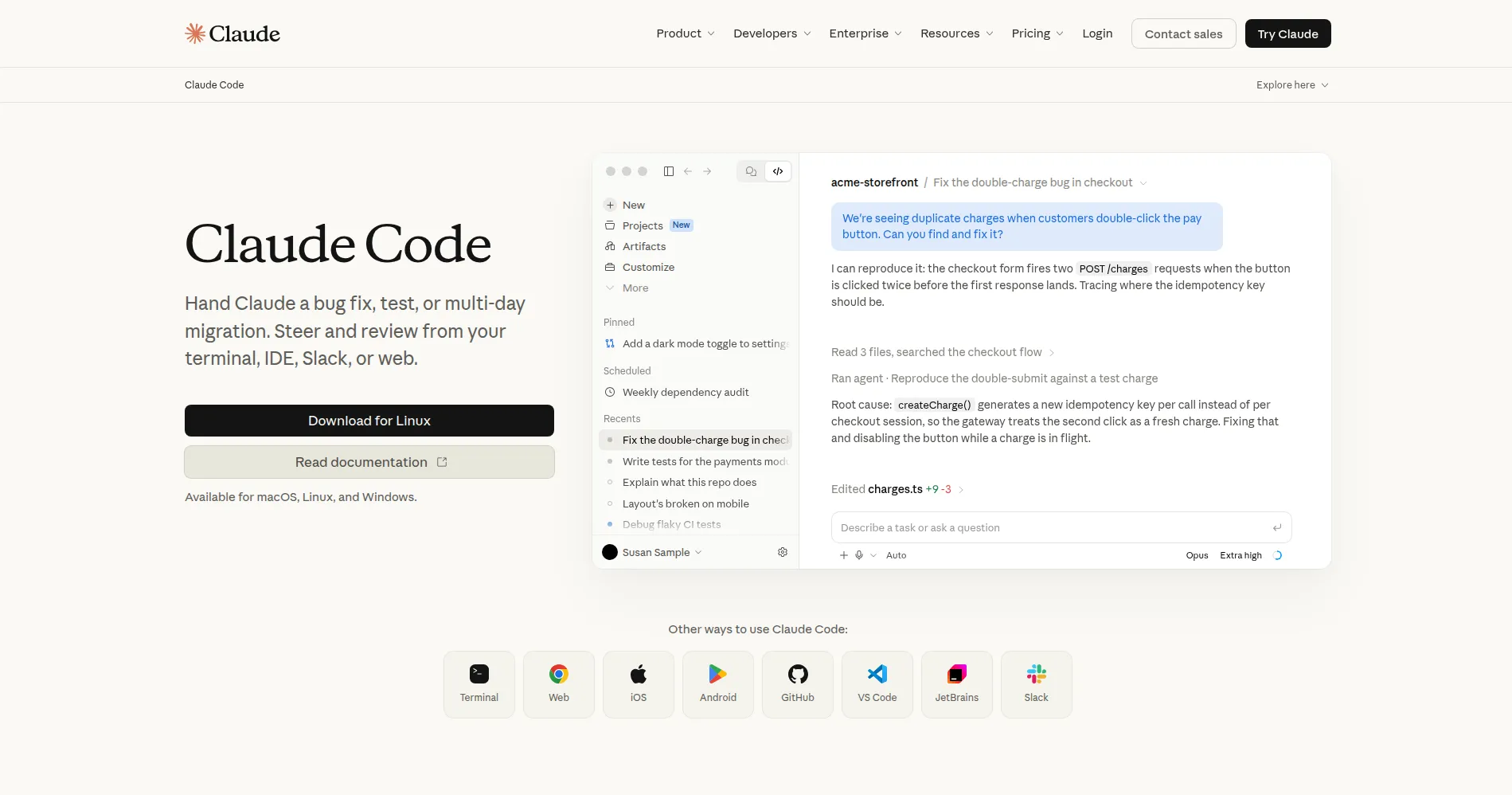
Claude Code is Anthropic's official coding assistant for your terminal. It helps you write, edit, and understand code through natural conversation. The tool reads your project files to give smart, context-aware help. You can ask it to build features, fix bugs, or explain complex code. It runs right in your terminal where developers already work. Claude Code handles multi-step tasks on its own with your guidance. It is built for serious coding work with AI support. It understands context across your whole codebase well.
Key Features
1. Terminal Agent
Claude Code runs in your terminal, not a browser. You give tasks in natural language and it executes them.
2. Codebase Reading
It reads your project files to understand structure. It sees imports, dependencies, and how parts connect.
3. Multi-File Edits
The agent changes many files in one go. Adding a feature updates code, tests, and types together.
4. Command Running
It runs shell commands like tests and builds. It reads the output and fixes problems on its own.
5. CLAUDE.md Memory
This file stores project rules and context. Claude Code reads it each time for consistent work.
Frequently Asked Questions (FAQ)
What is Claude Code?
It is Anthropic's AI coding agent for the terminal. It reads code, writes code, and runs commands to complete tasks.
How is it different from Copilot?
Copilot suggests code as you type. Claude Code works on its own — planning, coding, and testing without step-by-step input.
Does it work with my IDE?
Yes. There are extensions for VS Code and JetBrains. You can also use the terminal directly or a desktop app.
What is CLAUDE.md?
It is a file in your project that stores instructions. Claude Code reads it to learn your conventions and goals.
Can it use external tools?
Yes, through MCP (Model Context Protocol). It can connect to APIs, databases, and other services you set up.
Conclusion
Claude Code turns coding into delegation. You describe the task, and the agent handles files, commands, and tests. The terminal focus keeps you in your workflow. CLAUDE.md gives it lasting context about your project. It fits developers who want an AI that works independently. The setup is quick with npm or a simple install script.
Keep exploring
Similar AI tools
Ranked by the job they do, their capabilities, and how closely they fit this workflow.