Clean Email
Inbox cleaner that unsubscribes, sorts, and deletes bulk email fast
Upvotes
0
Pricing
Freemium
Category
Productivity Tools
In the database since
Oct 2026
Overview
About Clean Email
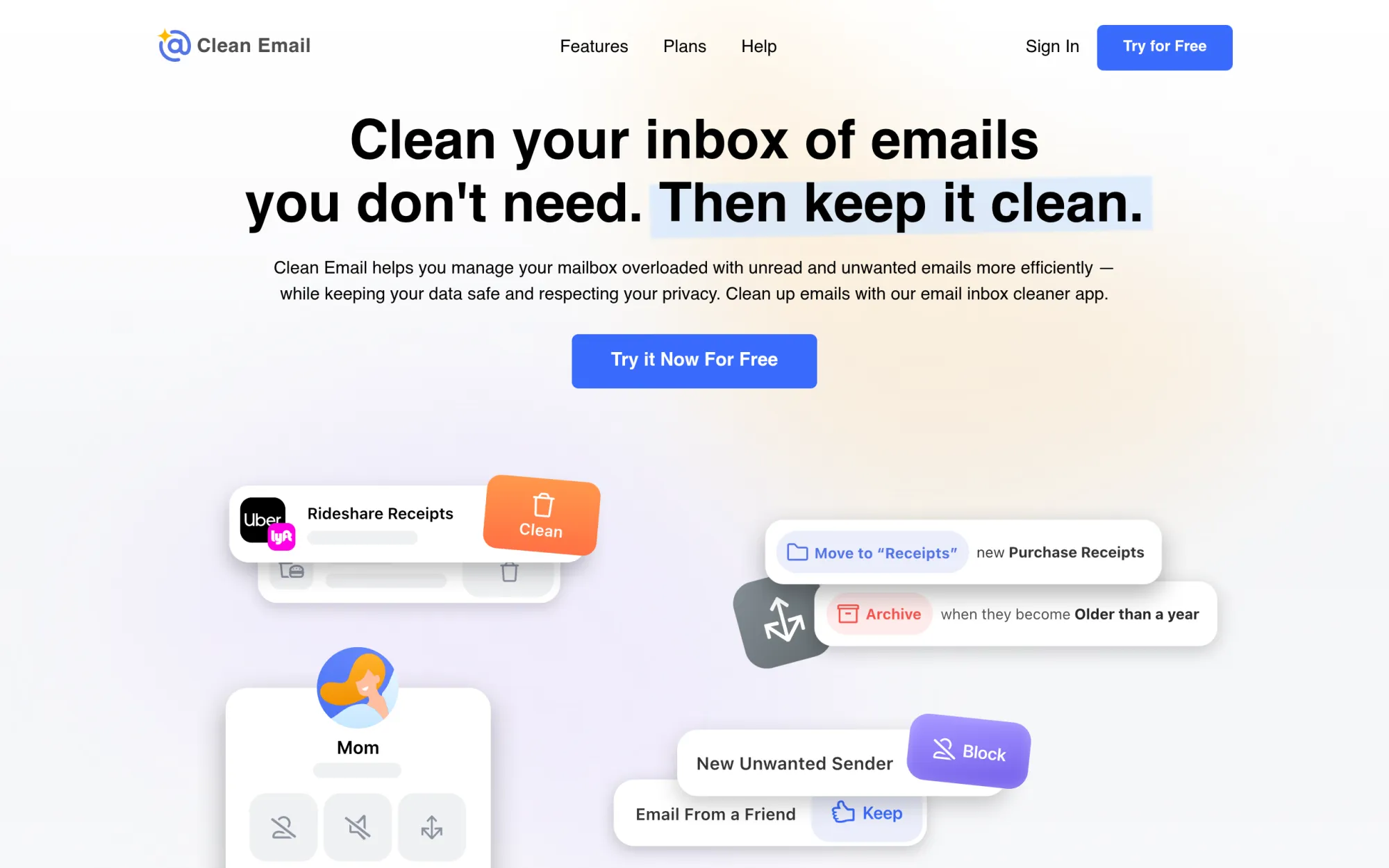
Clean Email is an app that cleans up a crowded mailbox. It groups similar mail into bundles, so you can delete, archive, or move hundreds of emails with one click. It can also unsubscribe you from lists and block senders who keep writing. Rules then keep new mail tidy on their own. It suits anyone whose inbox has grown out of control. You keep your current email app. It works with Gmail, Outlook, iCloud, and other mail services. Check clean.email for current plan details.
Key Features
1. Smart Folders and Cleaning Suggestions
It groups mail into Smart Folders, like old mail or social updates. Cleaning Suggestions show bundles you can delete, archive, or move in one click.
2. Unsubscriber
It lists every mailing list you belong to. You can unsubscribe in one click, and it blocks senders who ignore your requests.
3. Auto Clean rules
You set rules once, and the app applies them to new mail by itself. For example, it can archive social updates automatically.
4. Screener and sender controls
The Screener holds mail from new senders until you approve them. Sender settings let you pause a list or keep only the newest mail.
5. Privacy-first design
The app reads only email headers, like sender and subject, never full message bodies. The company says it does not sell or share your data.
Frequently Asked Questions (FAQ)
What is Clean Email used for?
Clean Email is used to clear out a crowded mailbox. It groups similar emails so you can delete, archive, or move them in bulk, and it unsubscribes you from lists you no longer want.
Which email accounts does Clean Email work with?
It works with Gmail, Outlook, Yahoo, iCloud, and any mailbox that uses IMAP. You connect your account, and the app cleans the mailbox in the cloud, so it works with the mail app you already use.
Does Clean Email read my emails?
No. The app only looks at email headers, such as the sender, subject, and date. It does not download message bodies or attachments, and the company states it never sells user data.
Can it unsubscribe me from lists with no unsubscribe link?
Yes. The Unsubscriber sends a request for you, and if a sender ignores it, the app blocks that sender. That stops lists that give you no clear way to leave.
How does Clean Email pricing work?
You can start for free and clean a limited number of emails. A subscription unlocks unlimited cleaning for one, five, or ten accounts, billed monthly or yearly. Check the official site for current rates.
Conclusion
Clean Email is a mailbox cleaner for people buried in unread mail. It groups, sorts, and removes mail in bulk, then keeps the inbox tidy with rules. You can start free with limits, and a subscription unlocks unlimited cleaning for one or more accounts. Check clean.email for current plans and prices before you buy today.
Keep exploring
Similar AI tools
Ranked by the job they do, their capabilities, and how closely they fit this workflow.