
Upvotes
0
Pricing
Free
Category
Image Tools
In the database since
Oct 2026
Overview
About CompressImage.io
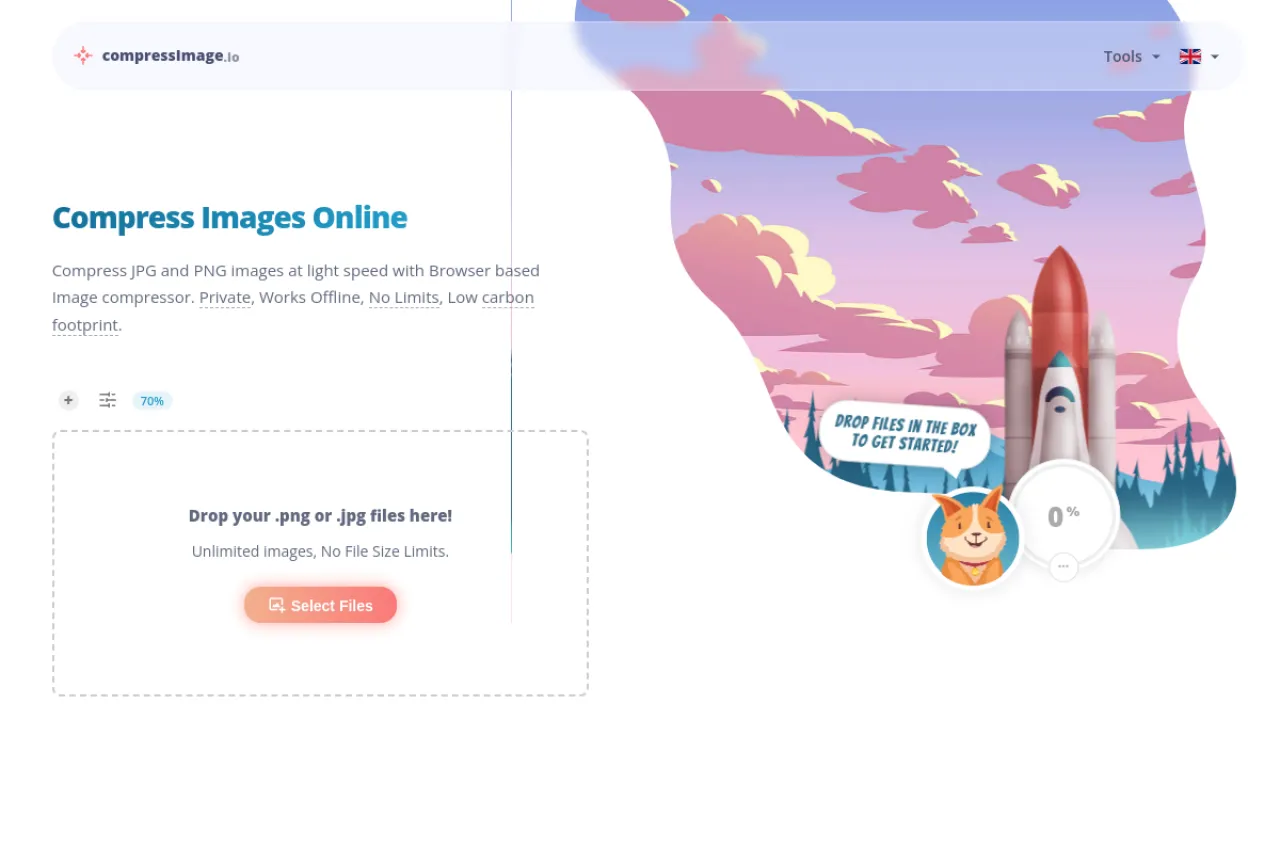
CompressImage.io is a browser-based image compressor that shrinks JPG and PNG files without uploading them anywhere. All compression happens on your own device, so your images stay private and the tool works even offline. It targets bloggers, developers, and anyone who needs smaller images fast. There are no limits on file count or size, and no sign-up is needed. You can also resize, convert to WebP, and strip metadata. Check the official site today for current details and supported formats.
Key Features
1. In-Browser Compression
Files are compressed inside your browser, never sent to a server. This keeps your images private and makes the tool fast.
2. No Limits
There are no limits on how many images you compress or how large they are. Drop in hundreds of files and process them all.
3. WebP Conversion
Convert JPG and PNG images to WebP format with one setting. WebP files are much smaller and work in all modern browsers.
4. Resize and Quality Controls
Set a maximum width or height and adjust the quality slider. A live preview shows the size savings before you download.
5. Batch ZIP Download
Download compressed images one by one or grab them all as a single ZIP file. Multipass and metadata stripping are built in.
Frequently Asked Questions (FAQ)
How does CompressImage.io keep my images private?
All compression runs in your browser using local processing. Your files are never uploaded to any server, so no one else can see them.
Is there a limit on image size or number of files?
No. The site states there are no limits because everything happens on your device. You can compress unlimited images of any size.
Which formats does CompressImage.io support?
It compresses JPG and PNG, with dedicated tools for SVG and GIF on the site. You can also convert images to WebP format.
Does it work offline?
Yes. Since compression happens entirely in the browser, the tool keeps working without an internet connection once the page is loaded.
How much smaller do images get?
It depends on the image, but the site shows examples of around 70 percent reduction, such as a 1,223 KB photo shrinking to 86 KB.
Conclusion
CompressImage.io is a fast, private way to shrink images without uploads or accounts. It suits bloggers, developers, and creators who compress images often. There are no limits, watermarks, or sign-ups. It is free to use. Check the site to try it and see the latest features. It is a handy bookmark for anyone who posts images online.
Keep exploring
Similar AI tools
Ranked by the job they do, their capabilities, and how closely they fit this workflow.