Upvotes
0
Pricing
Free
Category
Image Tools
In the database since
Oct 2026
Overview
About CompressJPEG
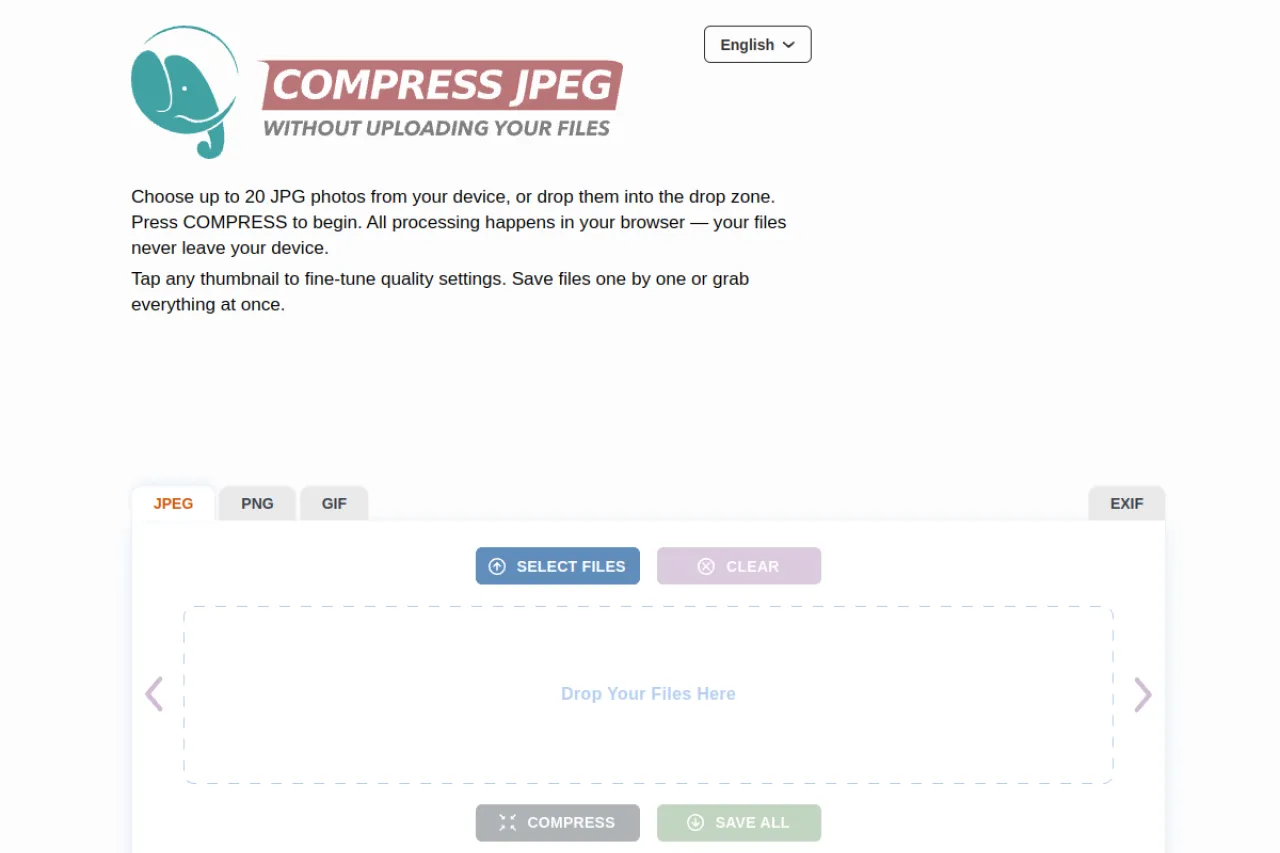
CompressJPEG is a free online tool for shrinking JPEG files. It uses MozJPEG, Mozilla's advanced encoder that beats standard JPEG by 5-15% at the same quality, cutting typical photos by 60-80% with no visible loss. Compress up to 20 JPEGs at once, fine-tune quality with a slider, and save all. Everything runs locally in your browser with WebAssembly, so images never upload. No registration, no cost. A 4 MB phone photo can shrink to about 400 KB. Check compressjpeg.com for details.
Key Features
1. MozJPEG encoder
Mozilla's advanced encoder beats standard JPEG encoding. You get better compression at the same quality.
2. Batch of 20
Compress up to 20 JPEGs at once in batch mode. Save individual files or download all together.
3. Quality slider
Fine-tune each image manually with the quality slider. Pick the perfect balance of size and quality.
4. 100% private
All processing is client-side only with WebAssembly. No uploads, no data collection, and no registration.
5. Real results
A 4 MB phone photo becomes about 400 KB. Sharing and storage get much easier.
6. Completely free
There is no paid tier and no limits shown. Just open the site and compress.
Frequently Asked Questions (FAQ)
What is CompressJPEG used for?
Shrinking JPEG files: batch compression for web, social media, and email.
Why is MozJPEG better than standard JPEG?
It compresses 5-15% smaller at the same quality, so your photos shrink more with no visible loss.
What quality should I choose?
75-85 for web and social, 90-100 for archiving. Most photos hit 200 KB at 75-85.
Are my images private?
Yes. WebAssembly compression runs locally; images never leave your device.
Who should use CompressJPEG?
Bloggers, photographers, and anyone sharing photos. It suits quick size reductions.
Conclusion
CompressJPEG makes big JPEGs small without hurting how they look. The quality slider puts you in control of every file. Batch mode handles a whole folder of photos in one go. It suits bloggers, photographers, and anyone sharing pictures online. Open the site and shrink your first photo in seconds. It is a small tool that does one job well.
Keep exploring
Similar AI tools
Ranked by the job they do, their capabilities, and how closely they fit this workflow.