
Connected Papers
Visual graphs of papers related to your research
Upvotes
0
Pricing
Freemium
Category
Research & Academic Tools
In the database since
Oct 2026
Overview
About Connected Papers
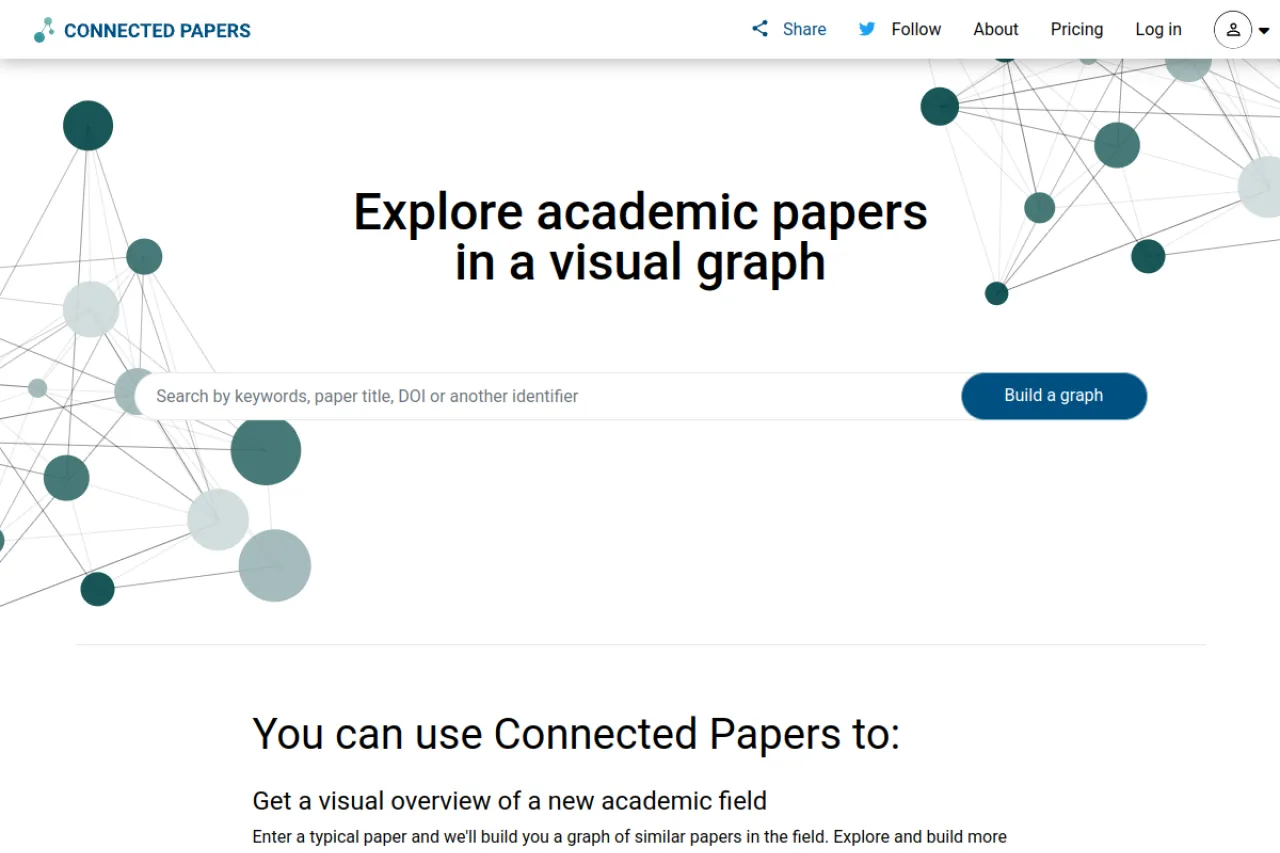
Connected Papers turns one seed paper into a visual map of the surrounding literature. Enter a title, DOI, or keyword and it builds a graph where each node is a paper — node size shows citation count, color shows publication year. You can trace prior works and derivative research at a glance. The free plan includes 5 graphs a month. Check the official pricing page for current plans.
Key Features
1. Visual Paper Graphs
See related papers as an interactive node graph.
2. Prior and Derivative Works
Explore what came before and after your seed paper.
3. Citation Insights
Node size reflects citation count at a glance.
4. Year Color Coding
Node colors show publication years across the graph.
5. BIB Export
Download citation lists for your bibliography.
6. No Signup Needed
Build your first graphs without an account.
Frequently Asked Questions (FAQ)
Is Connected Papers free?
Yes. The free plan includes 5 graphs per month with all features. Paid Academic and Business plans offer unlimited graphs.
How does it find related papers?
It uses co-citation and bibliographic coupling from Semantic Scholar data to measure paper similarity.
How is it different from ResearchRabbit?
Connected Papers builds quick visual graphs from a seed paper; ResearchRabbit adds personalized recommendations and Zotero sync.
Can I use it for systematic reviews?
It's best as a supplementary citation-searching method, not the sole strategy for a comprehensive review.
Where does the data come from?
Semantic Scholar, arXiv, PubMed, and other academic sources.
Do I need an account?
No. Basic features work without login; an account saves your graph history.
Conclusion
Connected Papers is the fastest way to map a research area visually. Five free graphs a month cover most students' needs. It's a discovery tool, not an evidence-extraction platform — pair it with a reference manager. If you do literature reviews, this belongs in your toolkit. Start with a seed paper and explore from there.
Keep exploring
Similar AI tools
Ranked by the job they do, their capabilities, and how closely they fit this workflow.