Upvotes
0
Pricing
Open Source
Category
SQL Tools
In the database since
Oct 2026
Overview
About DB-GPT
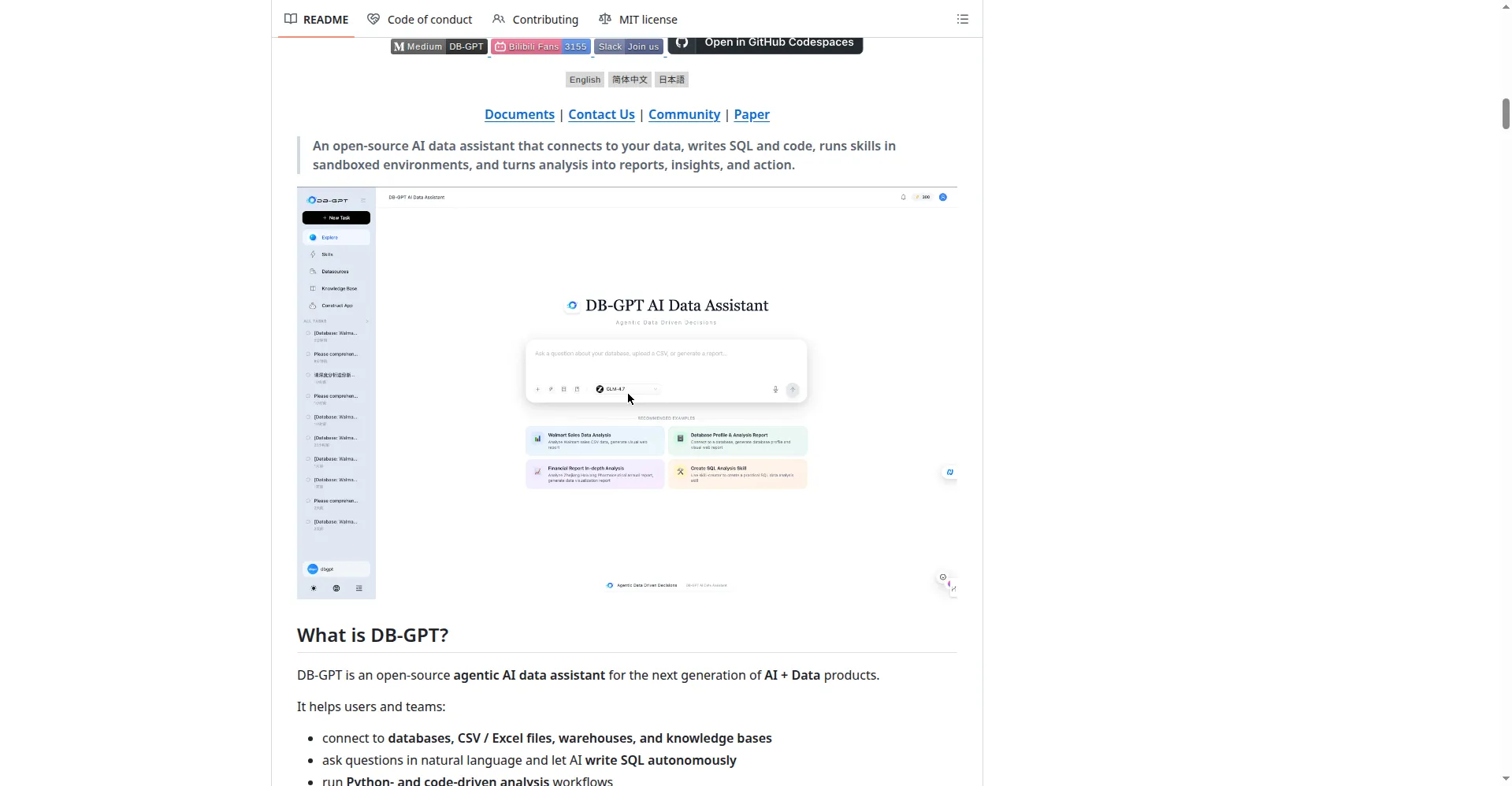
DB-GPT is an open-source AI data assistant that lets you talk to your data. You ask questions in plain language while the AI writes SQL and code to answer. It connects to databases, spreadsheets, documents, and knowledge bases. The project runs on your own servers, so nothing goes to outside services. It carries the MIT license with over twenty thousand GitHub stars and an active community. The system can plan analysis, run steps, and build charts and reports. Technical teams use it to explore data and build AI data products.
Key Features
Agentic Analysis
DB-GPT plans a task, breaks it into steps, and calls tools to finish it. Analysis workflows run end to end with little input from you.
Autonomous SQL and Code
The AI writes SQL and Python to query data, clean datasets, and compute metrics. You describe the goal, and it does the work.
Multi-Source Access
Connect relational databases, CSV and Excel files, documents, and knowledge bases. One chat covers all of your data sources.
Reusable Skills
Package your analysis steps into skills you can reuse. Teams share domain workflows instead of repeating the same work.
Reports and Dashboards
Turn results into charts, HTML reports, and plain-language summaries. Your findings become decision-ready output fast.
Sandboxed Execution
Code and tools run in isolated environments. Analysis stays safe, controlled, and easy to reproduce later.
Frequently Asked Questions (FAQ)
What is DB-GPT?
DB-GPT is an open-source agentic AI data assistant. It connects to your data sources and answers plain-language questions by writing SQL and code itself.
Is DB-GPT free?
Yes. It is open-source under the MIT license, and the full code lives on GitHub. You self-host it on your own servers.
Does my data leave my servers?
No. You host DB-GPT yourself, and its code runs in sandboxed environments. Your data never goes to outside services.
Which AI models does it support?
DeepSeek, Qwen, Llama, Gemma, and GLM, plus any OpenAI-compatible API. You choose the model that fits your setup.
How do I install DB-GPT?
Use the one-line installer, the PyPI package, or Docker. After setup, the web interface opens at localhost port 5670.
Conclusion
DB-GPT brings private AI to serious data work. The agent plans, writes code, and builds reports from simple questions. Self-hosting keeps your data fully under your control. The active open-source community keeps it moving. Try it if your team wants AI that works with your data, not against it. It fits technical teams with real privacy needs.
Keep exploring
Similar AI tools
Ranked by the job they do, their capabilities, and how closely they fit this workflow.