
Upvotes
0
Pricing
Freemium
Category
Business Tools
In the database since
Oct 2026
Overview
About DocHub
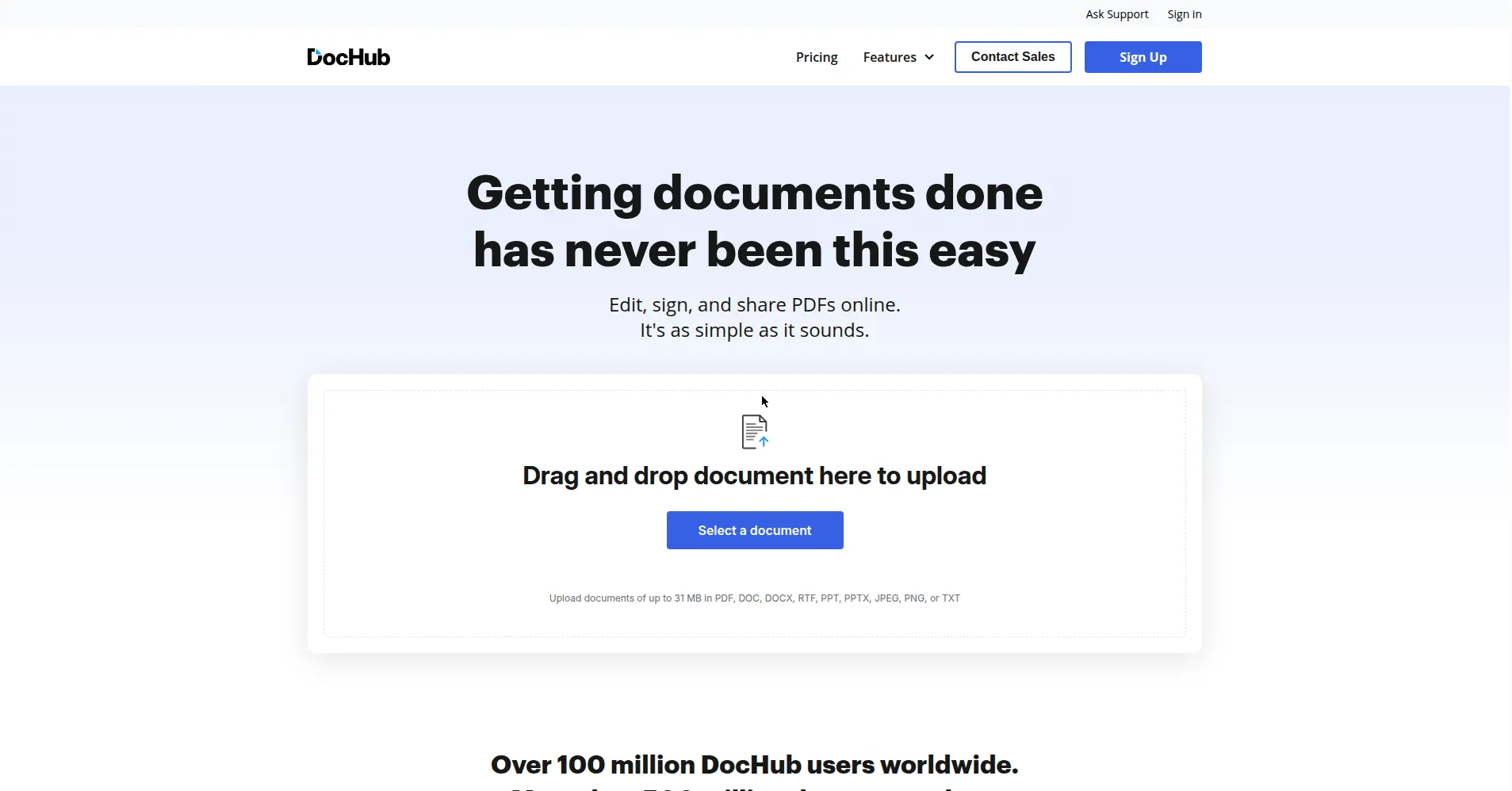
DocHub is an online PDF editor and e-signature tool that works right in your browser. You upload a PDF, edit its text, add form fields, sign it, and share it without installing software. The free plan covers 3 shared uses of core features each month, so it fits occasional use. It opens files from Google Drive, Dropbox, and Gmail, and it has mobile apps for signing on the go. Basic PDF tools and an AI assistant come with the free plan too. Check the official pricing page for current limits.
Key Features
PDF Editing in the Browser
Add text, stamps, drawings, and comments to any PDF. Everything happens online, so no desktop software is needed.
2. E-Signatures
Sign a document yourself, or send it to others for signing. Recipients open the file and sign without installing anything.
3. Fillable Form Fields
Drop dates, checkboxes, and text fields onto a form. Recipients fill them in without printing or scanning anything.
4. Reusable Templates
Save a document you send often as a template. You reuse the same fields and layout each time you send it.
5. Cloud Storage Integrations
Pull files straight from Google Drive, Dropbox, Gmail, and OneDrive. Finished documents save back to the same place.
6. Mobile Apps for Signing
DocHub has iOS and Android apps, so you can review, edit, and sign documents away from your desk.
7. Share via Link
Send a document link instead of an attachment. Recipients open the file in their browser and sign there.
Frequently Asked Questions (FAQ)
How is DocHub different from PDF converters?
DocHub focuses on editing and signing PDFs, not converting them. Converters change file formats; DocHub prepares documents for signatures.
Can I sign PDFs on my phone?
Yes, DocHub has iOS and Android apps for reviewing, editing, and signing documents on the go.
Does DocHub work with Google Drive?
Yes, it connects with Google Drive, Dropbox, Gmail, Google Workspace, and OneDrive for opening and saving files.
Can several people sign one document?
Yes, you can send a signature request to more than one person and track each person's progress.
What happens when I reach the free plan's monthly limits?
The free plan covers 3 shared uses of core features each month. Paid plans remove those limits for heavier use.
Conclusion
DocHub is a solid choice for occasional PDF editing and signing in the browser. Its free limits suit one-off needs, while heavy users will need a paid plan. Its Google integrations make it handy if you already work in Drive. For simple sign-and-send tasks, DocHub does the job well. Try the free plan first to see if it fits.
Keep exploring
Similar AI tools
Ranked by the job they do, their capabilities, and how closely they fit this workflow.