Draw a UI
Turns hand-drawn wireframes into working HTML with GPT-4 Vision.
Upvotes
0
Pricing
Open Source
Category
Website Builders
In the database since
Oct 2026
Overview
About Draw a UI
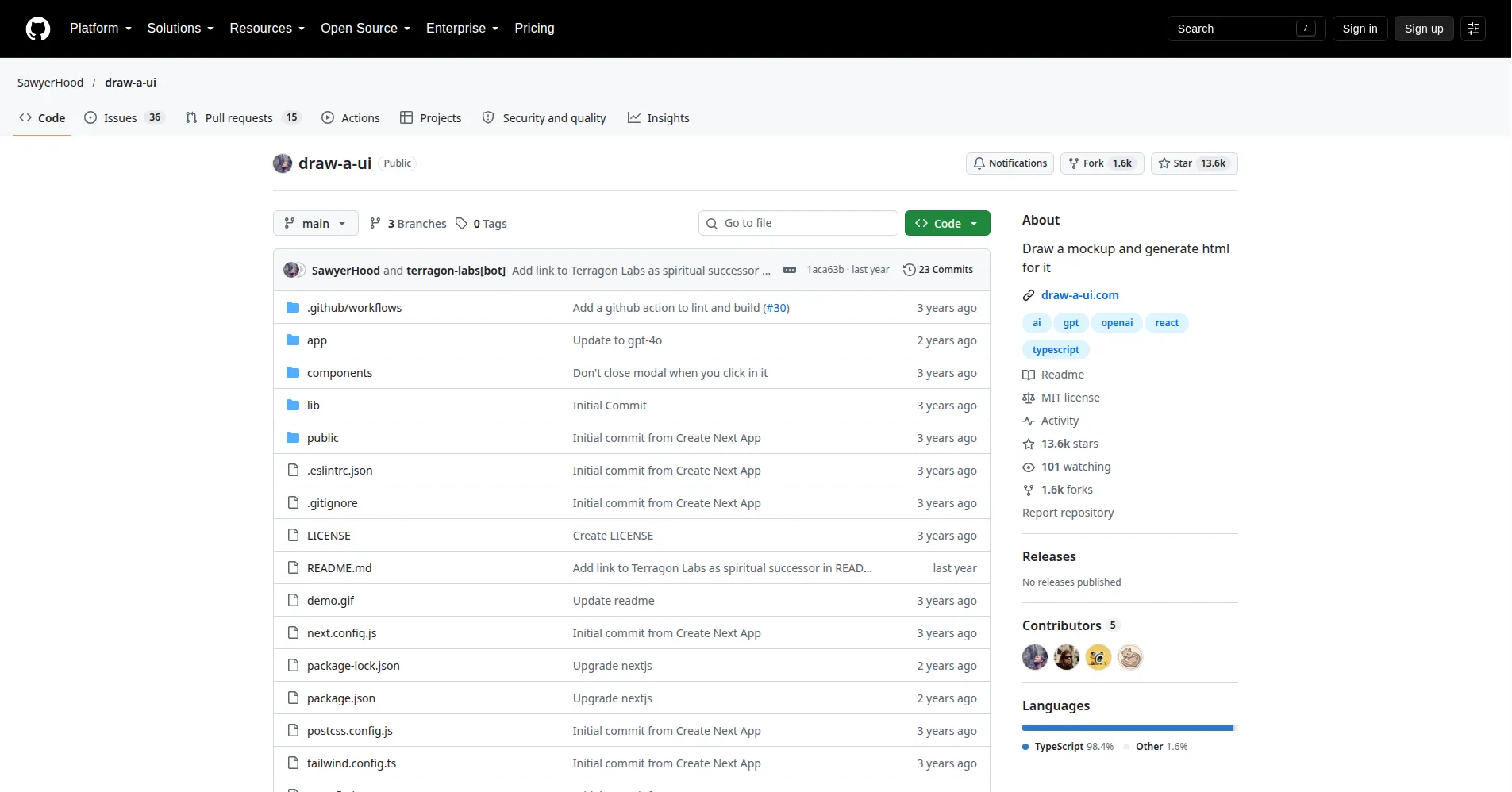
Draw a UI is an open-source experiment by developer Sawyer Hood. It turns hand-drawn wireframes into HTML. You sketch a mockup on a canvas: boxes for layout, lines for navigation, scribbled labels. The app sends the sketch to OpenAI's GPT-4 Vision model. The model returns an HTML file styled with Tailwind CSS. It is a demo, not a product, and there is no hosted version. You run it on your computer with your OpenAI API key. Check the GitHub repo for setup steps, since details may change.
Key Features
1. Hand-drawn wireframe input
Sketch your interface with shapes, text, and freehand strokes on a full drawing canvas instead of writing prompts or dragging components.
2. Vision-model interpretation
Your drawing becomes an image read by GPT-4 Vision, so the model grasps layout, hierarchy, and labels visually instead of from text.
3. Single-file HTML output
Every generation returns one self-contained HTML file, making the result easy to preview, share, or drop into an existing project.
4. Tailwind CSS styling
The generated markup uses Tailwind utility classes, so the code stays readable and any developer can restyle it without untangling custom CSS.
5. tldraw drawing canvas
The sketch interface uses the open-source tldraw SDK, giving you polished tools — shapes, arrows, text, and freehand — out of the box.
6. Local, self-hosted setup
You clone the repo and add your OpenAI API key. Then run it on localhost:3000. Your sketches and credentials never pass through a third-party server.
7. MIT open-source license
The whole codebase is MIT licensed, so you can use, modify, and build on it — including commercially — with no licensing fees.
FAQ
What is Draw a UI used for?
It turns rough interface sketches into clickable HTML prototypes. Handy for validating a layout, briefing a developer, or exploring variations without hand-writing code.
How does it convert a drawing into code?
The app converts your canvas from SVG to PNG. It sends the image to GPT-4 Vision. The model returns one Tailwind-styled HTML file.
Do I need an OpenAI API key to use it?
Yes. There is no hosted version, so you supply your own key with GPT-4 Vision access, and OpenAI bills you per generation.
Do I need to know how to code?
Drawing needs no coding. Running it locally assumes basic terminal comfort. You will clone a repo and set an environment variable. Then run npm with Node 18.17 or newer.
Is the generated code production-ready?
No. The README calls this a demo — fine for mockups and prototypes, but the output needs review and cleanup before it could ship.
What is Terragon Labs?
It is the project the author names as this idea's "spiritual successor" — a more complete product built on the same drawing-to-interface concept.
Conclusion
Draw a UI is a small, honest open-source demo built on one simple idea. A rough sketch should be enough to start building a page. It will not replace a designer or front-end developer, and it was never meant to. But as a fast bridge from hand-drawn wireframe to clickable HTML, it earns a place in any builder's toolbox.
Keep exploring
Similar AI tools
Ranked by the job they do, their capabilities, and how closely they fit this workflow.