Upvotes
0
Pricing
Freemium
Category
Image Generators
In the database since
Oct 2026
Overview
About EzImgEditor
EzImgEditor is an online AI photo editor that works from plain-text instructions. Upload a photo and describe what you want changed. For example: remove an object, change the background, warm up the lighting. The AI applies the edit. A second mode blends multiple images together. It can merge subjects or transfer styles between photos. It runs entirely in the browser with no software to install. EzImgEditor suits creators, sellers, and anyone else. It gives quick edits without learning design tools. Check ezimgeditor.io for current features.
Key Features
1. Prompt-based editing
Type what you want changed in normal words. The AI finds the area and applies the edit while keeping the rest intact.
2. Single-image editing
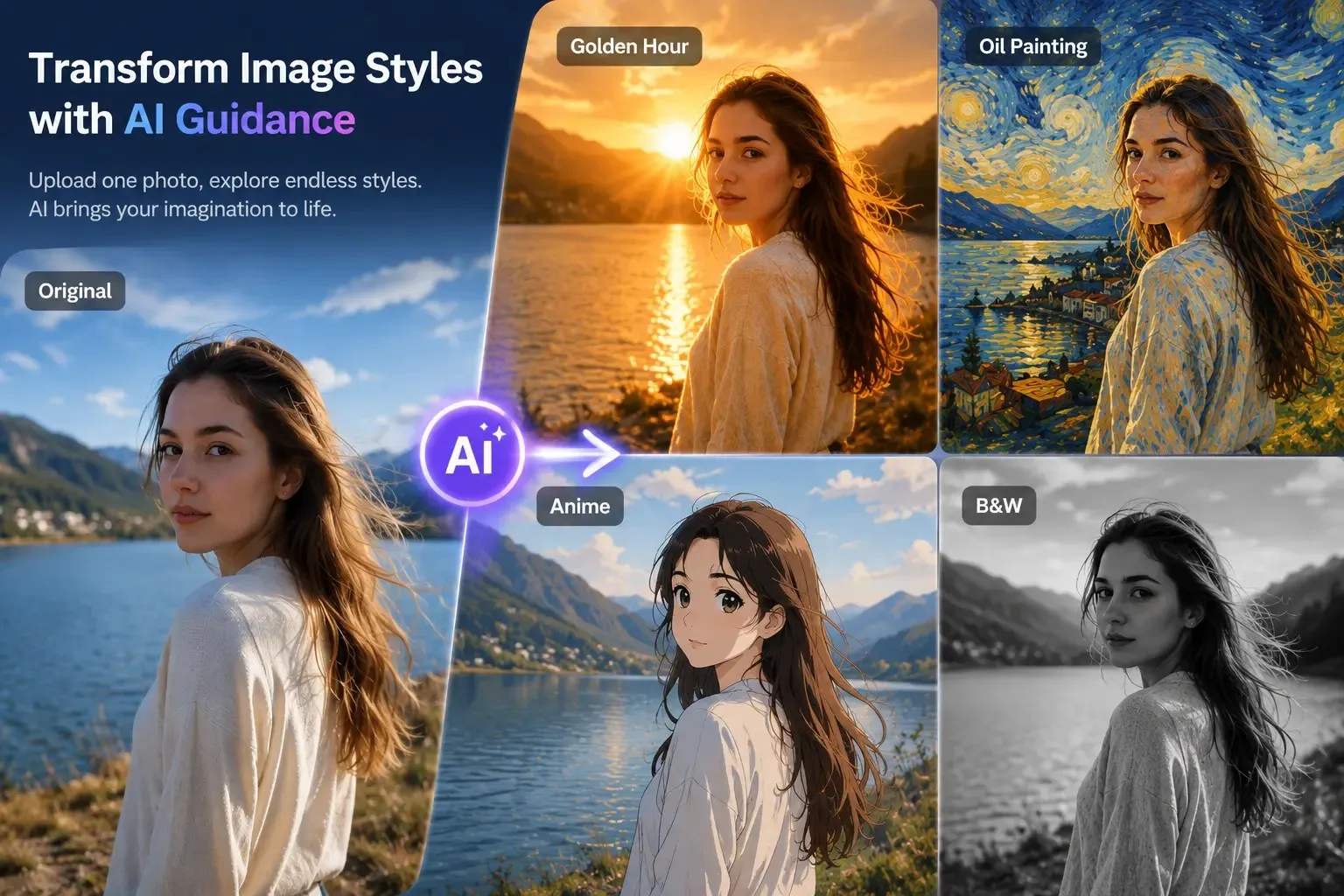
Adjust colors, lighting, and visual tone with one photo. Or transform its whole style with AI guidance.
3. Multi-image blending
Upload several images and merge their subjects or styles. It creates composites that would normally need advanced skills.
4. Object remover
Erase photobombers, clutter, or distractions with a text prompt. The AI fills the removed area to match the scene.
5. Pro headshot mode
Turn casual selfies into polished professional headshots. It refines lighting, backgrounds, and facial details for profiles.
FAQ
How do I edit with a text prompt?
Upload an image and type the change you want. Examples: "remove the trash can" or "make the sky sunset". The AI applies it in seconds.
Can I combine two photos into one?
Yes. Multi-image blending merges elements from several uploads. It can put a subject from one photo into another scene.
What is multi-image blending?
It is a mode that combines subjects, styles, or elements from multiple images. The result is one new visual.
Does it work on phones?
Yes. It is a browser tool. It works on any device with internet and a modern browser.
Will the edits look natural?
Usually, for simple changes. Complex scenes can look off, and results depend on how clearly you describe the edit.
Conclusion
EzImgEditor makes photo editing as simple as describing the change in plain words. Prompt-based edits and multi-image blending cover most quick creative tasks without any learning curve. It will not replace a full editor for precise professional work. For fast, no-fuss edits in the browser, it is genuinely useful. Results improve with clear, specific instructions, so describe changes in detail.
Keep exploring
Similar AI tools
Ranked by the job they do, their capabilities, and how closely they fit this workflow.