
FreeSlide
Free AI slide generator; topic to deck with editable PPTX export.
Upvotes
0
Pricing
Free
Category
Presentations
In the database since
Oct 2026
Overview
About FreeSlide
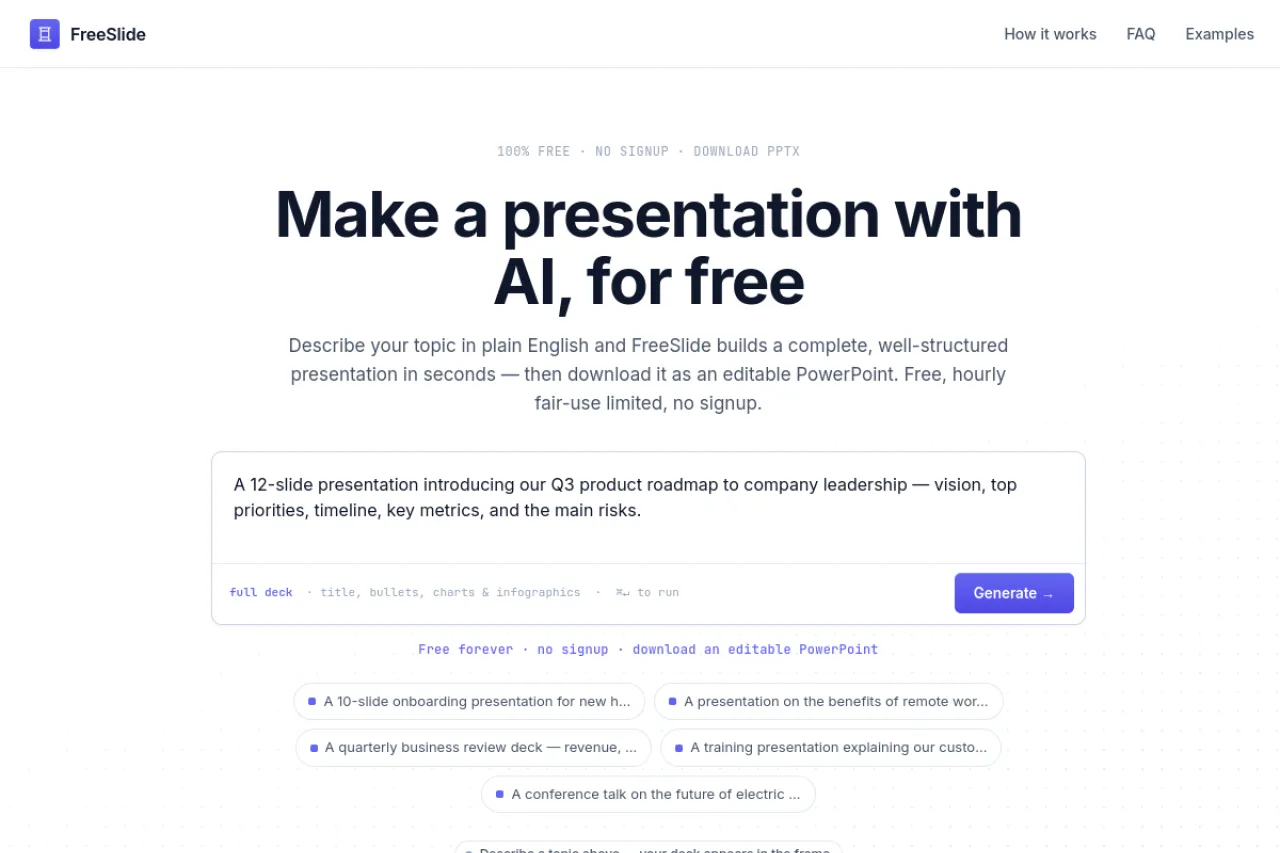
FreeSlide is an AI slide generator that turns a topic into a ready presentation. AI here means software that writes and structures the deck for you. You type what the presentation is about, and it produces an 8-to-12-slide deck with titles, points, and layout. Slides download as editable PPTX files you can open and change. The FAQ says it is completely free with no signup, no credit card, and no watermark. Students and busy workers get fast first drafts from it.
Key Features
1. Topic to Deck
Enter any topic, and the AI builds a structured slide deck around it with headings and key points.
2. Eight to Twelve Slides
Generated decks run 8 to 12 slides, which is a natural length for class talks and short meetings.
3. Editable PPTX Export
Download the deck as a PowerPoint file you can open and edit in PowerPoint or Google Slides.
4. No Signup Needed
You can generate and download slides without creating an account or entering any payment details.
5. No Watermark
Slides come out clean with no FreeSlide branding stamped on them, so they look like your own work.
6. Completely Free
The site's FAQ states the tool is completely free with no credit card required at any step.
Frequently Asked Questions (FAQ)
What is FreeSlide used for?
FreeSlide is used to generate presentation slides from a topic. You describe the subject, and it returns a structured deck you can edit and present.
How many slides does FreeSlide make?
It makes decks of 8 to 12 slides. This range covers most short presentations without needing much trimming.
Can I edit the slides after downloading?
Yes. The deck downloads as an editable PPTX file, so you can change text, images, and layout in PowerPoint or Google Slides.
Do the slides have a watermark?
No. The site says exports carry no watermark, so the finished slides show only your own content.
Do I need to sign up for FreeSlide?
No. The FAQ says the tool works with no signup and no credit card, so you can use it right away.
Conclusion
FreeSlide does one job well: turning a topic into an editable slide deck in minutes. The PPTX export, no-signup access, and lack of watermarks make it easy to use for class or work. It suits anyone who wants a quick, clean starting deck without paying or registering. It is ideal for students on tight deadlines.
Keep exploring
Similar AI tools
Ranked by the job they do, their capabilities, and how closely they fit this workflow.