
Gemini Notebook
Google's AI research assistant grounded in your sources
Upvotes
0
Pricing
Freemium
Category
Research & Academic Tools
In the database since
Oct 2026
Overview
About Gemini Notebook
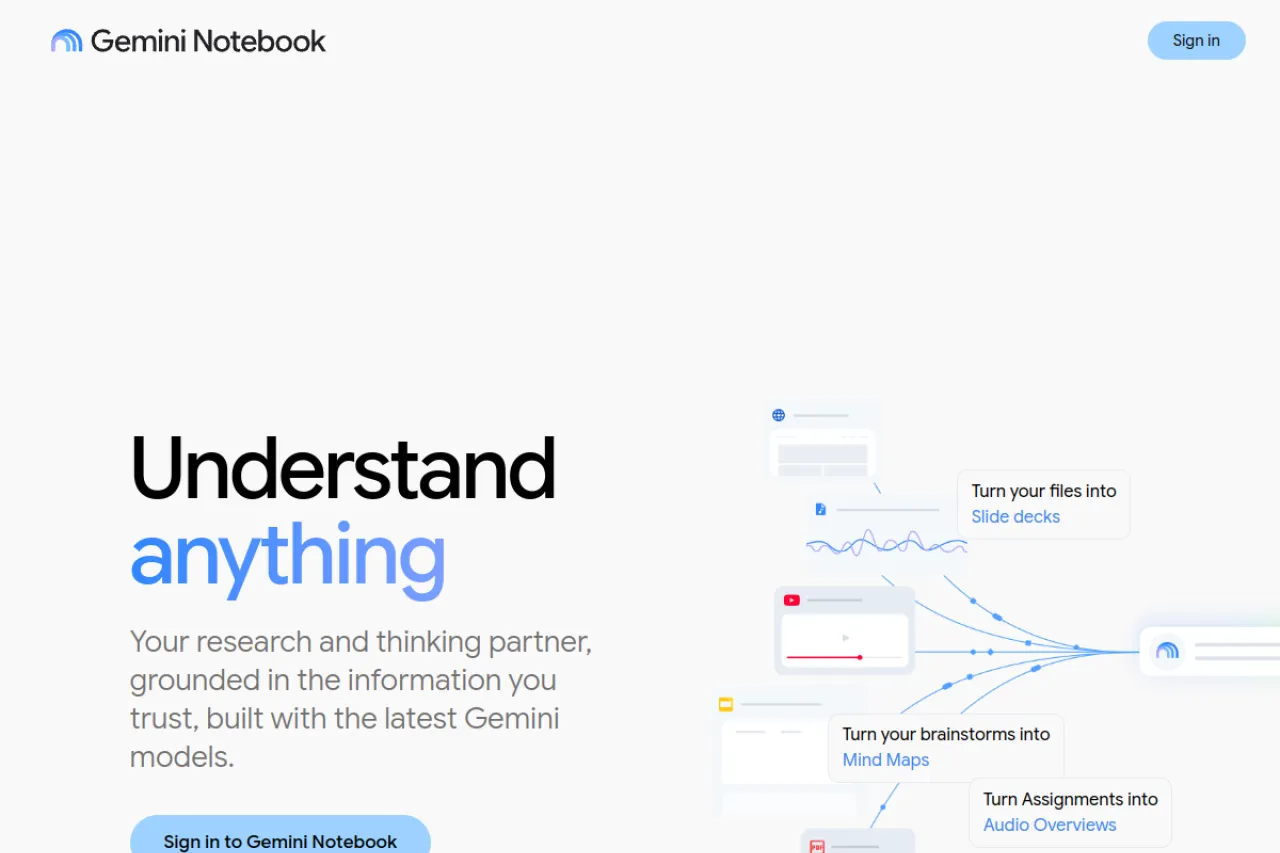
Gemini Notebook is Google's AI research assistant that works only with sources you upload. You can add PDFs, Google Docs, Google Slides, websites, YouTube videos, and audio files. It reads those materials and answers your questions with inline citations to the passages it used. You can chat with a notebook and ask follow-up questions as you work through a topic. Each notebook keeps your sources in one place, so you can return to them later. It helps students, researchers, and professionals check facts fast, without searching the open web for answers.
Key Features
Audio Overviews
Two AI hosts talk through your sources in a spoken summary. You can listen while you walk, drive, or review notes.
Mind Maps
A mind map shows how ideas in your sources link to each other. It gives you a clear visual path through a complex topic.
Reports
Gemini Notebook can turn a notebook into a structured report. It pulls key points together in a clear order for reading or sharing.
Flashcards and Quizzes
Turn your sources into flashcards and short quizzes. They help you test recall and find gaps before an exam or meeting.
Video Overviews
A video overview explains your sources with narration and visuals. It suits learners who prefer watching to reading long documents.
Notebook Guide
The guide creates summaries, FAQs, and timelines from a notebook. Use it to get oriented before you dive into the details.
Frequently Asked Questions
How can I check where an answer came from?
Open the inline citation beside an answer to see the source passage behind it.
What study materials can it create?
It can create Audio Overviews, mind maps, reports, flashcards, quizzes, and study guides from your uploaded sources.
What access options are available?
A free tier is available with usage limits, and paid Google AI plans offer higher limits.
How is it different from a general chatbot?
It answers from your uploaded sources, not from general training data, so answers stay tied to your materials.
Conclusion
Gemini Notebook, formerly NotebookLM, suits readers who want answers tied to their own materials. Upload your sources, ask questions, and use the outputs to study or prepare work. Audio Overviews, mind maps, and reports help you review a topic in different ways. Start with one notebook and a small set of sources, then add more as your project grows.
Keep exploring
Similar AI tools
Ranked by the job they do, their capabilities, and how closely they fit this workflow.