Upvotes
0
Pricing
Free
Category
Image Tools
In the database since
Oct 2026
Overview
About Glaze
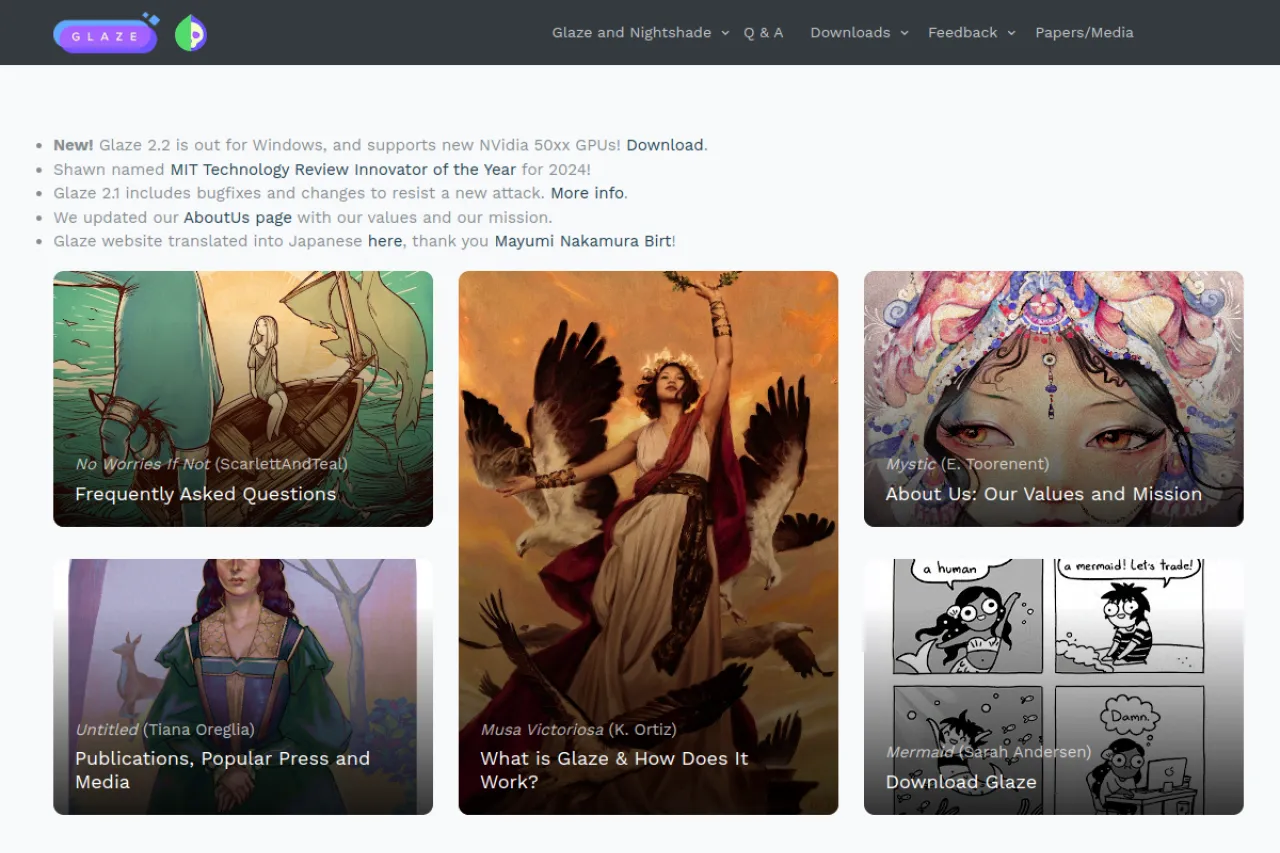
Glaze is a free research tool from the University of Chicago that protects artwork from AI style copying. It adds tiny, invisible changes to an image before you post it online. These changes stop AI image models from learning and mimicking an artist's style. Artists around the world have downloaded it millions of times. There are no paid plans or accounts. Processing happens on your own computer, so your files stay private. Visit the official site for the current version, system requirements, and download links.
Key Features
1. Style Mimicry Protection
Glaze alters image pixels in ways AI training misreads. The changes are nearly invisible, but they stop models from copying your artistic style.
2. Runs on Your Computer
The software processes images locally on Windows or Mac machines. You glaze your artwork before uploading it to social media or portfolio sites.
3. Batch Processing
You can cloak many images in one run. This saves time for artists with large portfolios or long back catalogs of work.
4. Free Research Tool
Glaze comes from a university research project, so it costs nothing to use. There are no accounts, subscriptions, or paid upgrades.
Frequently Asked Questions (FAQ)
How does Glaze protect my artwork?
Glaze adds small, invisible changes to an image's pixels. These changes confuse AI training algorithms, so models cannot copy the artist's style from the image.
Will Glaze change how my art looks to viewers?
The changes are designed to be hard for people to notice. The protection targets AI models, not human eyes, though very detailed work can look slightly different.
Does Glaze work against every AI model?
Glaze targets diffusion-based image models, which are the most common type. No tool can promise protection against every model built in the future.
Do I need to re-glaze images I already posted?
Glaze only protects images you process before posting. Pictures already online cannot be protected retroactively, so start with new uploads.
Conclusion
Glaze gives artists a free, practical defense against AI style copying. It runs on your own computer, works in batches, and costs nothing. Millions of downloads show how many creators trust it. Artists who post work online should glaze images first for the best protection. Check the official site for system requirements and the latest version.
Keep exploring
Similar AI tools
Ranked by the job they do, their capabilities, and how closely they fit this workflow.