Grammarly
Real-time grammar, spelling, tone and clarity checks wherever you write.
Upvotes
0
Pricing
Freemium
Category
Writing Generators
In the database since
Oct 2026
Overview
About Grammarly
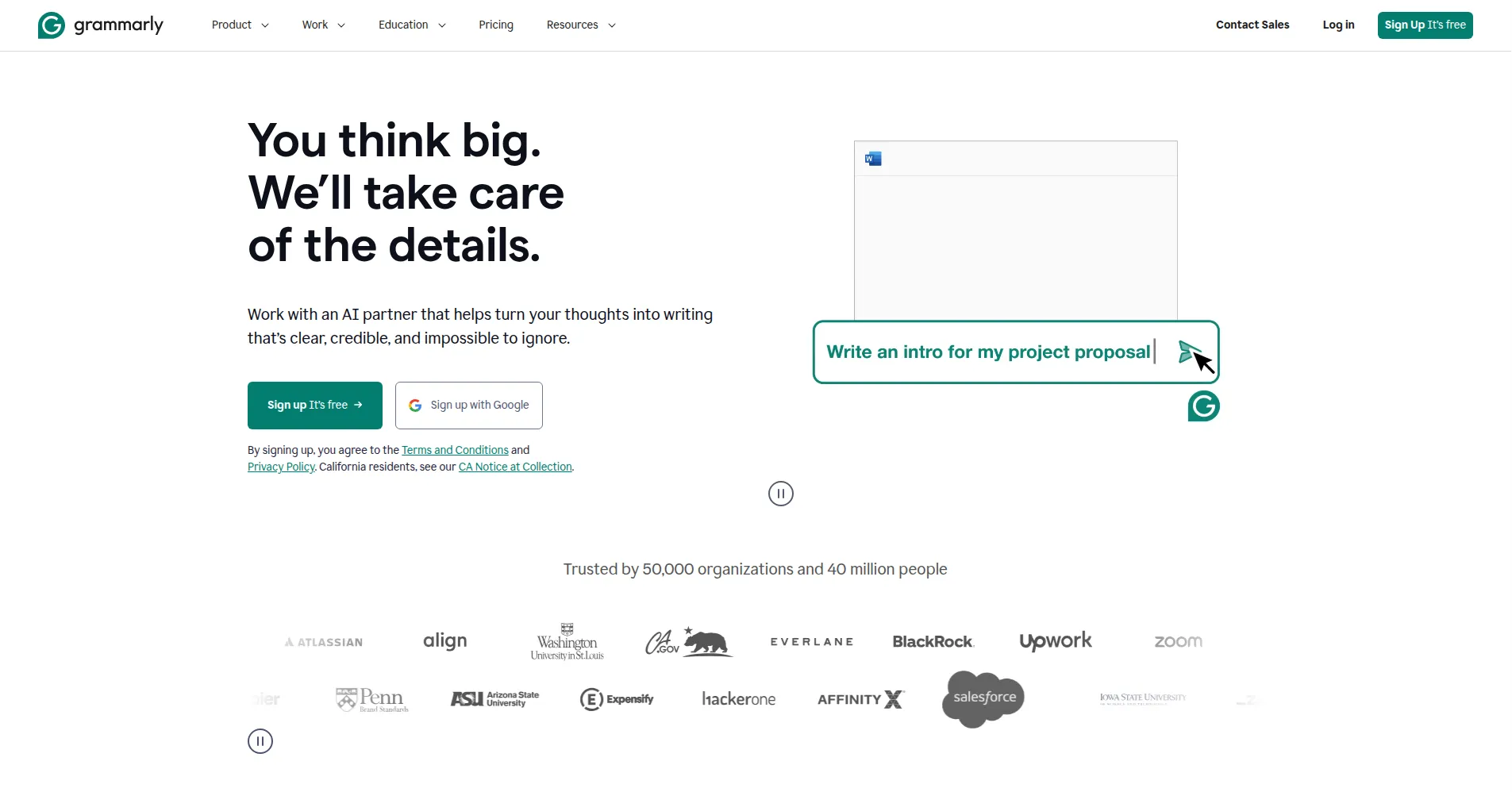
Grammarly is an AI writing assistant that checks your grammar, spelling, tone, and clarity in real time, wherever you write. It works as a browser extension, desktop app, and mobile keyboard, and plugs into Word, Google Docs, Gmail, Outlook, Slack, and over a million other apps and websites. More than 40 million people and 50,000 organizations use it daily for emails, essays, reports, and messages. It is freemium: Free covers core corrections with 100 AI prompts a month, while Pro unlocks full rewrites, plagiarism checks, and 2,000 prompts.
Key Features
1. Real-Time Grammar and Spelling Correction
Catches grammar, spelling, and punctuation mistakes instantly as you type, across every app and website it supports.
2. Full-Sentence Rewrites
Suggests clearer, more concise versions of entire sentences, beyond what basic spellcheck can fix (Pro).
3. Tone Detection and Adjustment
Shows how your writing sounds — formal, friendly, confident — and recommends wording that fits your audience (Pro).
4. Generative AI Assistant
Drafts, rewrites, or summarizes text from a prompt, with 100 prompts a month on Free and 2,000 on Pro.
5. Plagiarism and AI Detection
Checks your writing against web and academic sources for copied text, and flags likely AI-generated passages (Pro).
6. Writing Agents in Grammarly Docs
Specialized agents proofread drafts, find supporting citations, predict grades against a rubric, and detect AI text.
7. Works Across 1 Million+ Apps and Websites
One assistant follows you across browser, desktop, phone, email, docs, and team tools — no copying text between apps.
FAQ
How is Grammarly different from ChatGPT for writing?
ChatGPT generates text from a prompt; Grammarly improves the text you write, inside the apps you already use. It is an editor, not a blank-page generator.
What is the difference between Grammarly Free and Pro?
Free covers grammar, spelling, punctuation, and basic tone detection. Pro adds full-sentence rewrites, plagiarism and AI detection, and 2,000 AI prompts a month — check Grammarly's plans page for prices.
Does Grammarly work inside Google Docs and Microsoft Word?
Yes. It integrates directly with Google Docs, Microsoft Word, Outlook, Gmail, and many other writing surfaces through its browser extension and desktop apps, so suggestions appear where you type.
Does Grammarly include a plagiarism checker?
Yes, on Pro. It scans your writing against web pages and academic databases to flag unoriginal text and missing citations, which suits students and professional writers checking originality.
Can Grammarly detect AI-written text?
Yes, on Pro. Its AI-text detector flags passages that look machine-generated, a useful check for editors and educators reviewing submissions.
Does Grammarly sell my writing data?
No, Grammarly states it does not sell user data. It processes your text on its servers to generate suggestions, complies with GDPR and CCPA, and lets you opt out of product-improvement data sharing.
Conclusion
Grammarly is the default writing assistant because it works where you already write. The free plan genuinely covers everyday grammar and spelling, and the integrations make corrections appear on their own. If you write daily for work or study, Pro's rewrites, tone guidance, and plagiarism checks are worth it. It polishes your words — the thinking stays yours.
Keep exploring
Similar AI tools
Ranked by the job they do, their capabilities, and how closely they fit this workflow.