
Upvotes
0
Pricing
Freemium
Category
Research & Academic Tools
In the database since
Oct 2026
Overview
About Humata
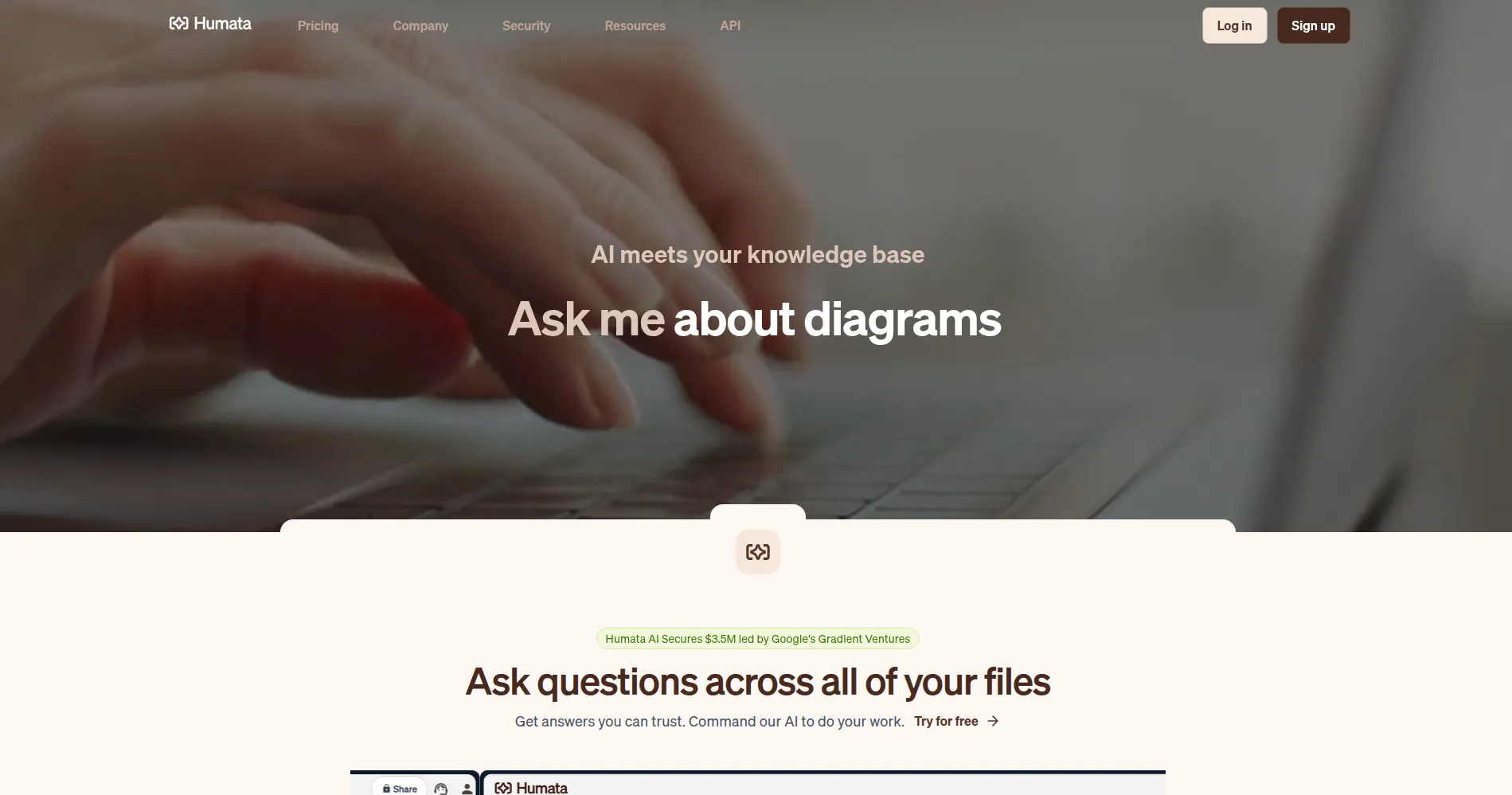
Humata is an AI tool that answers questions about your documents. You upload files such as PDFs, Word documents, or PowerPoint decks, then ask questions in plain language. It suits students, researchers, lawyers, and teams who need fast facts from long files. Each answer includes citation links into the source file, so you can trace every claim. The free tier covers a small monthly page allowance, and paid plans raise it. Check the official site for current limits before you rely on them.
Key Features
1. Document Questions and Answers
Upload a file and ask a specific question about its content. Humata finds the relevant passage and answers from that passage alone.
2. Citation Links Into Sources
Answers carry links that highlight the exact source passage. You can open each link and read the claim in its full context.
3. Summaries on Demand
Ask for a summary of a whole document or one section, then ask follow-up questions to shorten or reshape it until it fits your need.
4. Compare Documents Side by Side
Upload two or more files and ask how they differ. Humata pulls facts from each file so you can compare terms, findings, or versions.
5. Multiple File Formats
Humata accepts PDFs, Word files, and PowerPoint decks. This lets one workspace hold reports, papers, slides, and legal files together.
6. Embeddable Document Chat
Businesses can embed the Humata chat box in a webpage. Site visitors then get answers drawn straight from the company's own documents.
Frequently Asked Questions (FAQ)
How is Humata different from a general chatbot?
A general chatbot answers from broad training data. Humata answers only from files you upload, and each answer links back to the source passage.
Does Humata read scanned PDFs?
Scanned text needs OCR, which Humata lists on its Team plan. Test a known sentence from your scanned file first to confirm it extracts cleanly.
Can I use Humata with my team?
Yes. Team plans add shared files, role-based access, and department folders, so only trusted contacts can ask questions on each document.
Is my data used to train AI models?
Humata states it does not use customer data to train its models. Files sit in a secured private cloud with encryption at rest.
What can I ask Humata to do besides answer questions?
You can ask for summaries, comparisons across files, and key facts such as deadlines or figures, each with citations you can verify.
Conclusion
Humata turns long documents into a question-and-answer workspace for students, researchers, and teams. Its citation links keep every answer traceable to a source passage, which matters for research and legal work. The free tier fits light monthly use, while paid plans suit teams with steady document loads. Shared files and role-based access help teams control who sees each document.
Keep exploring
Similar AI tools
Ranked by the job they do, their capabilities, and how closely they fit this workflow.