
Upvotes
0
Pricing
Freemium
Category
Business Tools
In the database since
Oct 2026
Overview
About iLovePDF
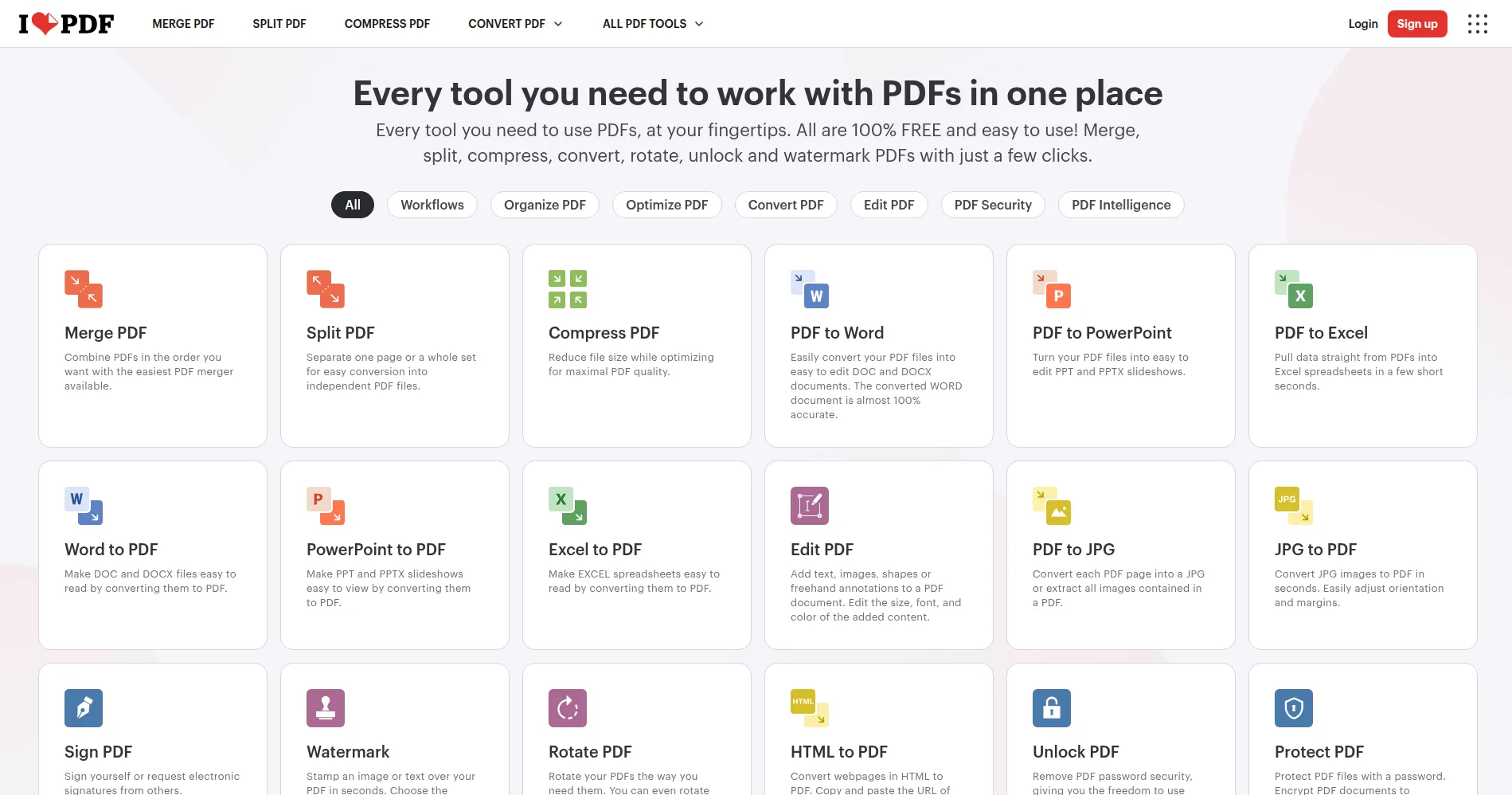
iLovePDF is a free online toolkit for working with PDF files. It runs in your browser, so you install nothing and open no heavy program. You can merge pages, split a file, shrink a large PDF, and change files to and from PDF form. It also lets you edit pages, add page numbers, sign a document, and guard it with a password. A free plan covers everyday tasks, while paid plans lift the limits. This guide explains what it does, what stays free, and where it falls short.
Key Features
1. Merge and Split PDFs
Combine several PDFs into one file, or split one PDF into separate pages. You pick the order, so the result reads as you want.
2. Compress PDF Files
Shrink a large PDF so it is easier to email or upload. You choose the level, and the file keeps a readable layout.
3. Convert To and From PDF
Turn Word, Excel, PowerPoint, and JPG files into PDFs, and turn PDFs back into Word, Excel, or images when you need to edit them.
4. Edit and Annotate
Add text, images, shapes, and notes to a PDF page, and add page numbers or a watermark. It works on the page, in your browser.
5. Sign and Protect
Sign a PDF with your own signature, lock it with a password, or unlock a file you own. You can also remove and reorder pages.
6. OCR and AI Tools
Turn a scanned PDF into searchable text with OCR, so you can find words inside it. AI tools can also sum up a long document.
Frequently Asked Questions (FAQ)
Is iLovePDF really free?
Yes. A free plan covers everyday PDF tasks, with limits on some tools and file sizes. Paid plans remove those limits and add full access.
Do I need to install anything?
No. iLovePDF runs in your browser, so you open the site and use the tools at once. Desktop and mobile apps exist, but you do not need them.
Is it safe to upload my PDFs?
Files move over an encrypted link, and you can remove them from your account when done. For very private work, the desktop app keeps files on your own device.
What is OCR in iLovePDF?
OCR reads text inside a scanned PDF or image, so the words become searchable and copyable. It turns a picture of text into real text you can use.
Can I convert PDF to Word?
Yes. iLovePDF turns a PDF into a Word file you can edit, and it can also convert to Excel, PowerPoint, and JPG. Scanned pages may need OCR first.
How is iLovePDF different from Smallpdf?
Both handle everyday PDF tasks in a browser. iLovePDF offers a set of free tools plus desktop and mobile apps, and paid plans add full access and AI tools.
Conclusion
iLovePDF suits anyone who handles PDFs now and then and wants a fast browser tool. The free plan covers merging, splitting, compressing, and converting well. Heavy users will hit its limits and need a paid plan. Still, for everyday PDF work, it is one of the easiest free options to start with, without installing any software.
Keep exploring
Similar AI tools
Ranked by the job they do, their capabilities, and how closely they fit this workflow.