
Upvotes
0
Pricing
Open Source
Category
Audio Tools
In the database since
Oct 2026
Overview
About Kdenlive
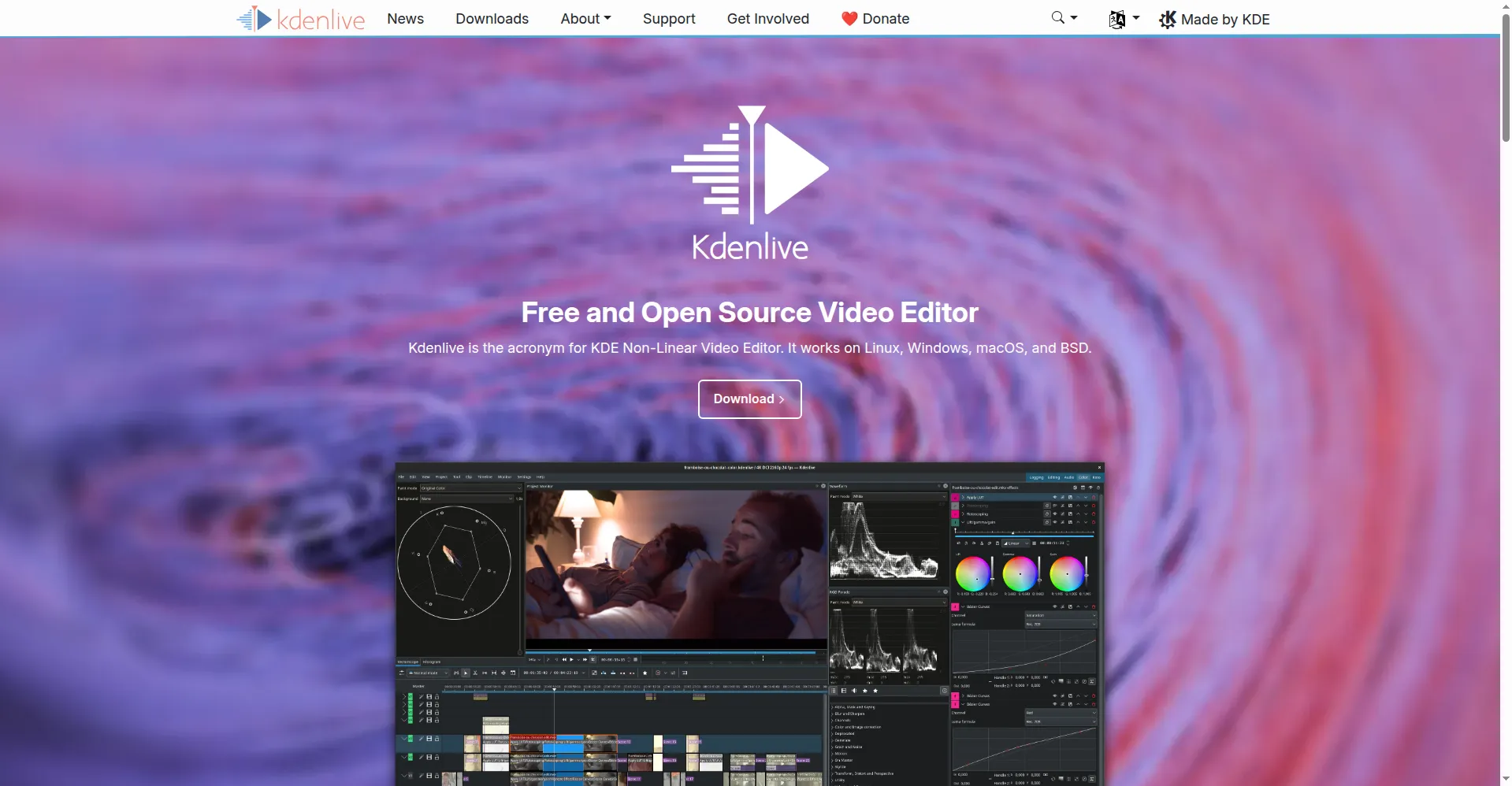
Kdenlive is a free, open-source video editor built by the KDE community. KDE is a group of volunteers that makes free software for everyone. The name stands for KDE Non-Linear Video Editor. You can cut, trim, and arrange clips on a multi-track timeline. It runs on Linux, Windows, macOS, and BSD, so most computers can use it. Kdenlive suits beginners and experienced editors alike. It handles simple home videos and complex professional projects. Everything is free, with no watermarks and no locked features.
Key Features
1. Multi-track timeline
Edit video and audio on many tracks at once. Drag clips, trim edges, and rearrange scenes with basic tools. Nested timelines help you organize complex projects.
2. Audio mixer
Mix sound without leaving the editor. Set volume levels per track, add keyframes for smooth fades, and apply audio effects right on the timeline.
3. Effects and transitions
Pick from hundreds of built-in effects and transitions. Stabilize shaky footage, fix color, and blend scenes smoothly from one clip to the next.
4. Color tools
Grade your footage with scopes and color wheels. Adjust brightness, contrast, and saturation to give every project a clean, professional look.
5. Subtitles and text
Add titles and captions with built-in tools. Style text, place it anywhere on screen, and time it to match your video frame by frame.
6. Customizable interface
Rearrange panels and toolbars to fit your workflow. Save your own layout, and switch between editing, audio, and color workspaces in one click.
Frequently Asked Questions (FAQ)
Can Kdenlive handle 4K footage?
Yes. Kdenlive edits 4K and higher resolutions, and its automatic proxy editing keeps playback smooth on modest hardware.
Which systems does Kdenlive run on?
Linux, Windows, macOS, and BSD. You can download an installer for your system from the official website.
Who makes Kdenlive?
It is part of the KDE community. A small, mostly volunteer team from around the world develops it.
Is Kdenlive good for beginners?
Yes. Simple cuts are easy to learn. The user manual and online tutorials help you grow into advanced features like keyframes and color grading.
Conclusion
Kdenlive proves that free software can be professional. It edits video and audio in one place, runs on nearly every desktop system, and costs nothing at all. A volunteer community keeps improving it every year. If you want a capable editor with no subscriptions and no watermarks, Kdenlive is a safe and honest choice to try first.
Keep exploring
Similar AI tools
Ranked by the job they do, their capabilities, and how closely they fit this workflow.