LearningApps
Free platform to create interactive learning modules and quizzes.
Upvotes
0
Pricing
Free
Category
Quiz Generators
In the database since
Oct 2026
Overview
About LearningApps
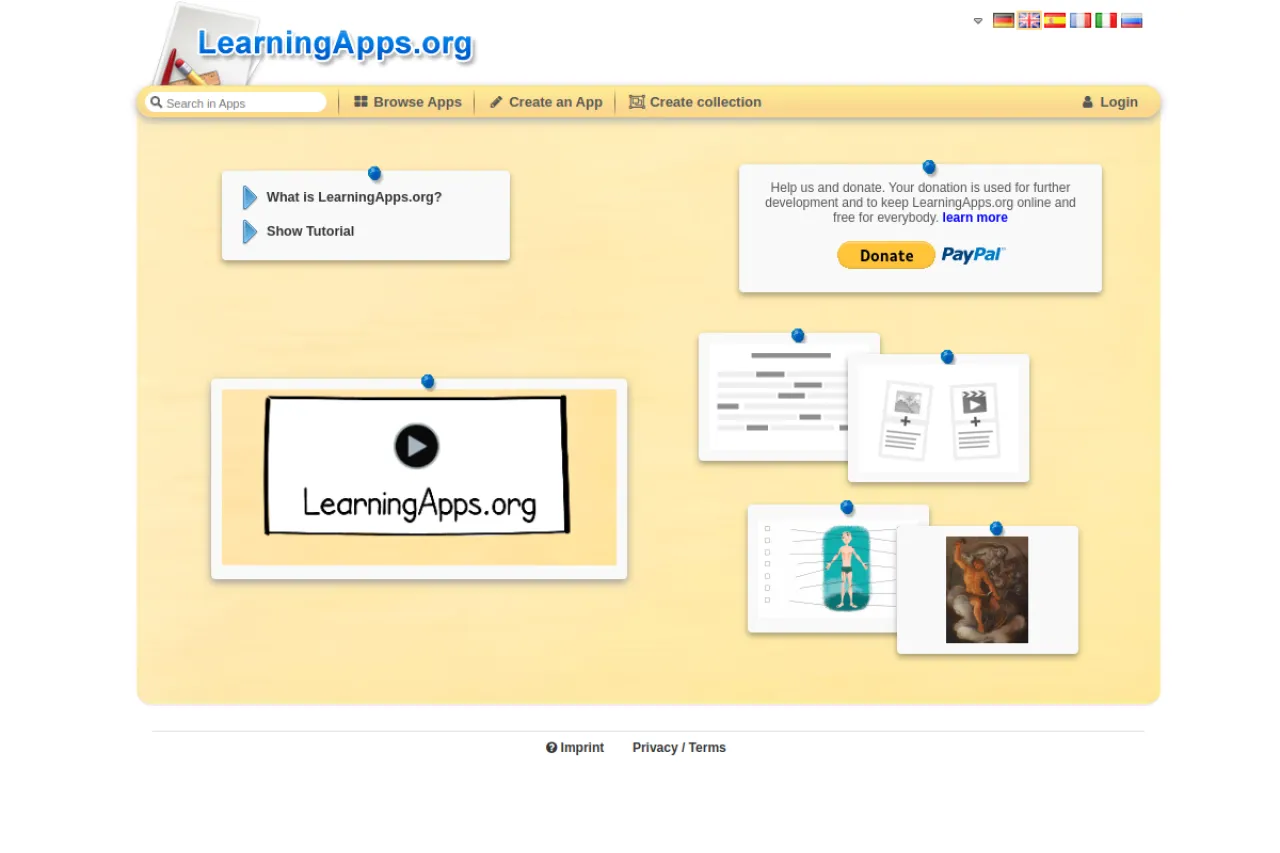
LearningApps is a website for creating small interactive learning activities. Teachers build matching games, quizzes, crosswords, ordering tasks, and more from ready-made templates. Students open the activities through a link with no account needed. The platform is run by a Swiss educational nonprofit and is completely ad-free. It suits teachers who want quick interactive exercises without complex software. Create at learningapps.org. The site is free for teachers and students alike. The template gallery keeps growing with community ideas. New templates appear regularly.
Key Features
1. Activity Templates
Dozens of templates cover matching, quizzes, crosswords, and cloze texts. Teachers pick a template and add their own content.
2. No Student Accounts
Students join activities through a shared link. There is no sign-up barrier for young learners.
3. Ad-Free Platform
The site shows no advertising at all. Classrooms stay focused without distracting banners. Young learners never see inappropriate ad content.
4. Shareable Links
Each activity gets a link and embed code for sharing. Teachers post links in their learning platforms or emails.
5. Nonprofit and Free
A Swiss educational nonprofit operates the service. Everything is available with no premium tier. Donations and grants keep the servers running.
Frequently Asked Questions (FAQ)
What is LearningApps used for?
It is used to create interactive exercises like quizzes and matching games. Teachers share activities with students through simple links.
Is LearningApps really free for teachers?
Yes. Creating activities is free with a teacher account, and students never pay. The nonprofit behind it runs on donations and grants.
Do students need accounts?
No. Students open activities through a link without signing up. Only teachers creating activities need a free account.
What kinds of activities can I make?
Templates include matching pairs, multiple choice, crosswords, ordering, cloze texts, and word grids. New templates are added over time.
Can I use LearningApps in my LMS?
Yes. Activities provide embed codes and links for learning platforms. Teachers embed them in Moodle, Google Classroom, and similar tools.
Conclusion
LearningApps is a practical option for teachers who want quick interactive exercises. Templates, no student accounts, and an ad-free experience keep setup simple. The nonprofit backing keeps the service free. Any teacher can create an activity in minutes. Students use the game-like formats while they learn. It runs on classroom tablets. Try it at learningapps.org today.
Keep exploring
Similar AI tools
Ranked by the job they do, their capabilities, and how closely they fit this workflow.