
LinoCut AI
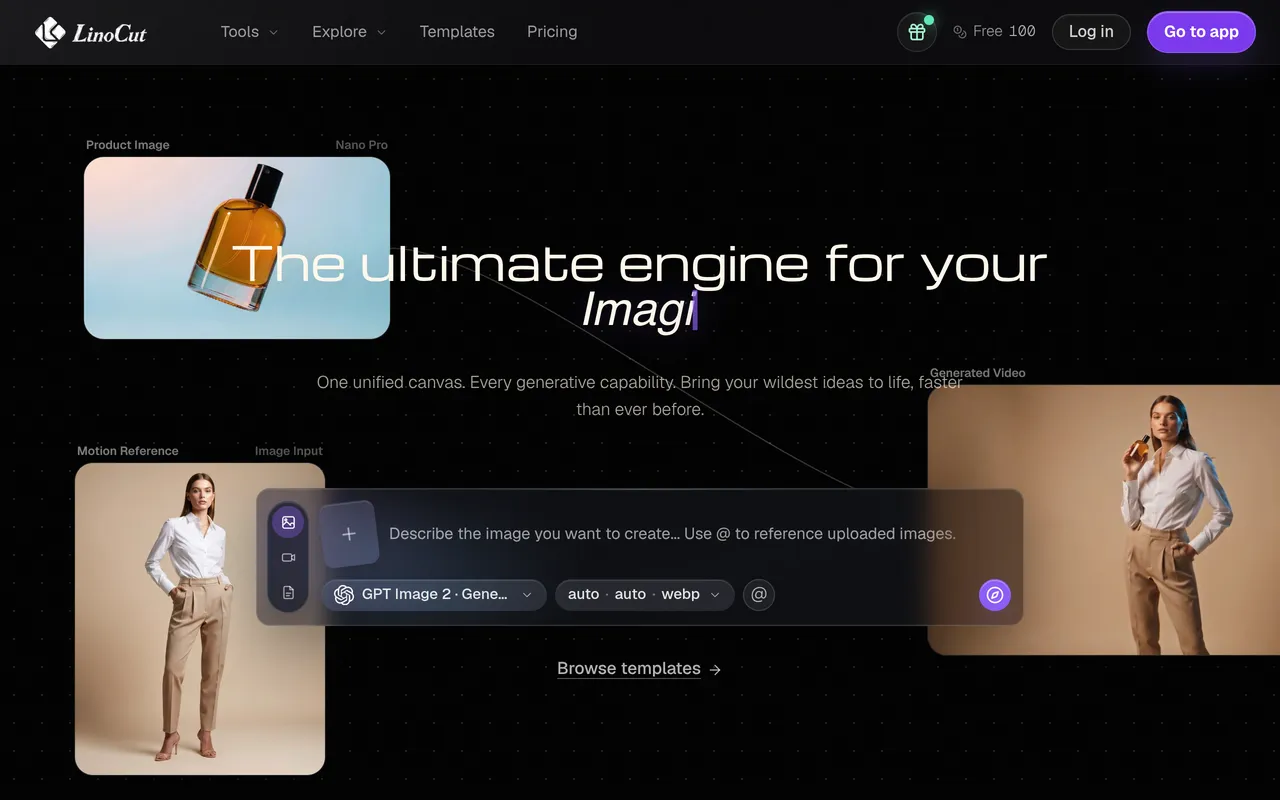
AI creative workspace for image, video, audio and text.
Upvotes
0
Pricing
Freemium
Category
Prompt Generators
In the database since
Oct 2026
Overview
About LinoCut AI
LinoCut AI is a free-to-start AI creative workspace at linocut.ai. It helps you create, repair, enhance, and animate images, video, audio, and text. The workspace brings many AI tools into one place for faster production. It includes a background remover for products and portraits. The site offers a free plan for getting started. Creators use it to speed up daily production work. New tools are added to the workspace over time. See the official site for current limits and details.
Key Features
1. All-in-One Workspace
Create, repair, enhance, and animate in one place. Images, video, audio, and text are all covered.
2. AI Background Remover
Remove backgrounds from product and portrait photos. The clean cutouts are ready for design layouts.
3. Image Enhancement
Repair and enhance your images with AI. Upscaling and cleanup improve old or low-quality pictures.
4. Text and Writing Tools
Write and reuse text content with AI help. The workspace supports the full creative process.
5. Free Plan Available
Start with the site's free plan. Check the pricing page for current limits and options.
Frequently Asked Questions (FAQ)
What is LinoCut AI?
It is an AI creative workspace at linocut.ai. It covers image, video, audio, and text creation in one place.
What can I do with it?
Create, repair, enhance, and animate media. Tools include a background remover and image enhancer.
Do I need design skills?
No. The AI tools handle the technical work. You describe what you want and refine the result.
Does it work in the browser?
Yes. The workspace runs online. Open the site and start creating right away.
Who is LinoCut AI for?
Creators, marketers, and designers. Anyone producing visual content can work faster with it.
Conclusion
LinoCut AI packs many creative tools into one workspace. The background remover and enhancer handle common image tasks fast. It suits creators who want speed. A free plan is available to start. Open the site and try your first project today. It is built for faster production workflows. One workspace replaces several single tools. Give it a test run.
Keep exploring
Similar AI tools
Ranked by the job they do, their capabilities, and how closely they fit this workflow.