Microsoft To Do
Task manager with lists, reminders, subtasks, and sharing.
Upvotes
0
Pricing
Free
Category
Homework Helpers
In the database since
Oct 2026
Overview
About Microsoft To Do
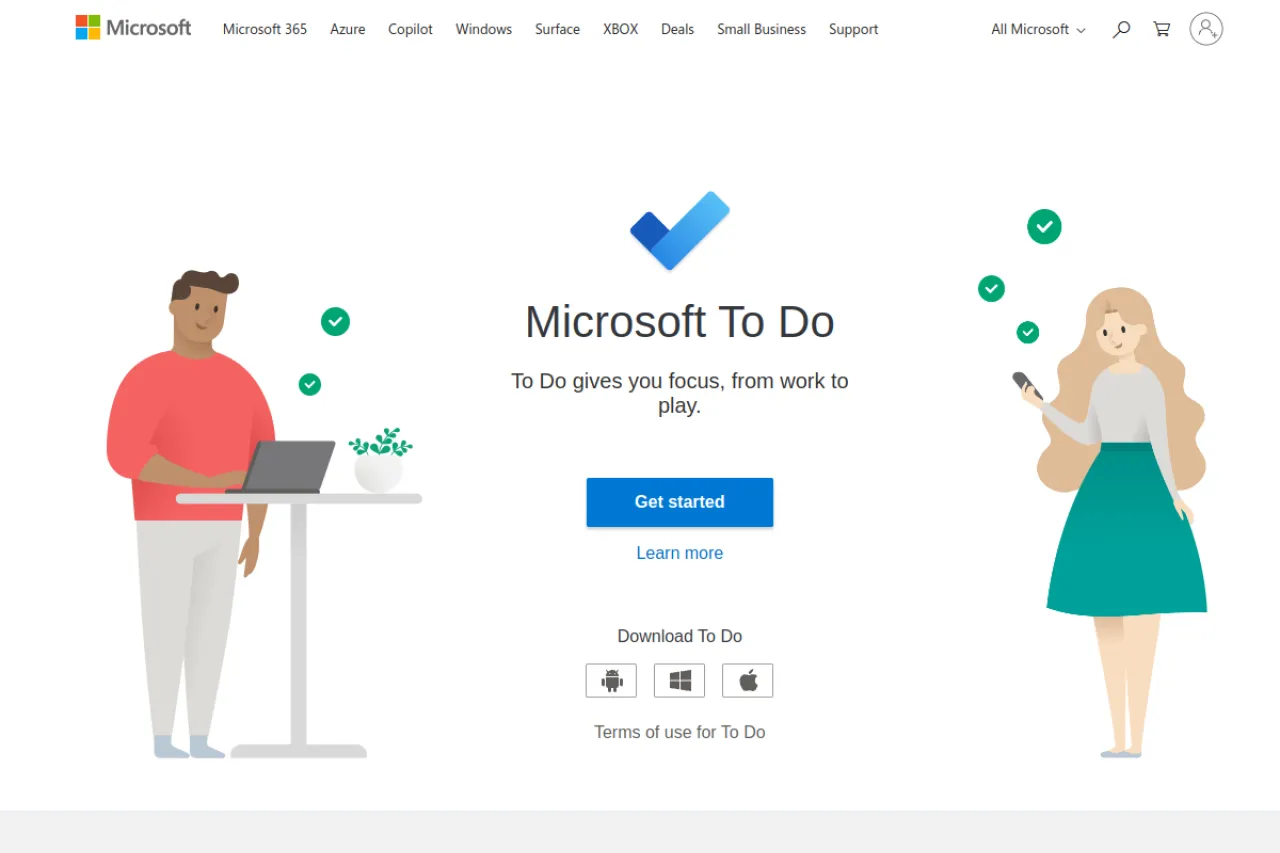
Microsoft To Do is Microsoft's free task manager for organizing daily life and schoolwork. You create lists for classes, projects, or chores, then add tasks with due dates, reminders, and subtasks. The My Day feature shows a focused list of what matters today. Lists sync across your phone, tablet, and computer, and you can share them with family or classmates. It suits students juggling assignments and anyone who loves tidy lists. The app is fully free with no paid tier. Check the official site for download options.
Key Features
1. Task Lists
Create separate lists for school, work, and home life. Each list keeps related tasks neatly together.
2. My Day
My Day shows a short list of today's priorities. You start each morning knowing what matters.
3. Reminders and Due Dates
Set due dates and reminders for every single task. Timely alerts make sure nothing slips through the cracks.
4. Sharing
Share lists with family, friends, or classmates easily. Everyone sees updates and can add their own tasks.
Frequently Asked Questions (FAQ)
What is Microsoft To Do?
Microsoft To Do is Microsoft's free task manager with lists, reminders, subtasks, and sharing across all your devices.
Does Microsoft To Do need Microsoft 365?
No. The core features work without a Microsoft 365 subscription, using just a free Microsoft account.
Can I share lists with others?
Yes. You can share any list with family, friends, or classmates so everyone stays updated.
What platforms does it support?
It runs on Windows, Mac, iOS, Android, and the web, with lists syncing across all of them.
Conclusion
Microsoft To Do is a clean, reliable way to stay organized. It suits students tracking assignments and anyone who thinks in lists. The app is fully free with no paid tier. Download it on your devices, build your lists, and let My Day guide each morning. Share a list with a study partner today. It syncs in seconds across devices.
Keep exploring
Similar AI tools
Ranked by the job they do, their capabilities, and how closely they fit this workflow.