
Missive
Shared team inbox with comments, tasks, and rules
Upvotes
0
Pricing
Paid
Category
Business Tools
In the database since
Oct 2026
Overview
About Missive
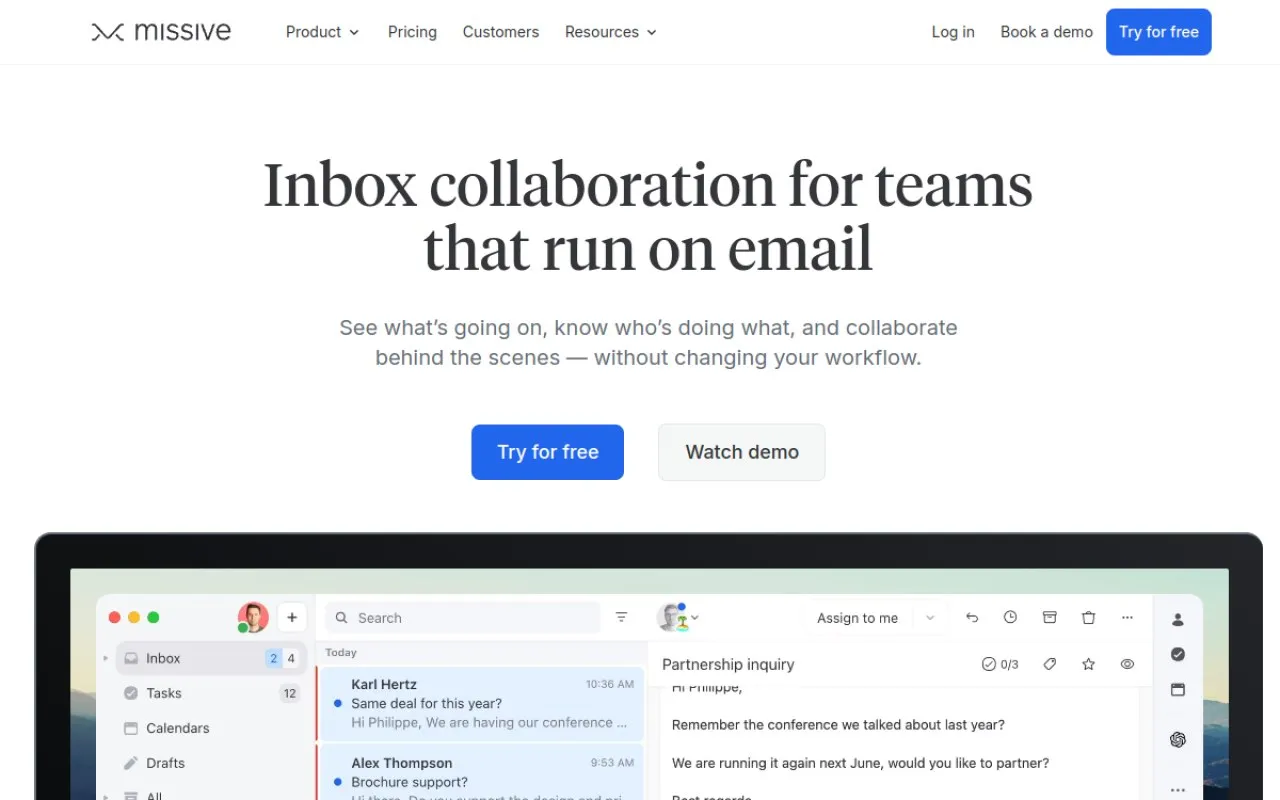
Missive is an email app built for teams, not single users. It turns email, SMS, and social messages into shared team inboxes. Teammates comment inside a thread, assign work, and track who handles what. Personal accounts stay private, so work and private mail can live together safely. Rules automate sorting and follow-ups, and an AI assistant drafts replies using your context. It suits support, sales, and operations teams that answer customers together daily. Check the Missive website for current plans, limits, and platform details.
Key Features
1. Shared Team Inboxes
Connect email, SMS, and social accounts into team spaces. Every team sees its own inbox, tasks, and open conversations in one place.
2. Internal Comments Inside Threads
Discuss any email right inside the thread with comments and mentions. Customers never see these notes, so the team can plan replies together.
3. Tasks Built Into Email
Turn any email into a task and assign it to a teammate. See who is busy, who is free, and what needs attention today.
4. Rules and Automations
Create up to 1,000 rules that sort, assign, and label messages automatically. Repeat work happens on its own, without anyone touching the inbox.
5. AI Assistant
The assistant reads context from your connected tools before drafting. It can pull facts from Stripe or your CRM, then suggest a reply.
6. Integrations and API Access
Connect over 25 apps, including HubSpot, ClickUp, and Trello. Paid plans add API and MCP access, so outside tools can share data with Missive.
7. Analytics and Reporting
Productive plans include basic reports on team workload and response times. The Business plan adds advanced analytics for larger, busier support teams.
8. Security and Access Control
Missive is SOC 2 Type II certified, with audited security policies. Business adds SAML single sign-on and IP restrictions for tighter account control.
Frequently Asked Questions (FAQ)
Can I try Missive before paying?
Yes. Every plan starts with a 30-day free trial, and no credit card is required. After the trial, you pick a paid plan or stop using the workspace.
Will my personal emails be shared with my coworkers?
No. Personal accounts stay visible only to you. Only accounts and spaces you share with the team appear in shared inboxes.
Can I bring more than one account into Missive?
Yes. You can connect several email accounts, plus SMS and social accounts. Everything lands in one app, organized by team spaces.
How is Missive different from a normal shared inbox?
Teammates comment inside the email itself instead of forwarding copies around. Tasks, statuses, and assignments sit in the same thread, so nothing gets lost.
Does the AI assistant reply to customers by itself?
No. The assistant only helps your team draft and find information. It reads context from your connected tools, and a person always sends the final reply.
Which plan do small teams need?
Starter covers up to five users with shared inboxes and tasks. Productive adds integrations, rules, and basic analytics for teams up to fifty users.
Conclusion
Missive fits teams that live in email and answer customers together. Shared inboxes, comments, and tasks keep everyone clear about who does what. Rules and the AI assistant cut repeat work for the whole team. There is no free plan, so budget for every seat from day one. Paid plans start at $14 per user monthly on yearly billing.
Keep exploring
Similar AI tools
Ranked by the job they do, their capabilities, and how closely they fit this workflow.