Upvotes
1
Pricing
Freemium
Category
Text-to-Speech
In the database since
Oct 2026
Overview
About Murf
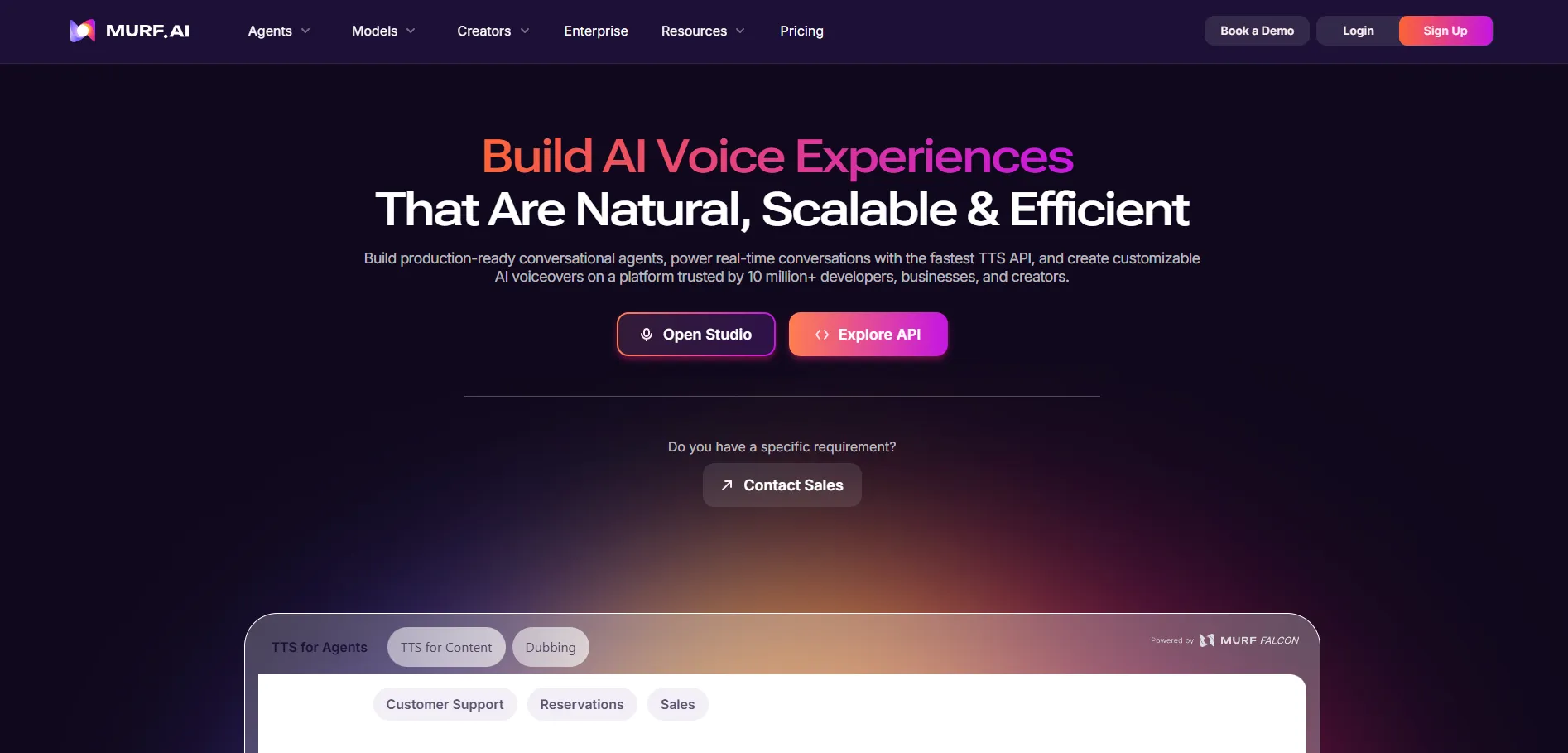
Murf is an AI voiceover studio that turns written scripts into spoken audio. You type or paste your text, pick a voice, and Murf reads it out loud like a human narrator. It is built for creators, educators, and teams who need professional voiceovers without hiring voice actors or booking studios. The Murf Studio editor lets you shape the delivery and sync it with video or slides. The free plan lets you try the voices with no credit card needed. Check murf.ai for current plans and limits.
Key Features
1. 200+ AI Voices in 35+ Languages
Pick from over 200 natural-sounding voices across 35 languages. Filter by tone and use case to find the right voice fast.
2. Voiceover Studio Editor
Shape delivery on a timeline. Adjust pitch, speed, and intonation, or add emphasis to single words.
3. Voice Cloning
Build an AI copy of your own voice. Narrate every script in it and keep your sound consistent.
4. AI Dubbing in 40+ Languages
Translate and re-voice your content for new audiences worldwide. Dubbing supports more than 40 languages.
5. Timeline Video Editor
Drop your video or images onto the timeline, add the voiceover, and export the finished video, up to two hours long.
6. PowerPoint and Slides Voiceover
Import PowerPoint or Google Slides decks. Murf creates timed narration for each slide and turns it into a video.
7. Text-to-Speech API
Developers can plug Murf voices into their apps through the API, which lets software use Murf. It runs on the Falcon 2 model.
Frequently Asked Questions (FAQ)
Does Murf's free plan include commercial rights?
No. The free plan gives no commercial rights. Paid plans unlock paid-use rights: Creator adds commercial rights, Business adds a business license, and Enterprise adds full broadcasting rights.
Can I clone my own voice with Murf?
Yes. Voice cloning creates an AI copy of your voice, so you can narrate any script in it and keep a consistent sound.
Can Murf dub my videos into other languages?
Yes. Murf's AI dubbing translates and re-voices your content in more than 40 languages for new audiences.
Can I add voiceovers to PowerPoint or Google Slides?
Yes. Import your deck and Murf builds timed narration for each slide, turning the presentation into a video.
How much voice generation is free on Murf?
Ten minutes. The free plan gives 10 minutes of voice generation across 10 projects, with no credit card needed. Downloads stay off on the free plan.
Can developers put Murf voices in their own apps?
Yes. The text-to-speech API lets apps generate Murf voices on demand, powered by the Falcon 2 model.
Conclusion
Murf suits anyone who produces narrated content often — video makers, course creators, marketers, and training teams. The studio editor, video timeline, and slide voiceovers remove the usual back-and-forth between separate voice and video tools. Start on the free plan to test the voices, then upgrade when you need downloads, more minutes, or commercial rights. Business plans add team features.
Keep exploring
Similar AI tools
Ranked by the job they do, their capabilities, and how closely they fit this workflow.