
Numerous.ai
ChatGPT-style AI functions right inside Excel and Google Sheets.
Upvotes
0
Pricing
Freemium
Category
Spreadsheets
In the database since
Oct 2026
Overview
About Numerous.ai
Numerous.ai is an AI add-on for Google Sheets and desktop Excel. It adds ChatGPT-style functions such as =AI(), =WRITE(), and =INFER() to your cells, so a plain-English prompt can clean data, sort reviews by mood, or write product copy across hundreds of rows. You do not need an OpenAI API key, and one subscription works in both Sheets and Excel. It runs on token-based plans with a small free trial. It fits marketers, online sellers, and researchers. Check numerous.ai for current details.
Key Features
1. AI Functions in Cells
Use =AI(), =WRITE(), or =INFER() right in a cell. Drag the formula down and AI processes a whole column.
2. Works in Sheets and Excel
One add-on covers Google Sheets and desktop Excel. The same subscription works in both apps.
3. =INFER() Learns From Examples
Show the AI a few sample answers and =INFER() copies the pattern down the column for you.
4. Bulk Content Creation
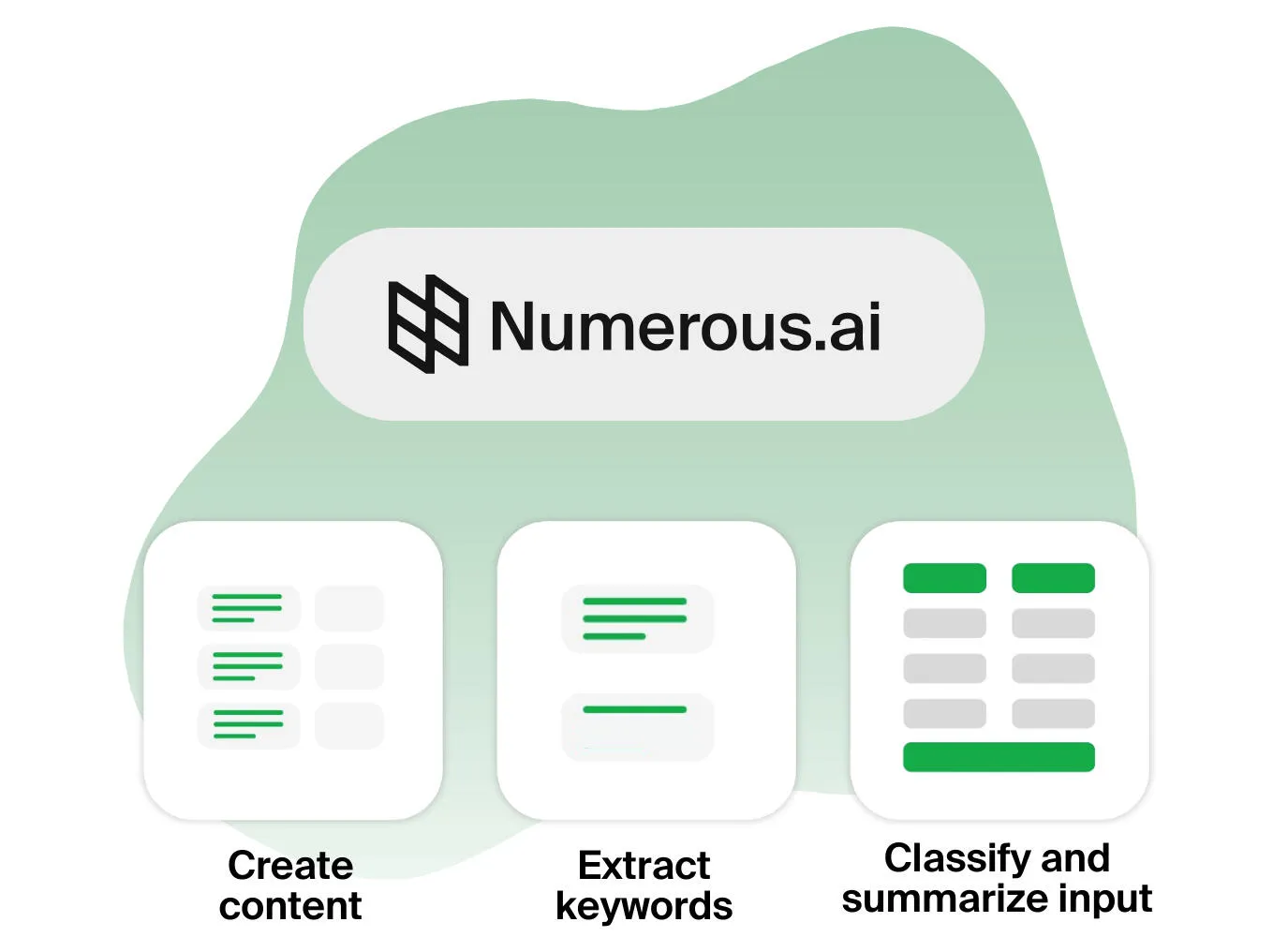
Generate product descriptions, SEO titles, or ad copy row by row, straight from data already in your sheet.
5. Data Cleaning and Classification
Summarize long text, judge review mood, or pull keywords from messy columns with a single prompt.
6. No API Keys Needed
The add-on handles the AI service for you. Your team installs it and starts prompting, with no keys to manage.
Frequently Asked Questions (FAQ)
What is Numerous.ai used for?
Numerous.ai runs AI tasks across many spreadsheet rows at once: classifying feedback, writing product copy, extracting keywords, and cleaning messy data.
Does Numerous.ai work in Excel or only Google Sheets?
It works in both. Numerous.ai supports Google Sheets and desktop Microsoft Excel, and one subscription covers both apps.
What is the =INFER() function?
=INFER() teaches the AI a repeating task from your examples. Give it a few filled rows, and it follows the pattern for the rest.
Do I need an OpenAI API key to use Numerous.ai?
No. Numerous.ai handles the AI service behind the scenes, so no API key or separate billing is needed from you.
Does Numerous.ai work on mobile devices?
No. It is built for desktop use through the Google Sheets add-on or desktop Excel, so it does not run on mobile.
How does Numerous.ai's pricing work?
It uses tokens: each AI call spends tokens, and plans come with a monthly token amount. A small free trial lets you test it first; check numerous.ai for current numbers.
Conclusion
Numerous.ai puts ChatGPT-style AI directly into your spreadsheet cells. Its =AI(), =WRITE(), and =INFER() functions make bulk text work fast across Sheets and Excel with no API keys to manage. It fits marketers, sellers, and researchers who process hundreds of rows every day. The small free trial lets you test it on your own data first before you pay.
Keep exploring
Similar AI tools
Ranked by the job they do, their capabilities, and how closely they fit this workflow.