
Upvotes
0
Pricing
Freemium
Category
Research & Academic Tools
In the database since
Oct 2026
Overview
About Paperpal
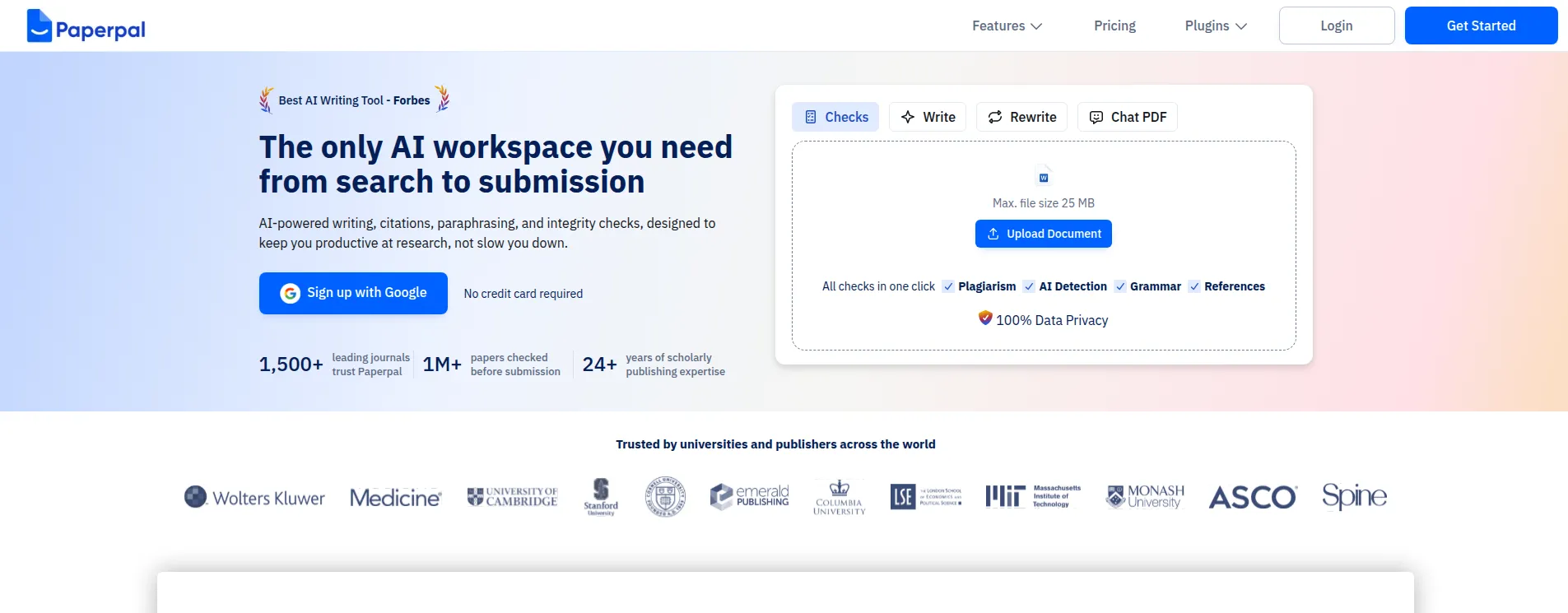
Paperpal is an AI writing assistant made only for academic writing. Trained on millions of edited research manuscripts, it helps students and researchers polish grammar, paraphrase text, and run integrity checks before journal submission. It works in a web app, in Microsoft Word, and through browser extensions for Chrome and Edge, including Google Docs and Overleaf. The free plan covers core features with monthly limits. Its suggestions respect citations, equations, and technical terms, which general grammar tools often miss. Check the official pricing page for current plans and limits.
Key Features
1. Academic Language Suggestions
Paperpal corrects grammar and word choice for formal research English. It leaves citations, equations, and technical terms untouched.
2. Paraphrasing and Rewrite
Paperpal rewrites sentences in a clear academic tone. You can shorten wordy text or try different phrasings without changing the meaning.
3. Plagiarism Checks
Paperpal scans your draft against published sources and shows a similarity score with matching sources. The free plan covers monthly plagiarism checks.
4. AI Detection
Paperpal checks whether your text reads as AI-generated, so you can review flagged parts before submission. The free plan allows five scans per day.
5. Pre-Submission Checks
Paperpal runs 30+ checks for journal readiness: ethical declarations, formatting, metadata, tables, figures, and reference issues like retracted papers or broken DOIs.
6. Citations and Research
Paperpal generates citations in 10,000+ styles and searches millions of research articles. You can find sources and insert references while you write.
FAQ
How is Paperpal different from Grammarly?
Paperpal is trained on academic manuscripts, not general web text. Its suggestions suit formal research English, and it deliberately leaves citations, equations, and technical terms alone.
Does Paperpal work inside Word and Google Docs?
Yes. Paperpal offers an MS Word add-in and Chrome and Edge extensions. The extension also works in Google Docs and Overleaf, so suggestions appear where you draft.
What does Paperpal check before journal submission?
Its Paper Checker runs 30+ readiness checks. It looks at ethical declarations, formatting, metadata, tables, and figures, and flags reference problems like retracted papers or broken DOIs.
Does Paperpal use my manuscript to train its AI?
No. Paperpal says it does not use your documents, uploads, or personal information to train its AI models. You can also delete your documents.
What can I do with Paperpal's free plan?
The free plan gives 200 language suggestions per month and 5 generative AI uses per day. It also includes unlimited citation generation and 7,000 words per month of plagiarism checks.
Conclusion
Paperpal is the AI writing assistant built for academic work, not general writing. It suits researchers, PhD students, and anyone submitting to journals, especially non-native English speakers. The free plan handles light editing; regular submitters will want a Prime plan, starting at $25 per month. Its pre-submission checks catch issues journals actually flag. Check the official site for current limits.
Keep exploring
Similar AI tools
Ranked by the job they do, their capabilities, and how closely they fit this workflow.