PhET Interactive Simulations
Free interactive science and math simulations for learning.
Upvotes
0
Pricing
Free
Category
Tools for Students
In the database since
Oct 2026
Overview
About PhET Interactive Simulations
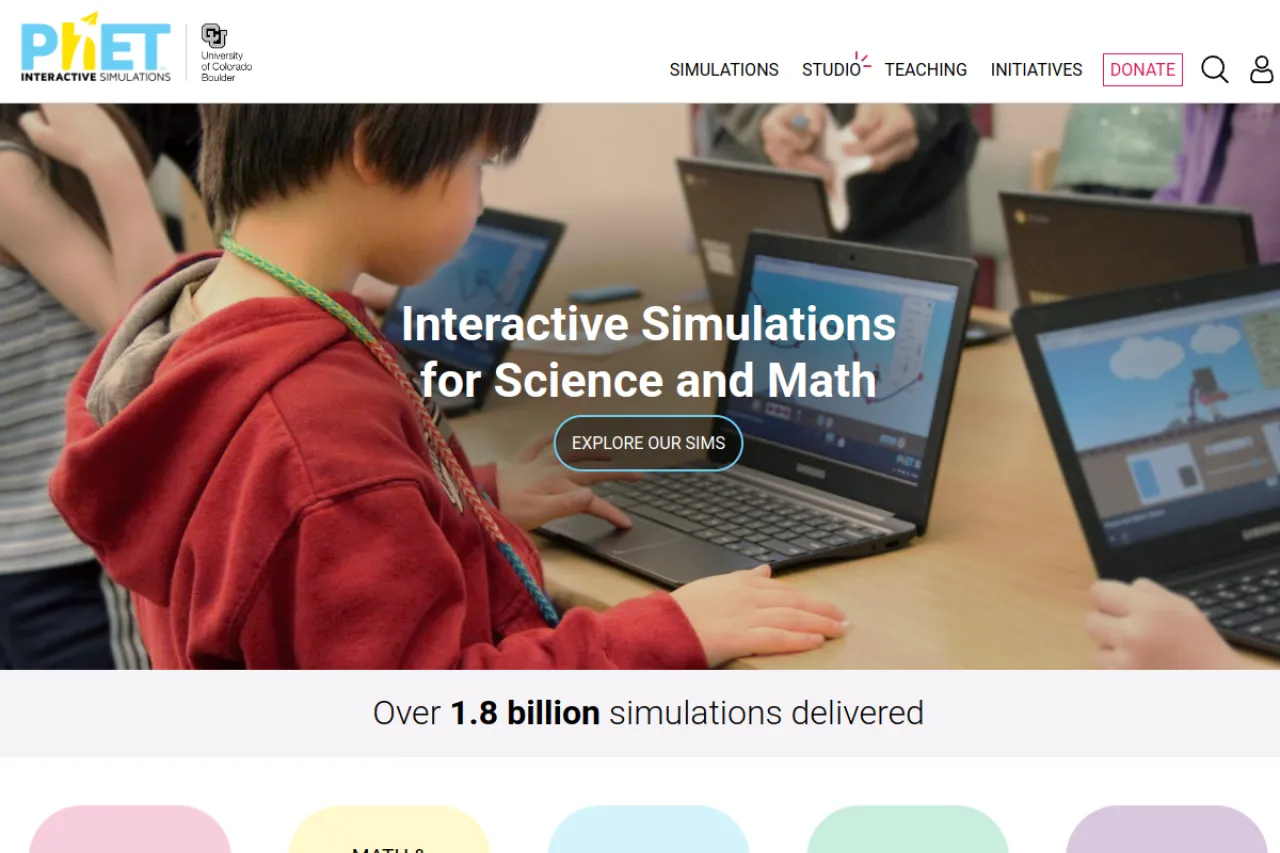
PhET Interactive Simulations is a free learning site from the University of Colorado Boulder. It offers interactive simulations for physics, chemistry, biology, and math. Each sim lets you change variables and watch what happens in real time. For example, you can stretch a spring or mix chemicals safely on screen. The simulations run in a web browser with no install needed. Teachers use them for lessons, and students use them for homework and revision. See the official site for the newest details.
Key Features
1. Physics Simulations
Explore forces, motion, energy, and waves. Move sliders and see the physics change right away.
2. Chemistry Simulations
Build molecules, balance equations, and test pH. The sims make abstract chemistry visual and hands-on.
3. Biology and Math Sims
Study cells, genetics, and graphs with interactive models. Math sims cover arithmetic through advanced topics.
4. Runs in the Browser
Simulations work in any modern web browser. There is nothing to install, so you can start in seconds.
5. Teacher Resources
Teachers get lesson plans and teaching tips for each sim. The materials help fit sims into class time.
Frequently Asked Questions (FAQ)
What is PhET Interactive Simulations?
It is a free site with interactive science and math simulations. It is made by the University of Colorado Boulder.
Do I need to install anything?
No. The simulations run in a web browser. You can open and use them on phones, tablets, and computers.
Can teachers use PhET in class?
Yes. Teachers use the sims for demos and labs. Free lesson plans and tips are available on the site.
Which subjects are covered?
Physics, chemistry, biology, earth science, and math. Each subject has many simulations to choose from.
Do the sims work on phones?
Yes. The simulations are built with HTML5, which runs on phones, tablets, and computers. You only need a browser.
Conclusion
PhET makes science and math easier to understand through play. Changing variables and seeing results builds real intuition. It suits students, teachers, and curious learners. The simulations are free and run in any browser. Open the site and try a sim in the subject you are studying now. It is one of the best free tools for visual science learning.
Keep exploring
Similar AI tools
Ranked by the job they do, their capabilities, and how closely they fit this workflow.