Upvotes
0
Pricing
Free
Category
Image Tools
In the database since
Oct 2026
Overview
About PhotoJoiner
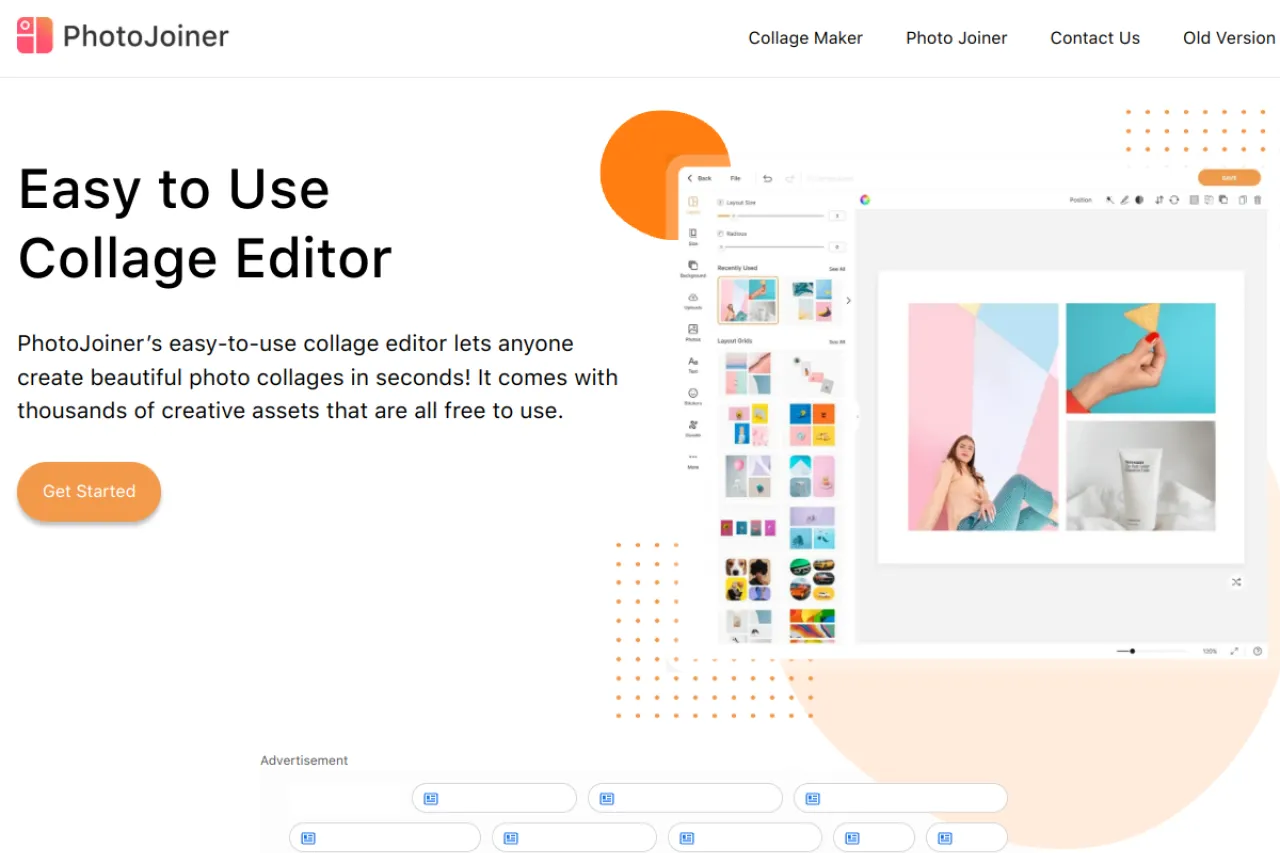
PhotoJoiner is a free online tool for joining photos into collages and grids. It has two main modes: a collage maker with templates and a photo joiner that stitches pictures side by side. You can add stickers, text, doodles, and filters to make each collage your own. Presets size your work for Facebook, Twitter, and Instagram automatically. It runs fully in the browser with no signup and no cost. Your first collage takes less than a minute to finish. Visit the official site to start making your first collage.
Key Features
1. Collage maker
Build collages from thousands of free templates, stickers, and backgrounds, then export your result in seconds.
2. Social media presets
Size collages for Facebook, Twitter, or Instagram, so they always look right on each platform.
3. Photo joiner
Stitch two or more photos into a panorama or series, horizontally or vertically, with adjustable borders.
4. Personal touches
Add text, doodles, stickers, background patterns, and photo filters to make every image truly personal.
5. No signup needed
Everything runs in the browser for free, and you can start creating without making an account.
6. Old version available
Prefer the classic layout? The site keeps the older version of the tool one click away.
Frequently Asked Questions (FAQ)
What is the difference between the collage maker and the photo joiner?
The collage maker uses templates and decorations. The photo joiner stitches photos edge to edge into panoramas or series.
Do I need an account to use PhotoJoiner?
No. The tool works in the browser without signing up.
Can I make collages sized for Instagram?
Yes. Presets size your collage for Instagram, Facebook, and Twitter.
Are the templates and stickers really free?
Yes. Thousands of templates, stickers, and backgrounds on the site are free to use.
Can I add text to my collage?
Yes. You can add text, doodles, stickers, and filters to any collage or stitched photo.
Conclusion
PhotoJoiner is a quick, friendly way to combine photos without any software to learn. It suits anyone making collages for social media or family albums. The templates and stickers do the heavy lifting for you. If you want fast results with zero learning curve, this tool delivers. Your next collage is only a few clicks away.
Keep exploring
Similar AI tools
Ranked by the job they do, their capabilities, and how closely they fit this workflow.