
Upvotes
0
Pricing
Free
Category
Image Tools
In the database since
Oct 2026
Overview
About Pingo
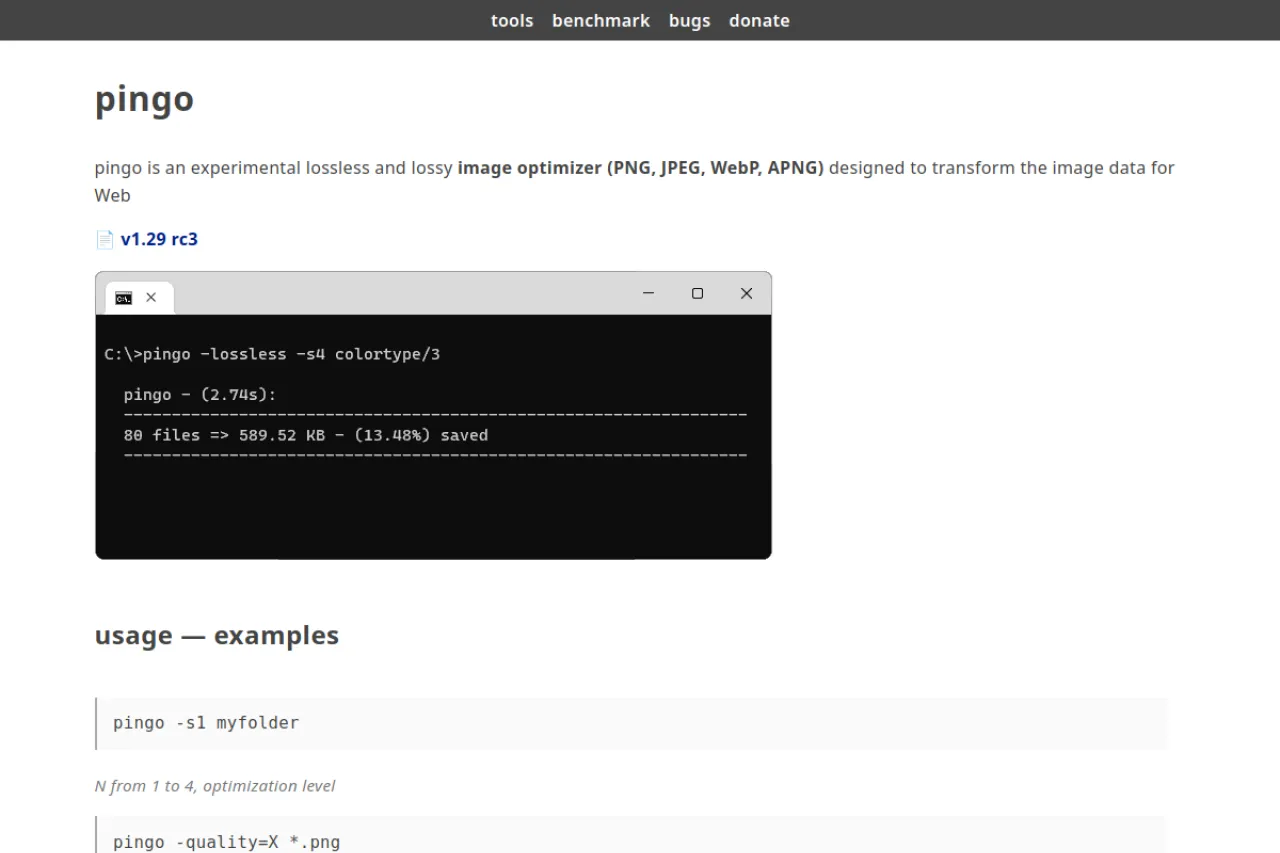
pingo is a free command-line tool that shrinks images for the web. It handles PNG, JPEG, WebP, and APNG files in both lossless and lossy modes. You run short commands like pingo -s1 myfolder to optimize whole folders at once. Web developers and site owners use it to cut page weight and speed up loading times. The tool is experimental and free for private use, with donations welcome. Download it from the official site and try the practical examples there.
Key Features
1. Lossless and lossy modes
Shrink PNG, JPEG, WebP, and APNG files with lossless or lossy settings, all tuned for web delivery.
2. Simple commands
One command optimizes a folder, such as pingo -s1 myfolder. Quality flags like -quality=80 give finer control.
3. Optimization levels
Levels 1 to 4 with the -s flag trade speed against compression, so you pick what each job needs.
4. WebP conversion
Convert PNG files to WebP with the -webp flag, cutting sizes far below the original in site tests.
5. Fast processing
Benchmarks on the site show typical images shrinking in a fraction of a second, even at higher settings.
6. Free for private use
The license lets you use pingo free for private work at your own risk, with donations accepted.
Frequently Asked Questions (FAQ)
What is pingo used for?
It optimizes images for the web from the command line, shrinking PNG, JPEG, WebP, and APNG files.
How do I optimize a whole folder?
Run pingo -s1 myfolder, where the number from 1 to 4 sets the optimization level.
What is the difference between lossless and lossy?
Lossless keeps all quality with smaller size gains. Lossy cuts much more size with tiny quality loss.
Can I convert images to WebP with pingo?
Yes. The -webp flag converts PNG files to WebP, often with dramatic size drops.
Can pingo damage my images?
Lossy mode changes pixels slightly, so keep your originals. Test on copies first, since the author calls pingo experimental.
Does pingo run on Mac or Linux?
No. pingo is a Windows program, so Mac and Linux users need a different optimizer or a Windows machine.
Conclusion
pingo is a lean, fast optimizer for people who live in the terminal every day. It suits developers shrinking whole folders of web images in seconds. The commands are short and the results are strong. If you want quick wins on page speed, give pingo a try. The whole setup takes less than five minutes today.
Keep exploring
Similar AI tools
Ranked by the job they do, their capabilities, and how closely they fit this workflow.