Pivot Animator
Classic freeware stick-figure animation studio
Upvotes
0
Pricing
Free
Category
Cartoon Generators
In the database since
Oct 2026
Overview
About Pivot Animator
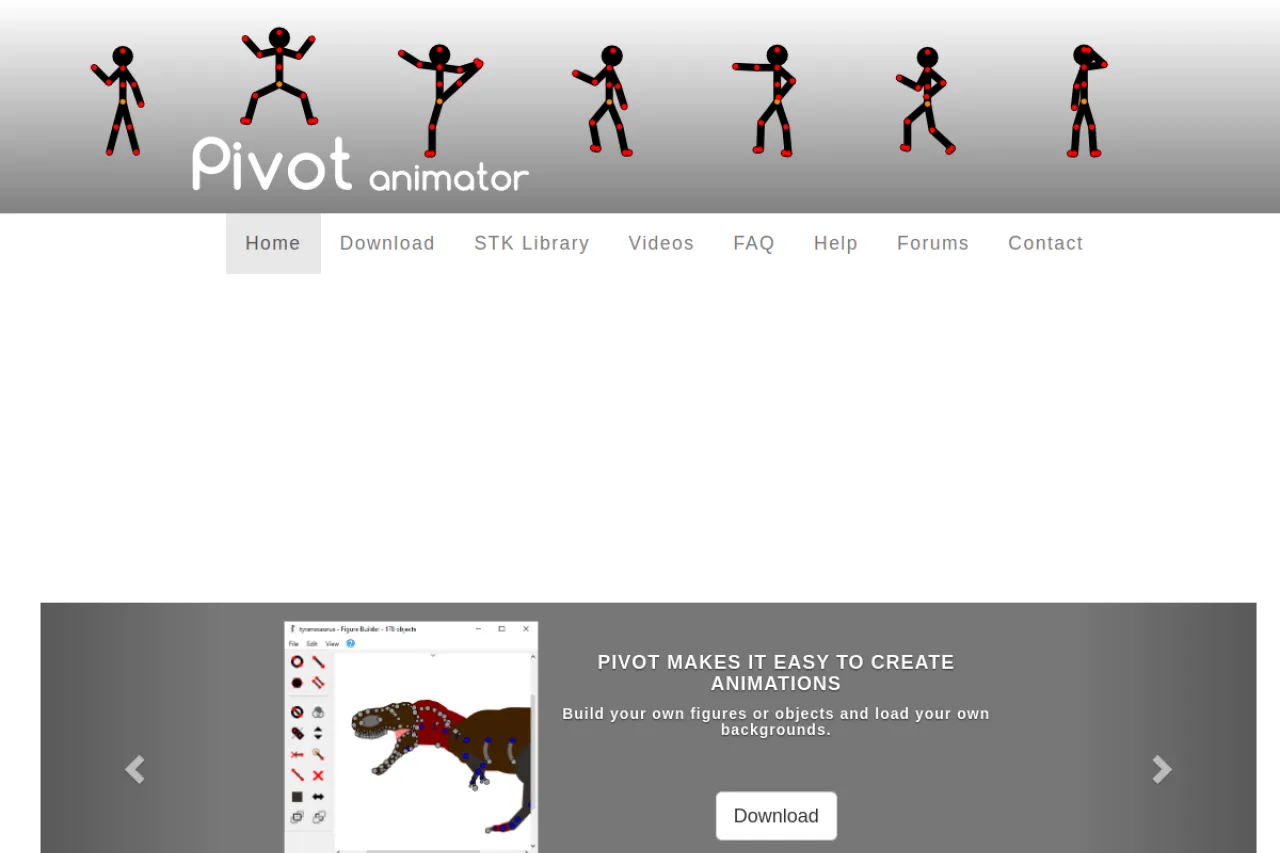
Pivot Animator is a free program for making stick-figure animations. You pose jointed figures frame by frame, then play the sequence as smooth motion. Version 5 added features like in-between frames, dark mode, and better cameras. Export finished work as animated GIFs or video files for YouTube. The software is freeware with no paid tier. Check pivotanimator.net for the latest download. A library of STK figure files on the site gives you ready-made characters to start with. Beginners can be animating within minutes of install.
Key Features
1. Stick-Figure Posing
Drag the red and orange handles to pose figures. Each frame stores the pose for smooth playback.
2. Frame-by-Frame Timeline
Build animation one frame at a time. Onion-skin views help you keep motion consistent between frames.
3. GIF and Video Export
Save animations as GIFs or video files. Share them online or upload straight to YouTube.
4. STK Figure Library
Download ready-made figures in STK format. The site library includes characters from the old Droidz collection.
Frequently Asked Questions (FAQ)
What does Pivot Animator cost?
Nothing. It is freeware with no paid tier. The installer may offer optional extra software, which you can decline.
Does Pivot Animator work on Mac?
No. It is Windows-only software.
What is the latest version?
Version 5 is the current major release, with in-between frames and dark mode. Check pivotanimator.net for the latest build and release notes.
Can I make YouTube videos with it?
Yes. Export your animation as a video file and upload it to YouTube.
Why does my antivirus warn about Pivot?
Some antivirus tools flag unfamiliar programs. The site notes these are false alarms, and bundled offers are optional.
Conclusion
Pivot Animator remains the classic free stick-figure animation tool. Simple posing, a clear timeline, and GIF or video export cover the basics well. It is Windows-only and the style is basic, but version 5 keeps improving. For beginners and hobby animators, it is the easiest place to start. Download the latest version from pivotanimator.net and start posing.
Keep exploring
Similar AI tools
Ranked by the job they do, their capabilities, and how closely they fit this workflow.