Pixelcut
AI editor for product photos: remove backgrounds, erase objects, upscale
Upvotes
0
Pricing
Freemium
Category
Image Tools
In the database since
Oct 2026
Overview
About Pixelcut
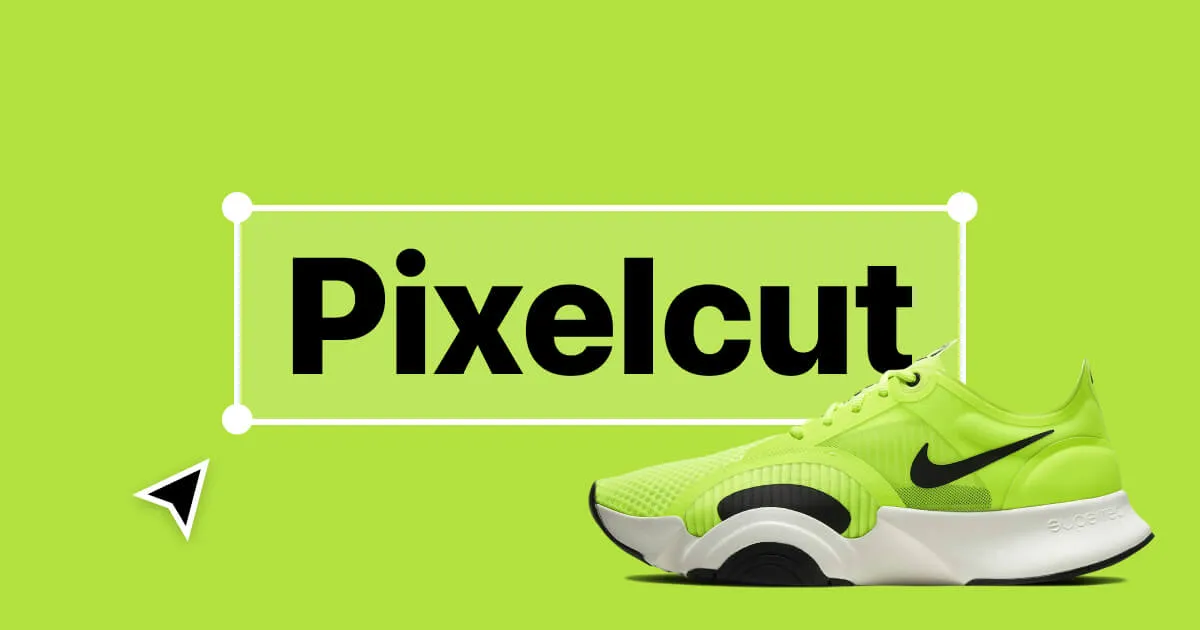
Pixelcut is an AI photo editor built for online sellers and social media creators. It turns plain product photos into studio-quality images in seconds, without design skills. Its headline tools remove backgrounds, erase unwanted objects, generate new backgrounds, and upscale images to high resolution. The free tier covers light use with no watermark on exports, and paid upgrades unlock unlimited editing, batch processing, and commercial rights. Check the official site for current plans and limits.
Key Features
1. AI background remover
Remove photo backgrounds with one click to get clean cutouts. The AI handles hair and edges, which are usually the hard parts.
2. AI backgrounds
Place your product on realistic studio scenes the AI creates. Shots look professionally photographed without a camera or studio.
3. Magic eraser
Brush over unwanted objects, people, or blemishes to remove them. The AI fills the gap so the photo looks natural.
4. Image upscaler
Increase photo resolution up to 4K for crisp prints and listings. The AI adds detail instead of just stretching pixels.
5. Batch editing
Apply the same edits to many photos at once. Paid plans support up to 1,000 batch exports per month.
6. Mobile and web apps
Edit on the website or in the iOS and Android apps. Projects stay in sync across devices.
7. AI shadows
Add realistic shadows under products automatically. The added depth makes cutouts look naturally placed in the scene.
Frequently Asked Questions (FAQ)
Does Pixelcut add a watermark to my exports?
No. Both the free and paid plans export images without a watermark, so your product photos are ready to publish right away.
Can I use Pixelcut images to sell my products?
Paid plans include a commercial license for exported assets. If you plan to use free-tier images commercially, check the official terms first.
How does the free tier compare to paid?
The free tier allows limited daily use of the main tools like background removal, the magic eraser, and the upscaler. Paid plans add unlimited editing, batch exports, AI credits, and more generative features.
What is the AI background feature?
It creates realistic studio scenes behind your product automatically. Instead of a plain white cutout, you get lifestyle-style photos that look shot by a professional photographer.
Does Pixelcut work for teams?
Yes. Paid plans include team seats — three on the Pro plan and ten on the business plan — so several people can share credits and collections.
Where can I see current pricing?
Visit the official Pixelcut website. Plan prices and credit limits change over time, so the site shows the latest details.
What are Generative Fill and Expand Image?
Generative Fill replaces selected areas with AI-created content, while Expand Image extends a photo beyond its edges. Both help you fix framing or create new backgrounds around a subject. Free use is limited; paid plans allow more daily generations.
Conclusion
Pixelcut is an AI photo editor for e-commerce sellers and creators who need polished product photos fast. It suits beginners thanks to one-click tools for backgrounds, erasing, and upscaling. A free tier covers light use, while paid plans add unlimited edits, batch processing, and commercial rights. See the official site for current features and limits.
Keep exploring
Similar AI tools
Ranked by the job they do, their capabilities, and how closely they fit this workflow.