
Upvotes
0
Pricing
Freemium
Category
Social Media
In the database since
Oct 2026
Overview
About Planable
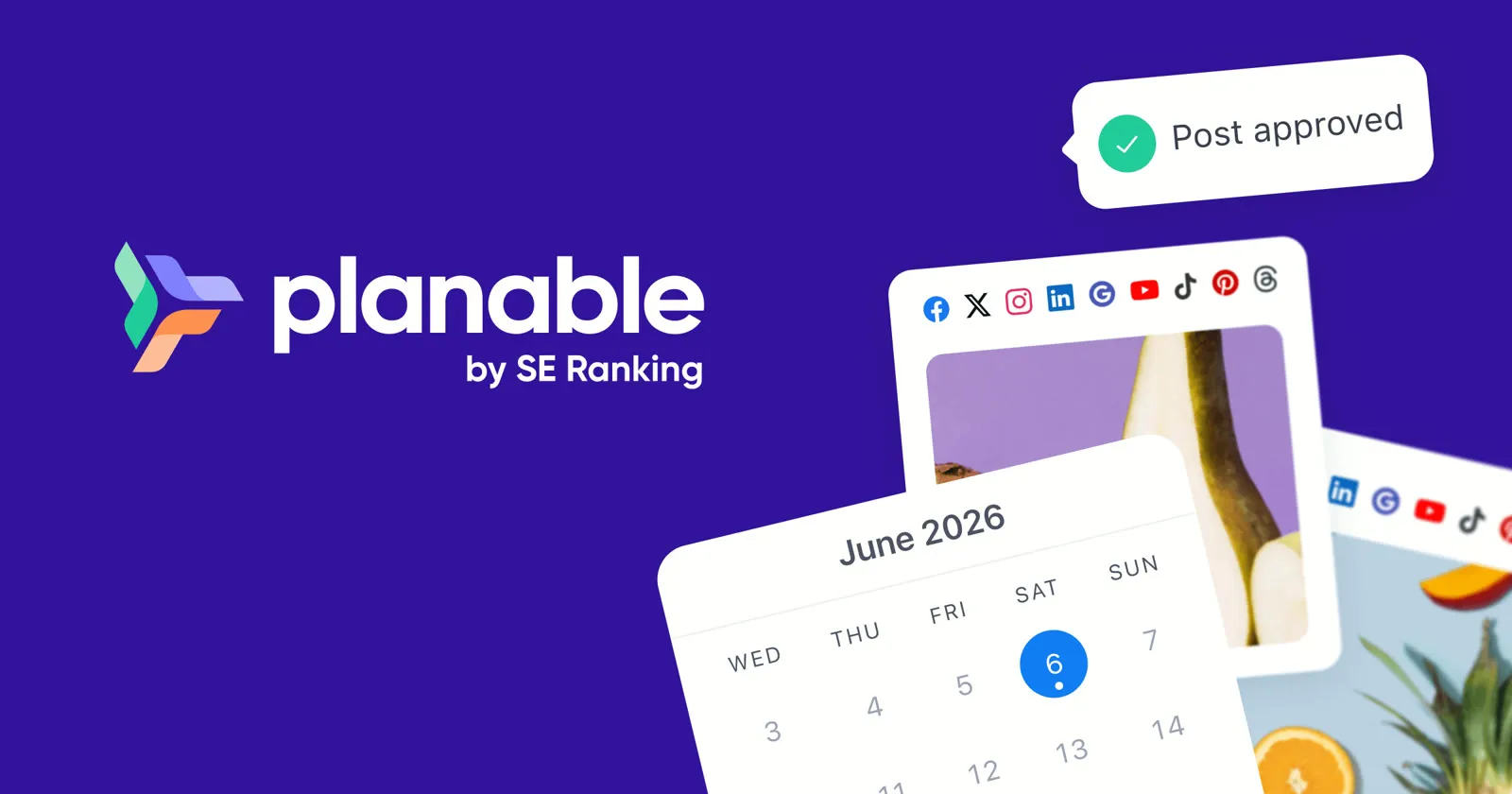
Planable is a collaboration-first social media management tool for agencies, brands, and marketing teams. It brings planning, feedback, approvals, publishing, and analytics into one shared workspace. Teams preview posts exactly as they will look, collect comments in context, and get client sign-off through simple share links. Pricing is per workspace with unlimited users, so growing teams never pay per seat. It supports all major networks, from Instagram and TikTok to LinkedIn and YouTube. Check planable.io for current features and details.
Key Features
1. Four Content Views
Switch between feed, calendar, list, and grid views. The Instagram grid planner lets you drag and drop posts until the grid looks perfect.
2. Custom Approval Workflows
Set approval steps that fit your team, from one-click sign-offs to multi-stage reviews. A kanban approvals tab shows what still needs a green light.
3. Client Review Links
Share one-time links so clients can review and approve posts without creating an account. Internal team notes stay hidden from the client view.
4. In-Context Feedback
Leave comments, suggestions, and annotations directly on post previews. All feedback lives next to the content, so nothing gets lost in email threads.
5. Workspaces for Every Brand
Give each client or brand its own dedicated workspace. Labels, filters, and bulk actions keep large content plans organized across locations.
6. Built-in Media Editor
Crop images and trim videos right after receiving feedback, without restarting the upload cycle. Adjust assets without leaving the post editor.
7. Universal Content
Use the same planning and approval workflow for blogs, newsletters, press releases, and ad copy. Social posts are not the only content type supported.
8. Analytics and Reports
Track cross-channel performance and build custom reports for stakeholders with the Analytics add-on, sold separately per workspace.
Frequently Asked Questions (FAQ)
How do clients approve posts without a Planable account?
You send them a one-time review link. They can view, comment on, and approve posts in their browser with no login needed. Your internal team notes stay hidden from them.
Which platforms can I publish to with Planable?
Planable publishes to Facebook, Instagram (including Stories and Reels), LinkedIn, X (Twitter), YouTube, TikTok, Pinterest, Google Business Profile, and Threads. Check planable.io for the latest list.
What is Universal Content in Planable?
Universal Content extends Planable beyond social posts. You can draft, discuss, and approve blogs, newsletters, press releases, and ad copy in the same workflow.
How is Planable priced?
Planable charges per workspace, not per user, so your whole team can join without extra seat fees. The first 50 posts are free to try, with no time limit. Check planable.io for current tiers.
Can I plan my Instagram grid layout?
Yes. The grid view shows your complete Instagram grid, including posts published natively. Drag and drop scheduled posts until the layout looks right, and see approval status at a glance.
Conclusion
Planable is a collaboration-first planner for agencies and marketing teams juggling content and approvals. Visual calendars, in-context feedback, client review links, and flexible approval workflows remove the usual back-and-forth. Guest review links let clients approve without an account, keeping feedback loops short. It is freemium, priced per workspace with unlimited users. Check planable.io for current details.
Keep exploring
Similar AI tools
Ranked by the job they do, their capabilities, and how closely they fit this workflow.