
Upvotes
0
Pricing
Freemium
Category
Low-Code / No-Code
In the database since
Oct 2026
Overview
About Plasmic
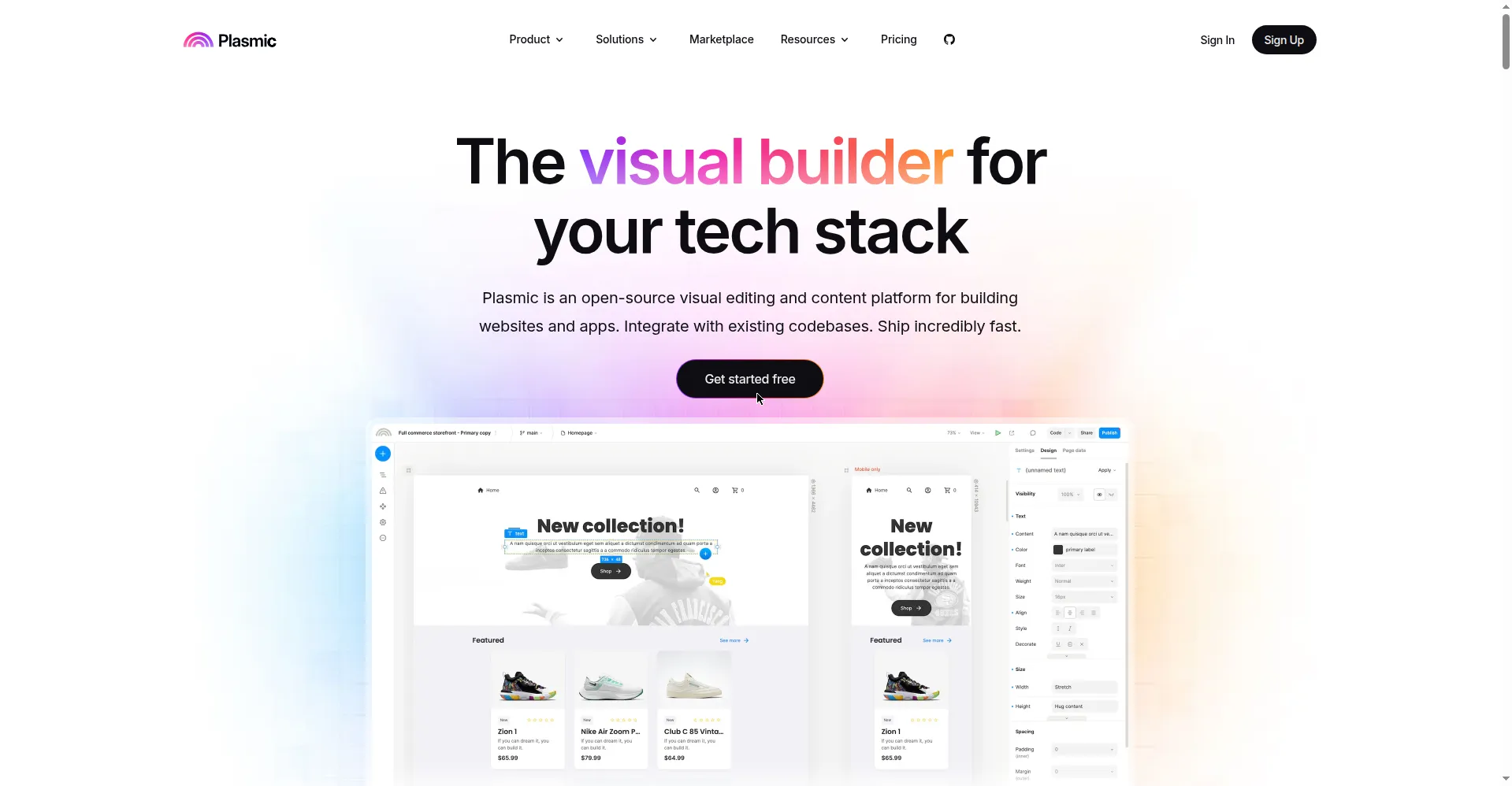
Plasmic is a visual builder for web apps that writes clean React code. You design pages by dragging parts into place and see them come alive at once. The tool turns your designs into readable React you can use anywhere. Developers can add their own code parts when the visual ones are not enough. It plugs into your current stack, from Next.js to your own setup. Teams use it to ship web UIs far faster than hand-coding. Handoff friction drops because everyone works in one place.
Key Features
1. Visual Page Design
Build pages with drag and drop on a live canvas. Layout, style, and content all update as you work.
2. Clean React Output
Every design becomes readable React code you own. You can export it and keep building in your own repo.
3. Custom Code Parts
Drop your own React parts into the visual builder. Designers and developers truly work on the same page.
4. Stack Freedom
Works with Next.js, Gatsby, and plain React setups. You keep your stack instead of switching to someone else's.
5. CMS Links
Pull content from your CMS straight into visual pages. Marketing can edit copy without touching code.
Frequently Asked Questions (FAQ)
What is Plasmic?
Plasmic is a visual web builder that outputs React. You design pages, and it writes the code for you.
Do I need to code to use Plasmic?
No for design work. Code only helps when you add custom parts or extend what the builder makes.
What code does Plasmic produce?
Clean, standard React code. You own it fully and can edit it in any setup you like.
Does Plasmic fit my tech stack?
Likely yes. It works with Next.js, Gatsby, and plain React, so most modern stacks are covered.
Conclusion
Plasmic gives designers real power without cutting developers out. Visual pages plus clean React keep both sides happy. Custom parts and stack freedom mean it fits how you already work. It is a strong pick for teams shipping web UIs fast. Try it on your next landing page. It bridges the gap between design dreams and shipped code.
Keep exploring
Similar AI tools
Ranked by the job they do, their capabilities, and how closely they fit this workflow.