
Prisma
AI photo editor that turns pictures into real painting styles
Upvotes
0
Pricing
Freemium
Category
Cartoon Generators
In the database since
Oct 2026
Overview
About Prisma
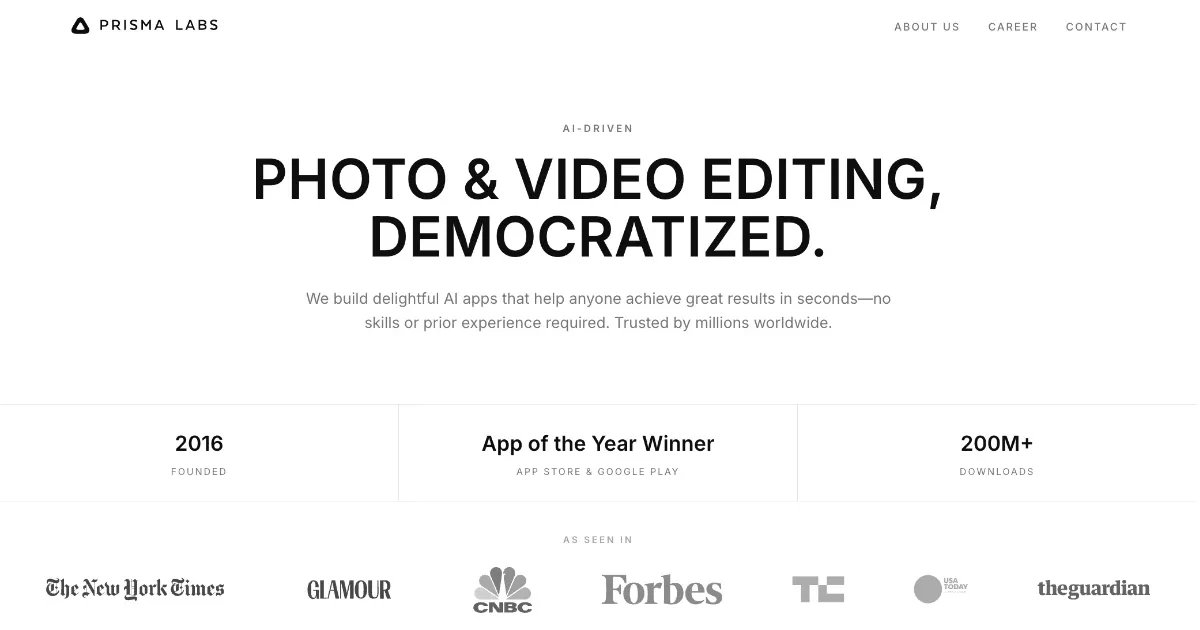
Prisma turns your photos into real paintings using neural networks and artificial intelligence. Launched in 2016, it went viral for styles inspired by famous artists like Van Gogh, Picasso, and Munch. Instead of laying a filter on top, it redraws your photo in the artist's style. The app passed 200 million downloads and won App of the Year on both app stores. It works on iPhone and Android, with basic styles free. If you want museum-style art from your camera roll, start here.
Key Features
1. True neural art transfer
Prisma does not just tint your photo. Its neural networks rebuild the image in a painting style, keeping the scene but changing every brushstroke.
2. Famous-artist styles
Styles borrow from Van Gogh, Picasso, Munch, and classic patterns. Each one gives your photo a true gallery look.
3. Hundreds of styles to explore
The library holds over 300 art styles and keeps growing. You will find bold abstracts, soft watercolors, and comic looks.
4. Style intensity slider
Swipe left or right to control how strong the effect is. Dial it down for a light touch or push it for full drama.
5. Video art filters
Prisma also applies its art styles to video clips. Your short videos get the same painterly treatment as photos.
6. HD export and watermark removal
Premium unlocks high-resolution exports without watermarks. Your finished art stays crisp enough for prints or posters.
Frequently Asked Questions (FAQ)
How is Prisma different from a normal filter?
A filter only changes colors and contrast. Prisma's neural networks rebuild your photo in an art style, redrawing lines and textures like a painting.
Can Prisma edit videos too?
Yes. The app includes video art filters, so your clips can get the same artistic treatment as your photos.
Who is behind Prisma?
Prisma Labs, the company behind the Lensa app as well. Prisma itself launched in 2016 and quickly became a global hit.
What do I get with Prisma Premium?
Premium unlocks all 300-plus styles, HD exports, and watermark removal. The free plan covers a solid set of basic styles.
Do I need an account to use Prisma?
You can start with the basic styles right away. Premium features need a subscription through the app store.
Conclusion
Prisma set the standard for AI art apps, and it still holds up. The neural redraws look like real paintings, not cheap filters, and the style library is huge. The free tier is generous, with Premium adding HD exports and full access. If you want your photos to look like gallery art, Prisma remains a top choice.
Keep exploring
Similar AI tools
Ranked by the job they do, their capabilities, and how closely they fit this workflow.