
Process Street
Checklist workflows with approvals for operations teams
Upvotes
0
Pricing
Paid
Category
Automation Tools
In the database since
Oct 2026
Overview
About Process Street
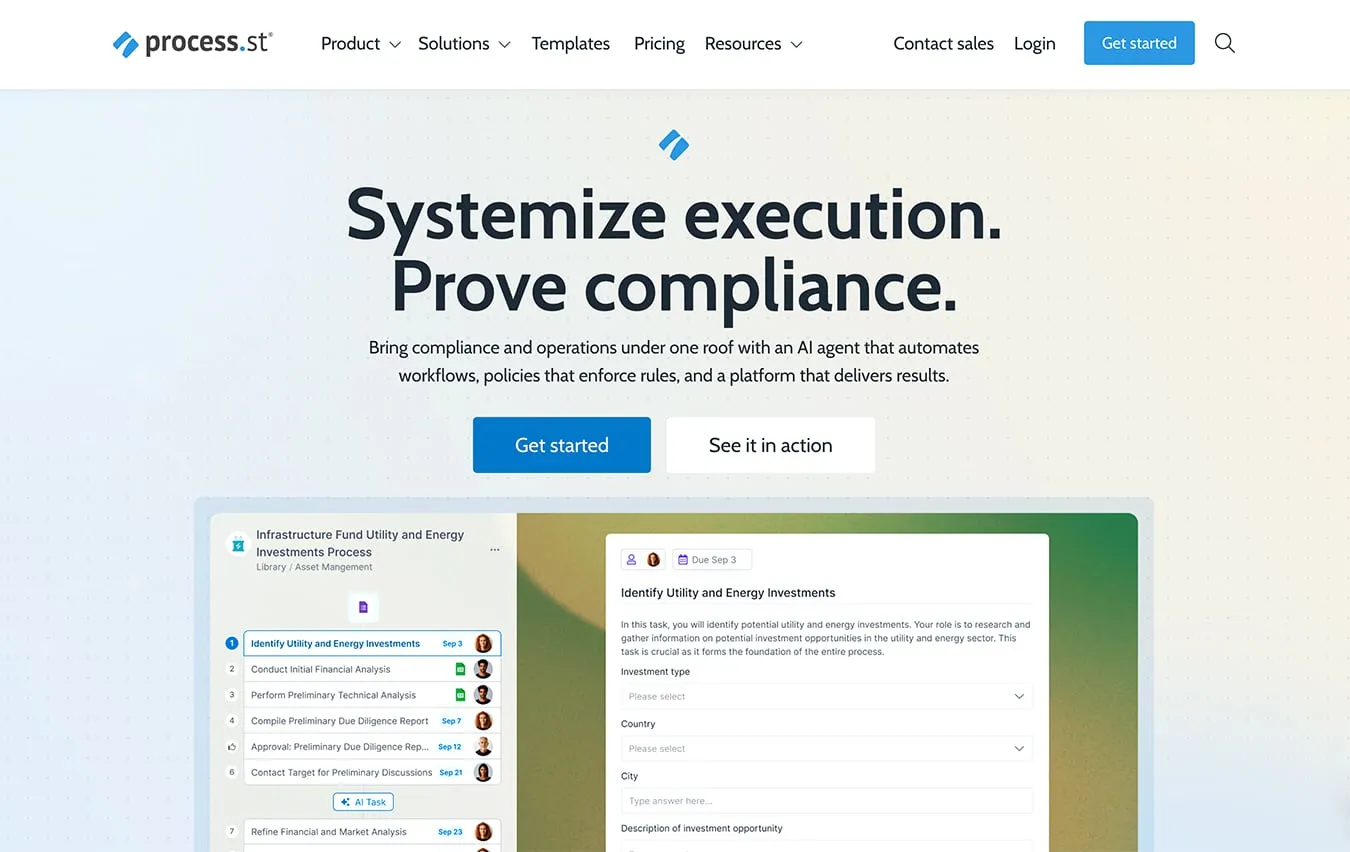
Process Street turns checklists into repeatable workflows for operations teams. You build a template once, then run it each time the process repeats. Every run tracks tasks, assigns owners, and collects form data. Conditional logic shows or hides steps based on earlier answers. Approvals pause a run until a manager signs off. Schedules start recurring workflows on their own. All paid plans are quote-based and begin with a 14-day trial. It also includes mobile apps for iOS and Android so teams can complete work on the go.
Key Features
1. Workflow templates
Start from a library of ready-made templates or build your own from scratch. Templates cover onboarding, client intake, compliance checks, and many common business processes.
2. Workflow runs
Each run is a separate, tracked copy of the template. Owners, due dates, and progress stay visible, so you always know where every instance stands.
3. Conditional logic
Steps appear or hide based on earlier answers. One workflow can branch to cover many scenarios without forcing every case down the same path.
4. Approvals
Route a step to an approver before the run continues. The audit trail records each approval with a name and timestamp.
5. Scheduled workflows
Recurring processes start automatically on a set schedule. Daily checklists, weekly reviews, and monthly audits launch themselves without anyone remembering to kick them off.
6. Data Sets
Reusable reference tables share consistent data across all your workflows. Lookups pull approved values into form fields, which cuts typos and keeps records uniform.
7. Automations and integrations
Triggers move data between Process Street and other apps without manual work. It connects through Zapier, Microsoft Power Automate, Make, and a public API.
Frequently Asked Questions (FAQ)
Is Process Street only for checklists?
No. It also stores policies and documents next to the workflows that follow them. Data Sets hold reference data, and reports show where each process stands. It works as both a process library and the system that runs the work.
Who uses Process Street?
Operations, HR, compliance, finance, and IT teams use it most. Typical uses include employee onboarding, client onboarding, ISO compliance, quality tracking, and document control. Any team that repeats the same process and needs proof it was followed fits.
How is it different from a project tracker?
Project trackers manage one-off tasks that vary each time. Process Street runs the same process the same way on every run, with records showing each step happened in order. That structure is what auditors and compliance teams need.
Does Process Street meet security standards?
Yes. It holds SOC 2 Type II and ISO 27001 certifications, and it supports HIPAA compliance. Data is encrypted in transit and at rest. Enterprise plans add single sign-on, user provisioning, and data residency options.
Conclusion
Process Street suits teams that repeat the same process and need proof it was followed. Checklists become tracked workflows with approvals, logic, and shared data. Quote-based pricing favors companies rather than solo users, so small teams should check the Startup tier. If consistent steps and audit trails matter to you, the 14-day trial shows whether it fits your team.
Keep exploring
Similar AI tools
Ranked by the job they do, their capabilities, and how closely they fit this workflow.