
QuizFaber
Freeware quiz builder that creates multimedia HTML quizzes.
Upvotes
0
Pricing
Free
Category
Quiz Generators
In the database since
Oct 2026
Overview
About QuizFaber
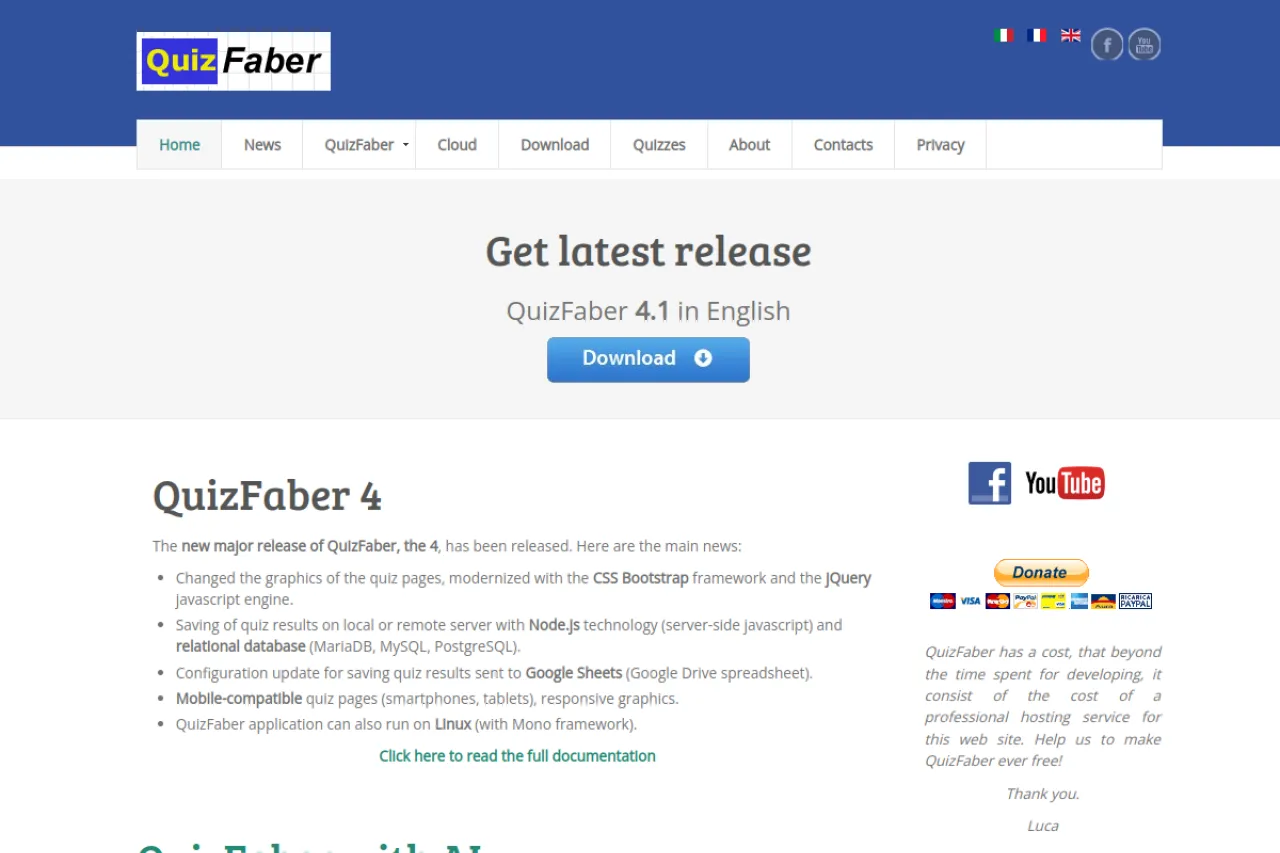
QuizFaber is quiz-builder software for Windows that creates multimedia HTML quizzes. HTML is the code web pages are made of, and a multimedia quiz can include images, audio, and video. You build quizzes with multiple choice, true/false, gap-fill, and matching questions, then export files you can publish on any website or use offline. The FAQ states QuizFaber is absolutely free for non-commercial use. Teachers like it because finished quizzes need no special player. Trainers use it for courses and certifications too.
Key Features
1. Multimedia Questions
Add images, audio clips, and videos to questions, which brings quizzes to life beyond plain text.
2. Multiple Question Types
Build multiple choice, true/false, gap-fill, and matching questions, mixing them freely inside one quiz with ease.
3. HTML Export
Quizzes export as plain HTML files that open in any browser with no special software needed.
4. Works Offline
Exported quizzes run from local files, so students can take them without an internet connection.
5. Publish Anywhere
Upload the HTML files to any website or learning platform, or share them as email attachments.
6. Free for Non-Commercial Use
The FAQ states QuizFaber is absolutely free for non-commercial use, with no charge for the software.
Frequently Asked Questions (FAQ)
What is QuizFaber used for?
QuizFaber is used to build multimedia quizzes on a Windows computer. Teachers export them as HTML files for websites, classrooms, or offline use.
How do I share a QuizFaber quiz?
Export the quiz to HTML, then upload the files to your website or send them by email. Anyone can open them in a browser.
Can QuizFaber quizzes include audio?
Yes. You can attach audio and video to questions, which suits language tests and listening practice.
Do students need QuizFaber installed?
No. Only the quiz author installs the software. Students open the exported HTML files in any web browser.
Where can I publish a QuizFaber quiz?
Anywhere on the web. QuizFaber exports quizzes as HTML files — the code web pages are made of — which you can publish on any website. It works offline as Windows software.
Conclusion
QuizFaber is a dependable desktop tool for making quizzes you truly own. The HTML export, offline support, and multimedia questions cover most teaching needs. It suits teachers and trainers who want portable quizzes with no hosting fees or subscriptions. Your quizzes work anywhere with no special player needed. It is a solid pick for offline classrooms.
Keep exploring
Similar AI tools
Ranked by the job they do, their capabilities, and how closely they fit this workflow.