Upvotes
0
Pricing
Freemium
Category
Research & Academic Tools
In the database since
Oct 2026
Overview
About SciSpace
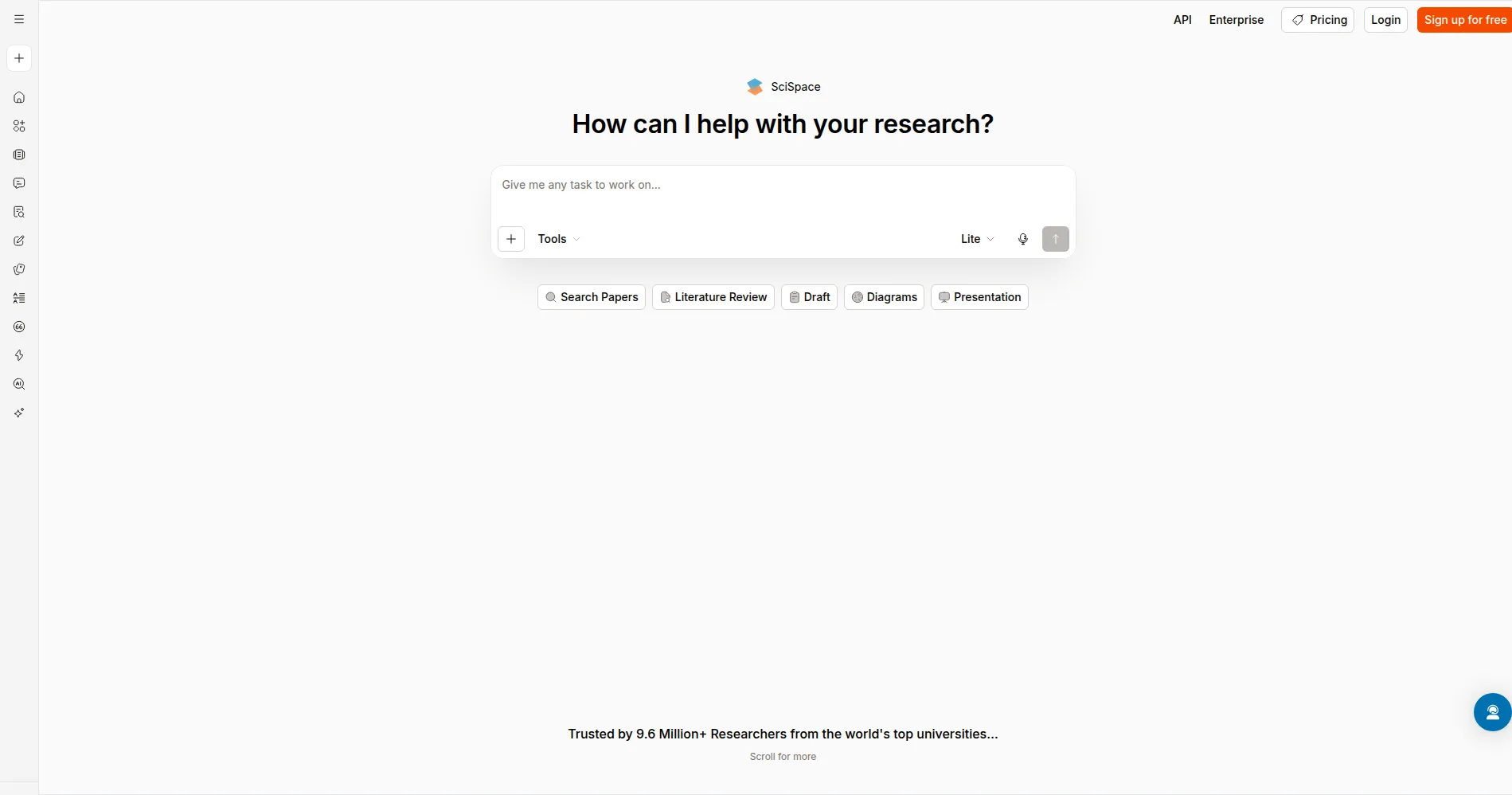
SciSpace is an AI research assistant that helps students and researchers read and understand scientific papers. You can search its large database of research papers, ask questions about any paper, and get answers linked to real citations. It also helps you compare studies, draft writing, reword text, and format references. The free plan gives you monthly credits to try the main tools. A Chrome extension lets you ask questions while you browse papers online. Check the official pricing page for current plans and limits.
Key Features
1. Chat With PDF
Upload a paper, then ask questions in plain words. Answers come with citations that point back to the paper, so you can check each claim.
2. Semantic Search
Search by asking a research question instead of typing keywords. SciSpace returns relevant papers from over 280 million sources, with short summaries for each result.
3. Literature Review
Compare several studies side by side in a table with custom columns. The free plan allows five columns, and the paid plan allows all fifty.
4. AI Writer
Draft outlines and sections with autocomplete that suggests academic text as you type. It adds citations from the paper database to your draft.
5. Paraphraser
Reword dense academic text while keeping its meaning intact. You can adjust the tone and length when a passage is hard to read.
6. Data Extractor
Pull specific data points from several papers into one clean table. This helps when you need results, sample sizes, or methods from many studies.
Frequently Asked Questions (FAQ)
How is SciSpace different from Elicit?
SciSpace focuses on reading and understanding individual papers, while Elicit focuses on systematic reviews across many papers. Choose SciSpace when you need to work through one dense paper in depth.
Can it detect AI text?
Yes. SciSpace includes an AI detector that flags text that may have been written by AI, which helps you check drafts before you submit them.
Which citation styles are supported?
SciSpace supports over 9,000 citation styles. You can export formatted references to Zotero or EndNote for use in your own reference library.
Does it work with my uploaded PDFs?
Yes. You can upload your own PDFs, or search the built-in paper database when you do not have a file.
Who is it for?
It suits graduate students, researchers, and academics in science and engineering, as well as anyone who must read dense research papers regularly.
Conclusion
SciSpace brings search, reading, writing, and citations into one research workspace. It suits students and researchers who read dense papers often, and the free plan lets you test the main tools first. Paid plans add more credits and unlimited searches. Check the official pricing page, then start with a paper you already need to read.
Keep exploring
Similar AI tools
Ranked by the job they do, their capabilities, and how closely they fit this workflow.