Slick Write
Proofread writing for grammar, style, and flow in your browser.
Upvotes
0
Pricing
Free
Category
Writing Tools
In the database since
Oct 2026
Overview
About Slick Write
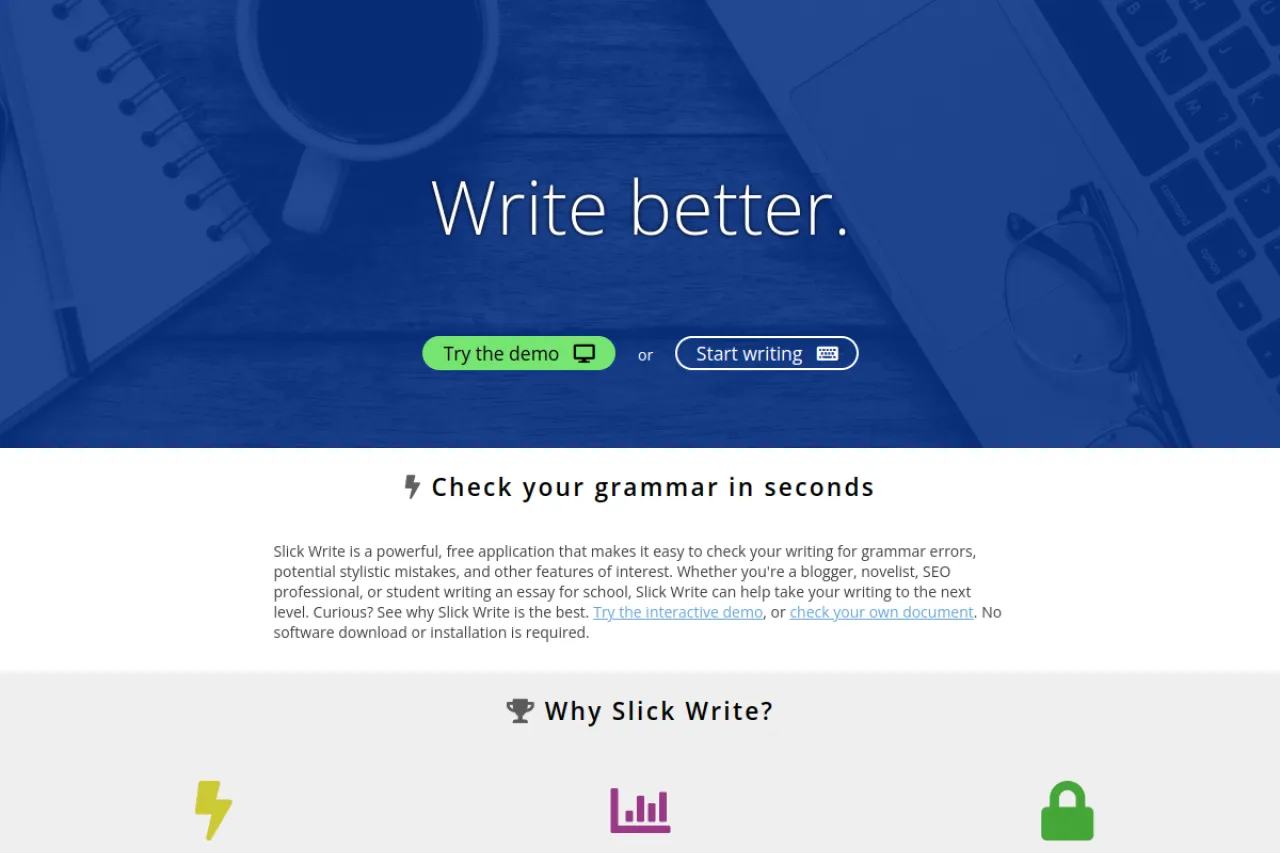
Slick Write is a free web app that checks your writing for grammar errors, spelling mistakes, and style problems. You paste your text into the browser and get feedback in seconds, with no download or signup required. Beyond basic checks, it analyzes sentence structure, flow, and vocabulary variety to teach better writing habits. Bloggers, students, novelists, and professionals use it to polish essays, articles, and reports. Your documents are not redistributed, and text can auto-save in your browser's local storage. Try it at slickwrite.com.
Key Features
1. Grammar and Spell Checking
The checker finds grammar errors, spelling mistakes, and commonly confused words. It works lightning fast on documents up to 200,000 characters.
2. Style Critique Tab
The critique tab flags stylistic flaws like passive voice, hidden verbs, and wordy phrases. Clicking any highlight explains the problem clearly.
3. Flow Analysis Graphs
Flow graphs show sentence type, length, and word-length variety across your text. Good writing shows rolling waves; flat lines signal boring rhythm.
4. Detailed Statistics Tab
The statistics tab reports passive voice index, prepositional phrase index, and readability scores. It also lists repeated words and phrases.
5. Vocabulary Variety Heatmap
Repetition is color-coded from red (low variety) to green (high variety). Clicking a word shows nearby common words to help you rework the passage.
6. Customizable Feedback
You can turn individual checks on or off to suit your writing style. Presets exist for fiction, essays, resumes, and statistics-only review.
7. Browser Extensions
Extensions for Chrome and Firefox make it easy to submit your work. They are the fastest way to check text from anywhere on the web.
8. No Signup or Download
Slick Write runs fully in the browser with no installation. You can paste text and check it immediately, with no account needed.
9. Word Association Game
A built-in associator suggests related words to break writer's block. It learns associations from real literature to spark new metaphors.
Frequently Asked Questions (FAQ)
What is Slick Write used for?
Slick Write is used to proofread and improve writing. It checks grammar and spelling, then goes further with style critique, flow graphs, and vocabulary statistics.
How long can my document be on Slick Write?
The submission limit is 200,000 characters, about 30,000 words. Longer documents should be submitted in smaller chunks or they will be trimmed.
Does Slick Write store my documents?
Your text can auto-save to your browser's local storage for convenience. The site states it does not redistribute your documents.
What do the flow graphs tell me?
They show how sentence types, lengths, and word lengths vary through your text. Varied, wave-like patterns mean engaging rhythm; flat patterns mean the writing may feel boring.
Is Slick Write good for students?
Yes. Students use it to improve essays and learn writing habits, since every flagged issue comes with an explanation. Presets for essays and resumes tailor the feedback.
Conclusion
Slick Write is a free, browser-based proofreader that goes beyond spell check with style critique, flow graphs, and writing statistics. It suits students, bloggers, and professionals who want deeper feedback on their drafts. The 200,000-character limit, customizable checks, and no-signup design keep it simple. Visit slickwrite.com to paste your text and check it in seconds.
Keep exploring
Similar AI tools
Ranked by the job they do, their capabilities, and how closely they fit this workflow.