
Upvotes
0
Pricing
Freemium
Category
Presentations
In the database since
Oct 2026
Overview
About SlideGen
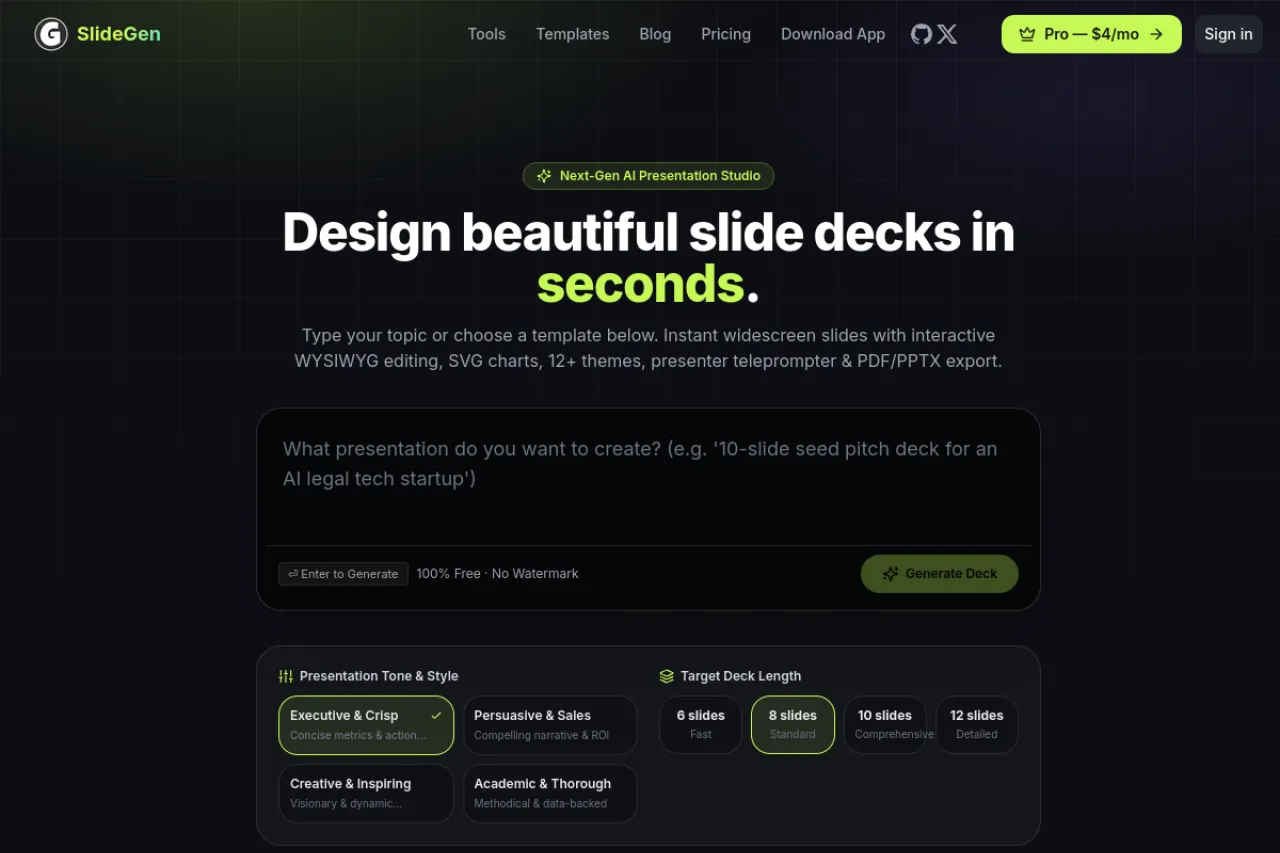
SlideGen is an AI presentation maker that turns one prompt into a finished slide deck. Describe your topic, paste text, or upload a PDF or Word file, and it writes the copy, builds charts, and applies a clean design. Decks export to PowerPoint and HTML with speaker notes included. No login is needed to start, and finished decks carry no watermark. The service runs on ads, with an optional Pro plan that removes them. Check slidegen.net for current limits. The site reports 12,000 decks generated so far.
Key Features
1. Prompt to PPT in Seconds
Type a single sentence about your topic and get a multi-slide deck. It adds a cover, sections, bullets, charts, and a closing slide.
2. PDF and Text to Slides
Paste an article or drop in a PDF or Word document. The AI pulls out the structure and rebuilds it as clean, ready slides.
3. Native PowerPoint Export
Download decks as PPT or HTML files. Open them in PowerPoint, Keynote, or Google Slides with full editing control.
4. AI Pitch Deck Generator
Turn one paragraph into a 12-slide investor deck. It covers the problem, solution, market, traction, business model, and the ask.
5. Speaker Notes Included
Every slide ships with generated speaker notes. Present with confidence, or share the notes with your team.
Frequently Asked Questions (FAQ)
How does SlideGen stay free?
The free plan is ad-supported, and an optional $4 per month Pro plan removes the ads. Free decks have no watermark and no login is required.
Does SlideGen require a login?
No. You can generate decks without an account. Logging in lets you save and manage your presentations.
Can I edit SlideGen decks in PowerPoint?
Yes. Decks download as PPT files that open in PowerPoint, Keynote, and Google Slides. Everything stays editable.
What can I feed SlideGen as input?
A short prompt, pasted text, a PDF, or a Word document. The AI extracts the key points and builds slides from them.
How is SlideGen different from Gamma?
SlideGen is PowerPoint-first with native PPT export and no watermark on free decks. Gamma focuses more on its own card-based canvas.
Conclusion
SlideGen is a fast way to turn rough ideas into finished presentations. Prompt-to-deck generation, PDF imports, native PowerPoint export, and speaker notes cover the full workflow. The free plan is genuinely usable with no watermark. For students, teachers, and busy professionals who hate blank slides, it is worth a try. Check slidegen.net to see current features and limits.
Keep exploring
Similar AI tools
Ranked by the job they do, their capabilities, and how closely they fit this workflow.