SlideMaker
Free AI slide maker; turns prompts or PDFs into editable slides.
Upvotes
0
Pricing
Free
Category
Presentations
In the database since
Oct 2026
Overview
About SlideMaker
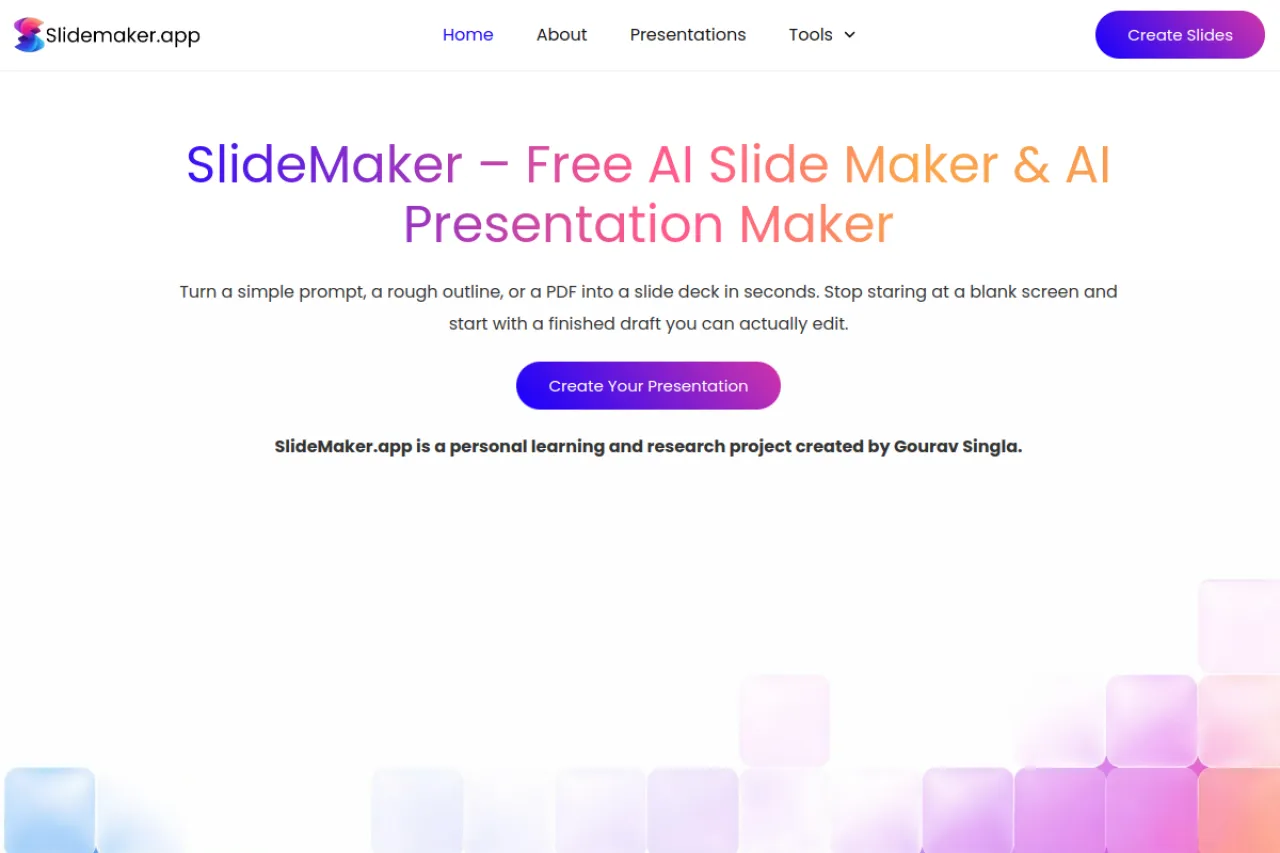
SlideMaker is an AI presentation maker that turns your ideas into slides. AI here means software that writes and designs from a short instruction. You give it a prompt, an outline, or a PDF, and it builds an editable slide deck from that material. No login is required. The site calls itself a free, non-commercial learning and research project with no paid plans. Students and teachers use it for quick starting decks, then edit slides to fix wording and layout.
Key Features
1. Prompt to Slides
Type a topic or short prompt, and the AI drafts a full slide deck with titles and bullet points.
2. Outline Input
Paste your own outline, and SlideMaker expands each point into its own fully designed slide.
3. PDF to Slides
Upload a PDF document, and the tool converts its content into a presentation you can edit.
4. Editable Output
Every generated slide can be changed afterward, so you fix text, order, and layout to your taste.
5. No Login Required
You can make slides without creating an account, which removes the biggest hurdle to trying it.
6. Non-Commercial Project
The site states it is a free learning and research project with no paid plans or subscriptions offered.
Frequently Asked Questions (FAQ)
What is SlideMaker used for?
SlideMaker is used to create presentation slides quickly from a prompt, outline, or PDF. Students and teachers use it to get a first draft deck in minutes.
How do I make slides with SlideMaker?
Enter a prompt, paste an outline, or upload a PDF on the site. The AI builds the slides, and you edit them to your liking.
Do I need an account for SlideMaker?
No. The site works without login, so you can generate and edit slides right away.
Can I edit the generated slides?
Yes. The slides are fully editable, so you can rewrite text, reorder slides, and adjust the layout before presenting.
Is SlideMaker really free with no paid plans?
Yes, per the site's own description. It calls itself a free, non-commercial learning and research project that does not offer paid plans or subscriptions.
Conclusion
SlideMaker is a simple way to get from idea to slide deck without designing from scratch. Prompts, outlines, and PDFs all become editable presentations with no login. As a free non-commercial project, it suits students and educators who need quick drafts rather than polished design tools. It is best for first drafts, not final designs.
Keep exploring
Similar AI tools
Ranked by the job they do, their capabilities, and how closely they fit this workflow.