
SlidesAI
AI add-on that builds full slide decks inside Google Slides and PowerPoint.
Upvotes
0
Pricing
Freemium
Category
Presentations
In the database since
Oct 2026
Overview
About SlidesAI
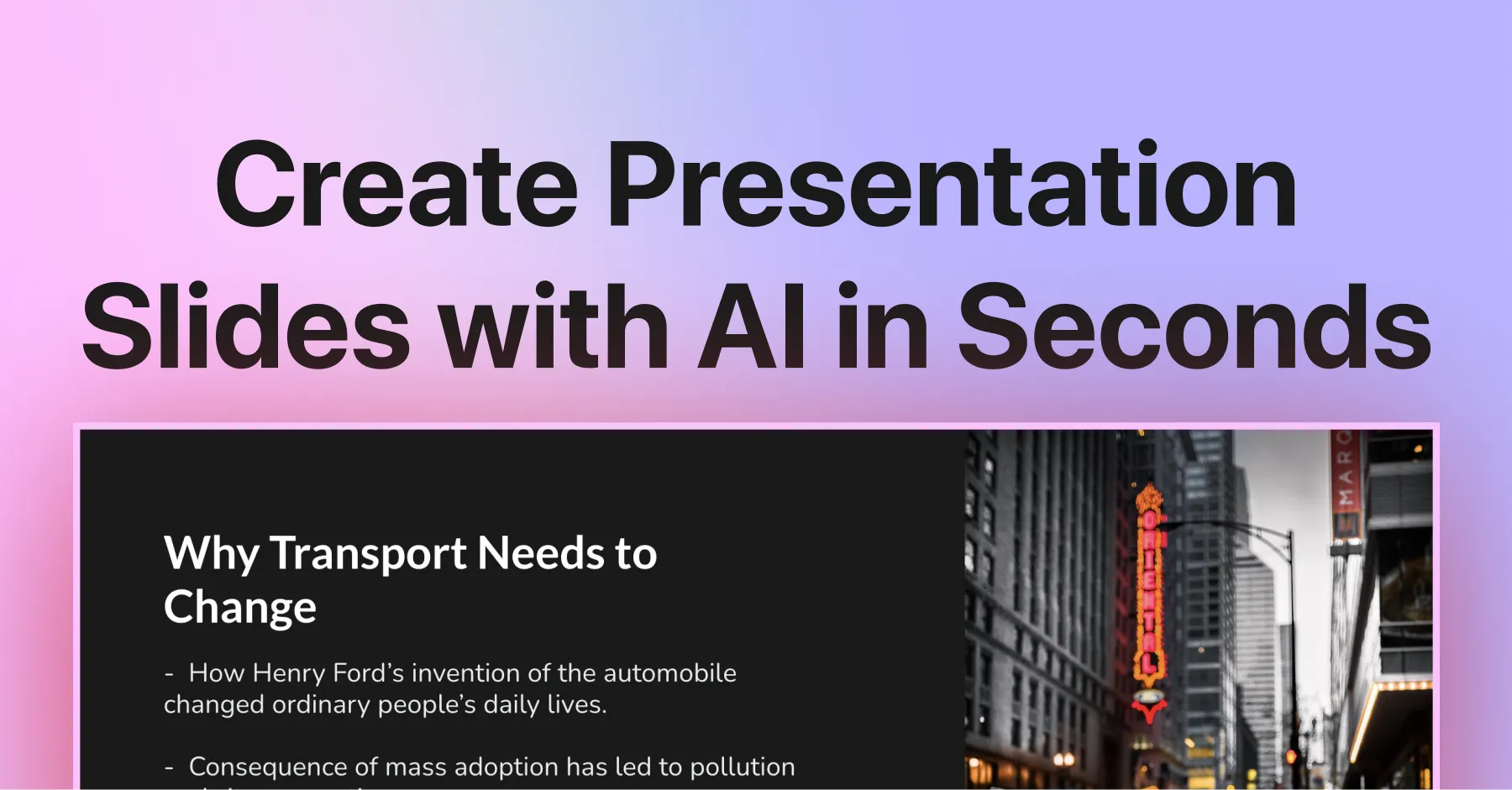
SlidesAI is an AI add-on that creates presentations inside Google Slides and Microsoft PowerPoint. You type a topic or paste your notes, and it builds a full deck in seconds. There is no new software to learn because it lives in the Extensions menu. It also works through a web app and a ChatGPT integration. Students, teachers, and professionals use it to skip blank-slide dread. It handles layout, content, and visuals so you focus on your message. Check the official site for current limits and plans.
Key Features
1. Works Inside Google Slides
SlidesAI runs inside Google Slides itself. You generate decks without leaving the editor you already know.
2. PowerPoint Add-in Too
The same AI works inside Microsoft PowerPoint. Your team can use it in whichever app they prefer.
3. Text to Presentation
Paste notes, a script, or just a topic. The AI writes the content, structures the slides, and applies a clean layout.
4. Document Upload
Turn Word files, PDFs, or Google Docs into presentations. Paid plans unlock this shortcut for long source material.
5. 100+ Languages
Generate presentations in over 100 languages. The same workflow serves classrooms and teams around the world.
6. AI Images and Stock Library
Add visuals without leaving the editor. You can generate images with AI or search a large free stock photo library.
7. Rewrite Tools
Shorten, rephrase, or translate any slide's text in one click. Polishing a deck takes minutes instead of hours.
8. Templates and PPTX Export
Pick from dozens of themes, then export as PPTX. Decks stay fully editable in both PowerPoint and Google Slides.
Frequently Asked Questions (FAQ)
How do I install SlidesAI?
Install the SlidesAI add-on from the Google Workspace Marketplace or the PowerPoint add-in store. Then open it from the Extensions menu in any presentation.
What can I turn into a presentation?
You can start from a topic, pasted notes, a script, or an uploaded Word, PDF, or Google Doc file on paid plans.
How many presentations does the free plan allow?
The free Basic plan allows 12 presentations per year, with 2,500 input characters and 120 AI credits per year. It is an annual pool, not a monthly one.
Does SlidesAI work with PowerPoint or only Google Slides?
It works with both. SlidesAI runs as an add-on inside Google Slides and Microsoft PowerPoint, plus a standalone web app.
Can I use my company's slide master?
Yes. SlidesAI works with your existing Slide Master, so generated decks can follow your brand's fonts and placeholders.
What languages does SlidesAI support?
SlidesAI supports over 100 languages, so you can generate and translate presentations for global audiences.
Conclusion
SlidesAI suits students, teachers, and professionals who live in Google Slides or PowerPoint. It turns rough notes into structured decks fast. The free Basic plan covers about one deck a month across a year. Paid plans raise limits and add document upload. Confirm current allowances on the official pricing page. It fits best if you work in Slides or PowerPoint.
Keep exploring
Similar AI tools
Ranked by the job they do, their capabilities, and how closely they fit this workflow.