
Slidesgo
Thousands of free, editable Google Slides and PowerPoint templates.
Upvotes
0
Pricing
Freemium
Category
Presentations
In the database since
Oct 2026
Overview
About Slidesgo
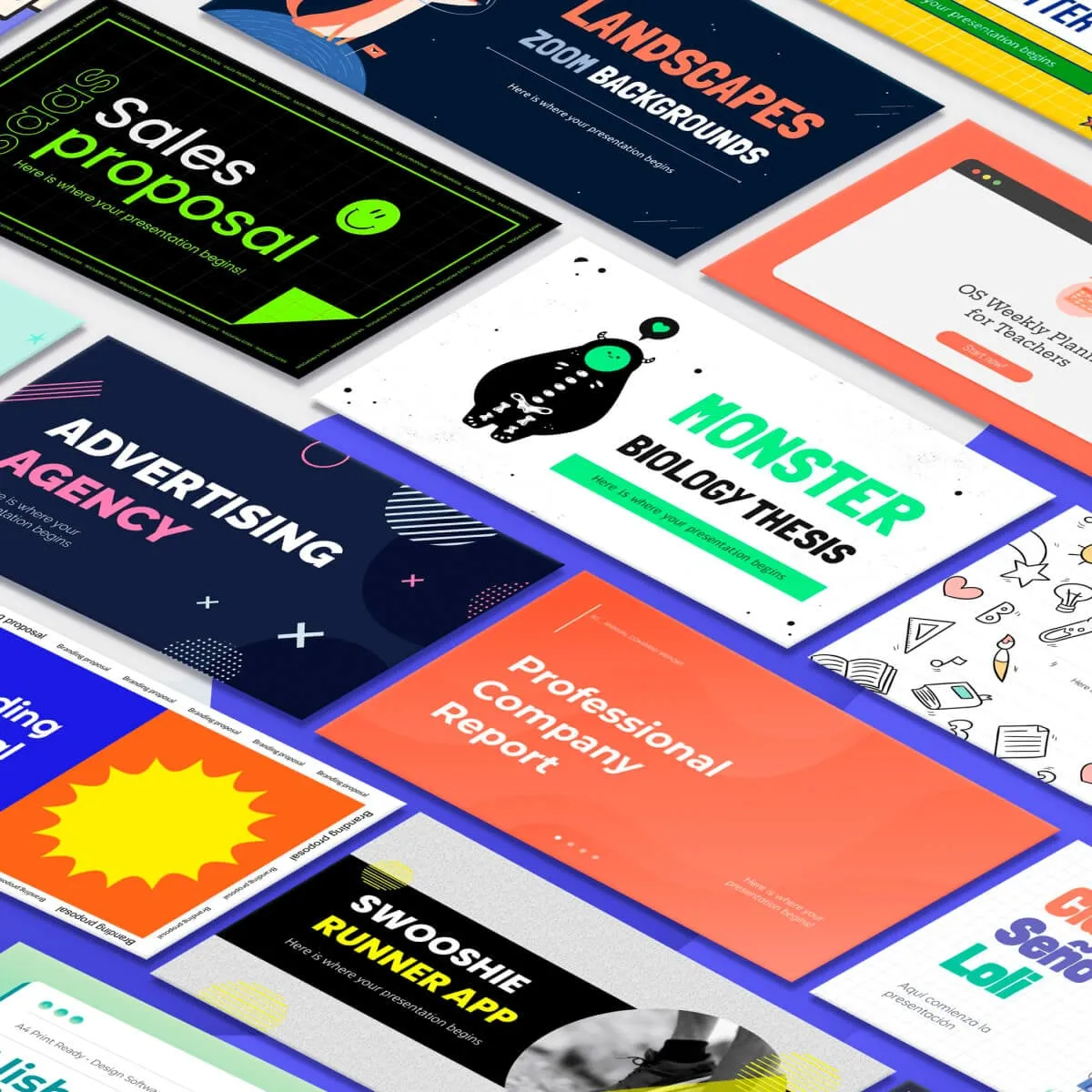
Slidesgo is a free gallery of presentation templates and themes. It offers a large library of designs for PowerPoint and Google Slides, from business pitches to classroom lessons. You can change text, colors, and graphics on any design. The library also includes infographics, diagrams, and charts. Teachers use its classroom worksheets and lesson designs. An AI option can draft content for some templates. Popular picks include sales proposals, thesis defenses, and marketing plans. Check the official site for the latest additions.
Key Features
1. Thousands of Free Templates
Browse designs for business, education, marketing, and creative topics. New themes land in the gallery on a regular basis.
2. PowerPoint and Google Slides
Every template works in both PowerPoint and Google Slides. You download the format that fits your workflow.
3. 100% Editable Designs
Change colors, fonts, text, and icons freely. Templates are flexible starting points, never locked layouts.
4. Infographics and Diagrams
Find charts, maps, timelines, and data visuals. Complex ideas become clear with ready-made graphic slides.
5. Search by Style and Topic
Filter by styles like minimalist or doodle, or by use case. You find the right look without scrolling forever.
6. AI Content Generation
Some templates offer a generate-with-AI option. It drafts slide text so you fill in ideas faster.
7. Fresh Designs Added Often
The Latest themes section updates regularly. Your decks stay modern without hunting for new sources.
Frequently Asked Questions (FAQ)
What is Slidesgo used for?
Slidesgo is used to find ready-made presentation designs. People download templates for pitches, lessons, reports, and marketing decks instead of designing from zero.
Do Slidesgo templates work in both PowerPoint and Google Slides?
Yes. Each template is built for both apps, so you pick your format at download and edit in the tool you use.
Can I edit the templates after downloading?
Yes. All templates are fully editable. You can change the text, colors, fonts, images, and layout to match your needs.
What is the Generate content with AI option?
It is an AI feature on some templates that drafts slide text for you. You review and edit the wording before presenting.
What kinds of templates does Slidesgo offer?
The gallery covers business, education, marketing, medical, creative, and many more topics, plus infographics and diagrams.
Where can I find infographics and diagrams?
Slidesgo has a dedicated section for infographics. You can download charts, maps, and process diagrams as separate resources.
Conclusion
Slidesgo fits anyone who wants good-looking slides without design skills. Students, teachers, and professionals all find useful templates. Everything is free to browse, download, and edit. It is a template library, not an AI slide builder. Visit the official site to explore the newest designs and terms. It saves hours compared to designing every slide from scratch.
Keep exploring
Similar AI tools
Ranked by the job they do, their capabilities, and how closely they fit this workflow.