
Upvotes
0
Pricing
Freemium
Category
Writing Tools
In the database since
Oct 2026
Overview
About Text Blaze
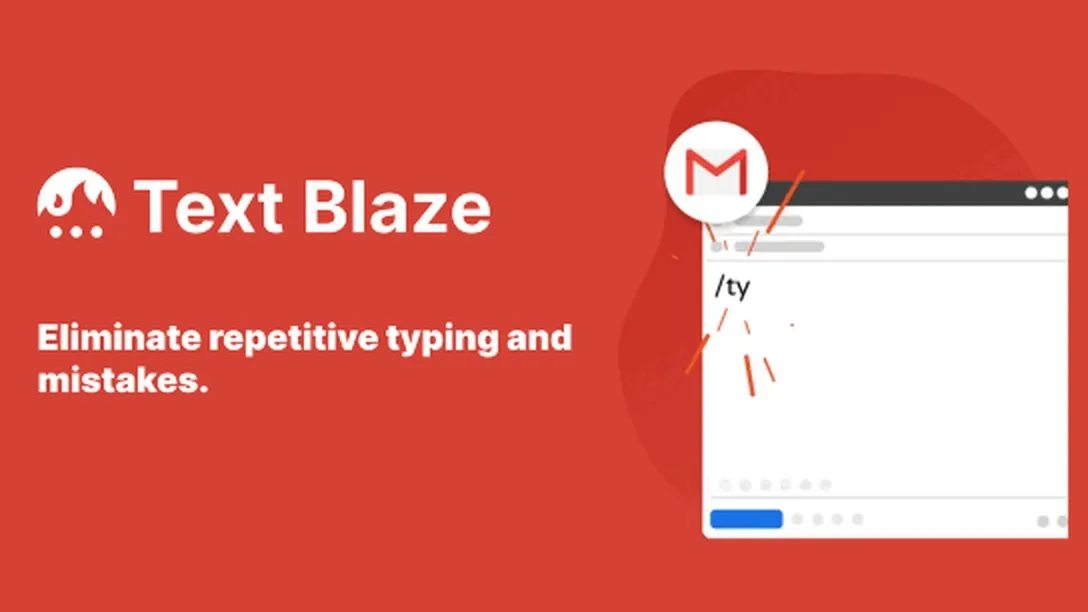
Text Blaze is a snippet expander that inserts saved text templates anywhere you type. You save a snippet, give it a shortcut like /ty, and typing that shortcut pastes the full text. It runs as a Chrome extension and also offers Edge and desktop apps for Windows and Mac. Snippets can include form fields, dropdown menus, date math, and conditional logic for dynamic templates. Teams can share snippet libraries to keep messaging consistent. Check the official site for current features and plan details.
Key Features
1. Shortcut Snippets
Save any text as a snippet with a short trigger like /ty. Typing the trigger inserts the full text wherever you are.
2. Works Across the Web
The Chrome extension works in Gmail, Docs, LinkedIn, and Salesforce. Your snippets follow you to every text field.
3. Fill-in-the-Blank Forms
Snippets can include form fields, dropdowns, and toggles. You fill in the blanks each time for personalized messages.
4. Dynamic Formulas
It calculates dates, inserts clipboard content, and runs formulas. Templates stay accurate without manual edits.
5. AutoPilot Keystrokes
AutoPilot simulates key presses like Tab to move through forms. You can automate repetitive form-filling workflows.
6. Team Sharing
Teams share snippet folders so everyone uses approved wording. Updates sync automatically to all members.
Frequently Asked Questions (FAQ)
What is Text Blaze used for?
It removes repetitive typing from your day. Support teams, recruiters, and teachers use it for canned replies, signatures, and forms. Over 700,000 users rely on it across 60,000 companies.
How do snippets work?
You create a snippet with text and a shortcut in the dashboard. Type the shortcut in any text field and the snippet expands in place. Organize snippets into folders for quick browsing.
Which browsers does it support?
It runs on Chrome, Edge, and other Chromium browsers like Brave and Opera. Desktop apps for Windows and Mac also exist. The free tier includes 20 active snippets with unlimited daily use.
Can snippets include dynamic content?
Yes, snippets support dates, formulas, dropdowns, and if/then logic. Advanced users can even add JavaScript for custom behavior. Formulas can pull in website data and clipboard content.
How is it different from TextExpander?
Text Blaze is browser-first with a generous free tier, while TextExpander covers more platforms including mobile. Both expand text snippets. Try both free tiers to see which workflow fits you.
Does it use AI?
Yes, it includes AI helpers that draft, rephrase, and improve your snippets. The core expansion features work without AI too. AI commands can rephrase, summarize, or rewrite selected text.
Can I use Text Blaze on mobile?
There are no native iOS or Android apps yet. The company lists mobile apps on its roadmap with no set date. For now, it works best on desktop browsers.
Conclusion
Text Blaze suits anyone who types the same phrases daily and lives in a browser. Its shortcuts, dynamic templates, and team sharing cut hours of repetitive typing each month. It runs on a freemium model with a useful free tier and low-cost paid plans. It pays for itself in saved typing time. Check blaze.today for current details.
Keep exploring
Similar AI tools
Ranked by the job they do, their capabilities, and how closely they fit this workflow.