Text Generation WebUI
Run LLMs like LLaMA locally with a polished web interface
Upvotes
0
Pricing
Open Source
Category
Code Assistants
In the database since
Oct 2026
Overview
About Text Generation WebUI
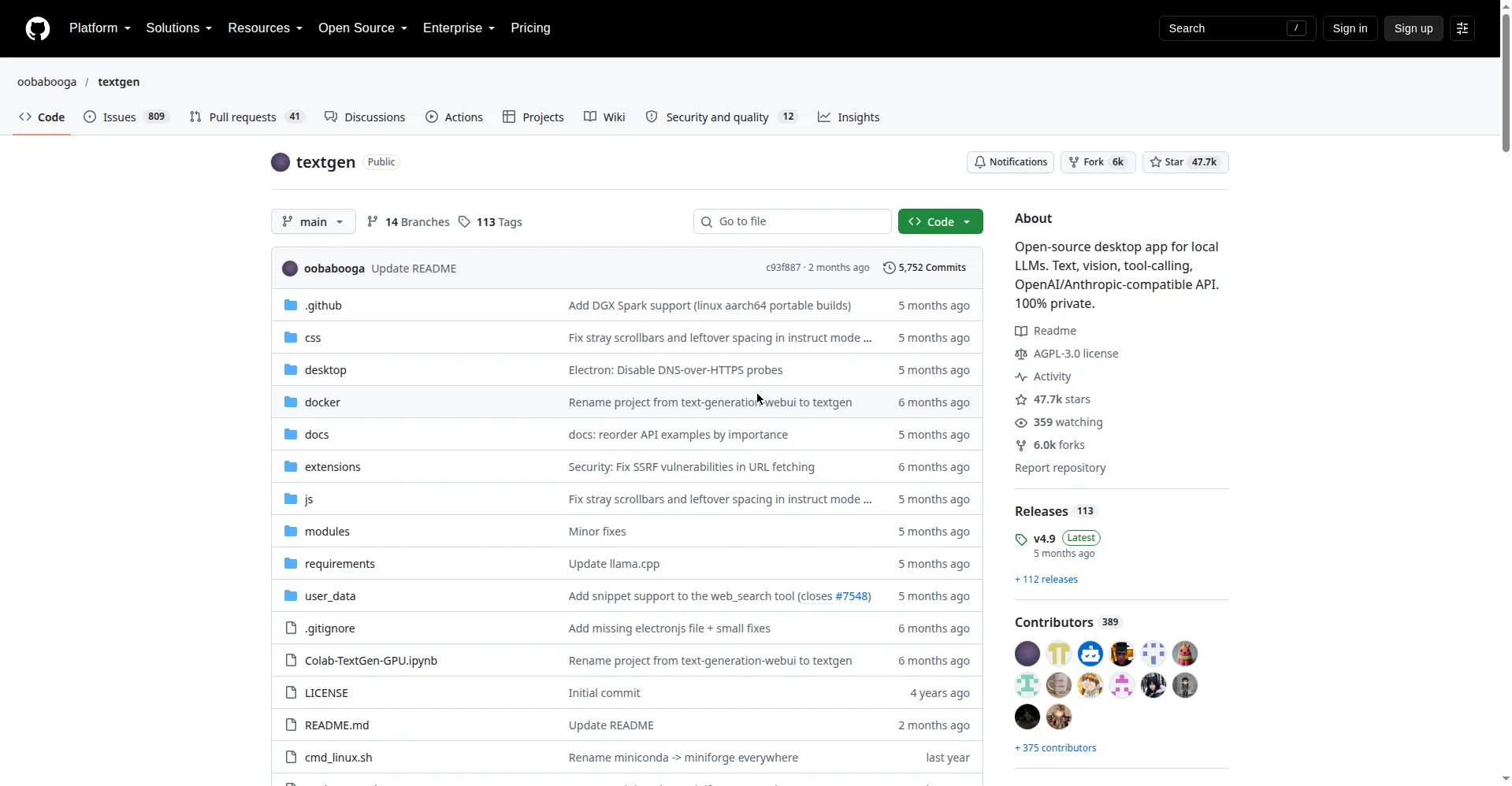
TextGenWebUI — also called TextGen — is a free, open-source desktop app for running large language models on your own computer. It turns a downloaded model into a ChatGPT-style chat window that works without the cloud. Your prompts and files never leave your machine. That makes it popular with students, hobbyists, and developers who care about privacy. It supports many model types and runs on Windows, Linux, and macOS, with or without a graphics card. Check the GitHub page for the latest version and setup news.
Key Features
1. Runs 100% Locally
TextGenWebUI runs models on your own hardware, so nothing is uploaded. It works fully offline and sends zero telemetry back to anyone.
2. Multiple Model Backends
It supports llama.cpp, Transformers, ExLlamaV3, and TensorRT-LLM. You can switch backends and models without restarting the app.
3. OpenAI-Compatible API
It serves Chat, Completions, and Messages endpoints that match the OpenAI and Anthropic APIs. Other apps can use it as a local drop-in replacement.
4. Chat, Characters, and Notebook
Instruct mode answers like ChatGPT, chat modes talk to custom characters, and the notebook tab gives free-form text generation outside of chat turns.
5. Vision and File Attachments
You can attach images for visual understanding, or upload text files, PDFs, and Word documents to ask questions about their contents.
6. One-Click Portable Installs
Ready-to-run builds exist for Windows, Linux, and macOS with CUDA, Vulkan, ROCm, and CPU-only options. Download, unzip, and double-click to start.
7. Extensions and Fine-Tuning
Community extensions add voice input, text-to-speech, and translation. You can also fine-tune LoRAs on chat or raw-text datasets inside the app.
Frequently Asked Questions
What models can I run with TextGenWebUI?
Any open large language model you can download — most commonly GGUF files from Hugging Face. Place the file in the models folder and the app detects it automatically.
Do I need a powerful GPU to use it?
No. CPU-only builds exist, and smaller quantized models run fine on modest hardware. A GPU speeds things up, but it is not required.
How do I install TextGenWebUI?
The fastest way is the portable build: download the release for your OS, unzip it, and double-click the app. The full install for extra backends needs about 10 GB of disk space.
Does it send my data anywhere?
No. The app is 100% offline and private, with zero telemetry, external resources, or remote update requests. Everything stays on your machine.
Can other apps talk to it through an API?
Yes. It exposes OpenAI-compatible Chat, Completions, and Messages endpoints with tool-calling support, so apps built for the OpenAI API can point at it instead.
How is TextGenWebUI different from ChatGPT?
ChatGPT runs on OpenAI's servers with an account and internet. TextGenWebUI runs open models on your own computer, offline and free — but you supply the model and the hardware.
Conclusion
TextGenWebUI is a strong pick for anyone who wants AI chat without giving up privacy. It is free, open source, and runs fully offline on common hardware. Beginners can start with a portable build in minutes, while developers get an OpenAI-compatible API. Check the official GitHub page for current setup steps and supported model formats.
Keep exploring
Similar AI tools
Ranked by the job they do, their capabilities, and how closely they fit this workflow.