Upvotes
0
Pricing
Free
Category
Image Tools
In the database since
Oct 2026
Overview
About TextBehindImage
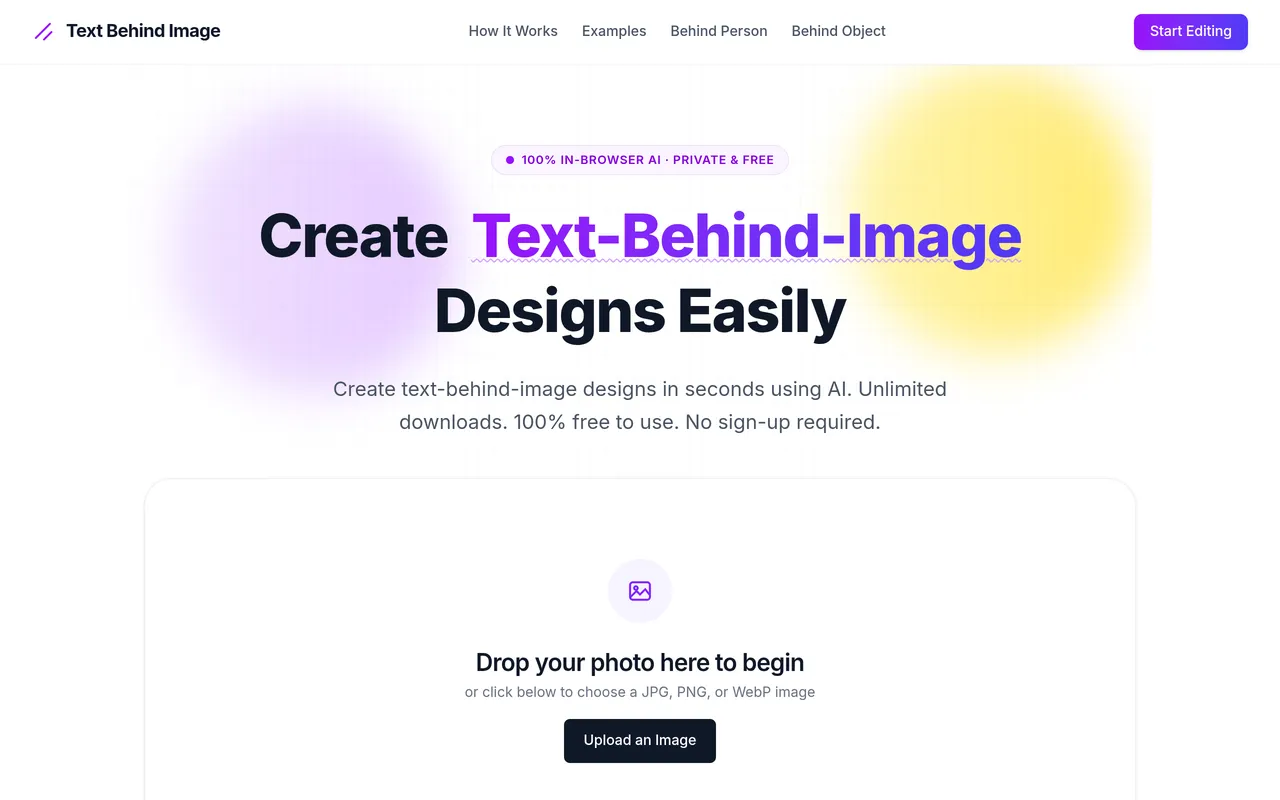
TextBehindImage is a 100% free in-browser AI tool that places text behind a photo's subject. The effect creates a visual illusion of depth by sandwiching typography between the background and the main subject. It suits YouTubers making thumbnails and creators designing social graphics or posters. Upload a photo and get the layered effect in four easy steps, with no pen tools or complex software. Downloads are unlimited, with no signup and no watermark. Visit the official TextBehindImage site for guides and current details.
Key Features
1. Text-Behind-Subject Effect
Position text behind people or objects in your photo. The AI masks the subject so the text appears to sit behind it.
2. In-Browser AI Processing
All AI processing runs in your browser. Your photos stay on your device, which keeps your work private.
3. Unlimited Downloads
Download as many designs as you want. There are no caps on exports and no watermark on your images.
4. High-Resolution Export
Export full-resolution designs in PNG, JPEG, or WebP. High-res files look sharp on thumbnails and print.
5. No Signup Required
Start creating without an account. Just upload a JPG, PNG, or WebP image and begin in seconds.
6. Step-by-Step Guides
Follow guides for text behind people, objects, and Instagram posts. The guides show how to get magazine-cover looks.
Frequently Asked Questions (FAQ)
How does TextBehindImage work?
Upload a photo, and the in-browser AI detects your subject. You add text, and the tool layers it behind the subject for a 3D look.
Is my photo uploaded to a server?
No. Processing runs in your browser, so your photos stay on your device. This gives you complete privacy.
What image formats can I upload?
JPG, PNG, and WebP. Export your finished design in PNG, JPEG, or WebP at full resolution.
Can I use it for YouTube thumbnails?
Yes. The layered 3D typography makes thumbnails stand out. A dedicated guide covers text behind subjects for thumbnails.
Do downloads have a watermark?
No. The tool promises no watermark, no subscription, and no account signup. Your exports are clean and ready to use.
Conclusion
TextBehindImage layers text behind your photo's subject with in-browser AI, creating striking depth for thumbnails and social graphics. It fits creators who want professional-looking designs without software. The tool is 100% free forever with unlimited downloads, no watermark, and no signup required. Try it on your next thumbnail or poster design. Upload a photo and see the depth effect instantly.
Keep exploring
Similar AI tools
Ranked by the job they do, their capabilities, and how closely they fit this workflow.